2021/02/09 – Sending files in Outlook… attachments or links?

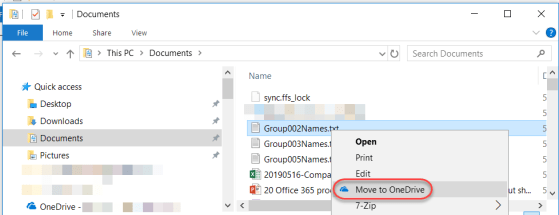
Prior to the advent of cloud computing, sending attachments via email meant that each recipient got their own copy of the file(s), leading to wasted bandwidth, excessive disk storage, and no way to have a “single source of truth” file since everyone had their own copy. But now with the cloud, you can choose instead to send a link to your file that’s stored in OneDrive or SharePoint, and everyone can work off that single copy. Here’s how that works…
Deciphering the SharePoint Online/OneDrive sharing links

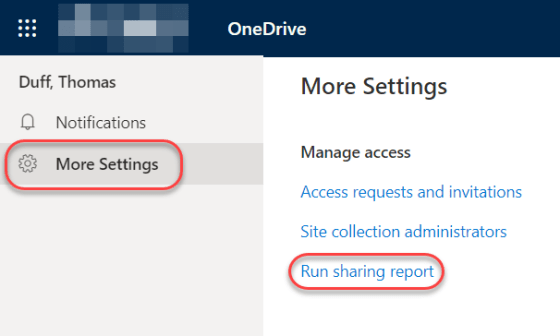
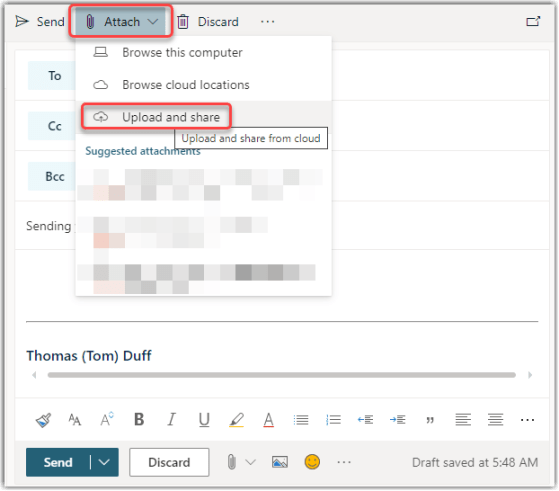
I’ve been asked about some of the odd parameters that are now part of sharing links when you’re grabbing a copy of a link to a file or folder to share with someone else. In trying to research the answer, I found that there’s very little information in a single location that addresses this, so I’m going to give it a shot here. Keep in mind that this is my “best guess” on the topic, and it may not be totally correct and/or may change without notice. 🙂

Adding Comments to non-Microsoft files in SharePoint Online and OneDrive

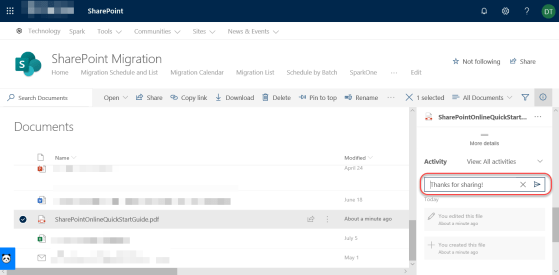
One of the many benefits of storing files in SharePoint Online or OneDrive as opposed to file shares is the ability to add comments to the file for additional context and collaboration. However, until recently that was only allowed for Microsoft files (such as Word, Excel, etc.) Now the ability to add comments has been extended to non-Microsoft files, such as PDF files. Here’s how that works…

Getting notified when you do a “mass deletion” in SharePoint Online or OneDrive

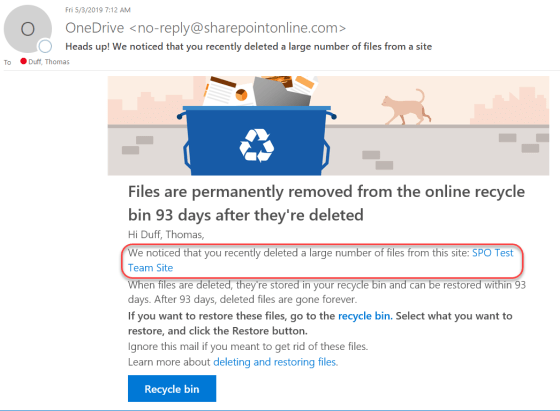
It’s a nightmare of mine… someone pings me and says that hundreds of files are missing from a document library, and they’re not in the recycle bin either. If you’re lucky, you figure out who deleted the files, and often they didn’t realize they did that. Now in SharePoint Online and OneDrive, Microsoft will notify you via email if you’ve done a “mass deletion” of data. Here’s what happens…

Making your voice heard at Microsoft – UserVoice sites for our relevant software

Hardly a day goes by that we don’t get a question from someone along the lines of “does do , and why doesn’t it?”. Or, there’s the “when will Microsoft change to allow us to do ” question. Bottom line… we don’t know, and we have virtually no sway to influence Microsoft to change their software… but you do!