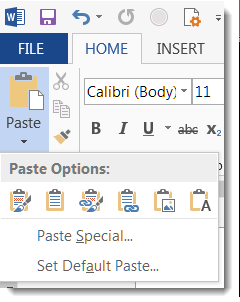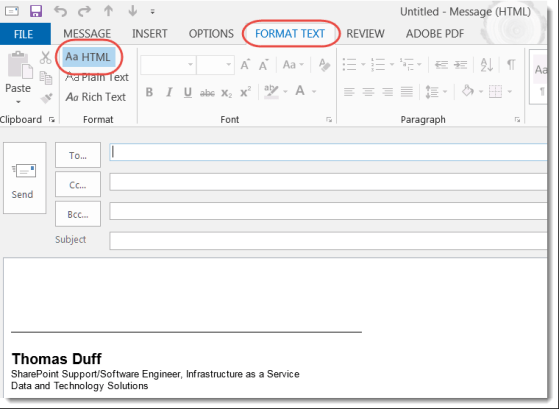
Into each Inbox some Junk Mail must fall… and we get to play Whack-A-Mole to try and get rid of it. Here are a couple of options for getting junk mail out of your inbox and into your Junk Email folder…
The Properties Pane is back in Office ProPlus
When we first started upgrading to Office ProPlus (aka Office 2016), we were excited and happy… until someone noticed that the Properties Pane for things like Word, Excel, and PowerPoint documents was no longer visible. Needless to say, this made some of our customers “not very happy”.
Somewhere along the way, Microsoft fixed that problem in the Office clients, and now you can once again see and access the properties. Here’s how you do it…
Using AutoText in Outlook Quick Parts
So earlier this week I shared a tip on how to use Quick Parts and AutoText in Word. One of my colleagues at work let me know this feature also exists in Outlook! Here’s how it looks and works there…
Using AutoText in Word Quick Parts
When you’re in Word, you often have to use certain blocks of text in many different documents. Instead of typing the same content over and over (or using copy and paste from something like Notepad), check out the Quick Parts AutoText feature instead…
Deciphering the Skype for Business meeting icons
When Sandra and I hold meetings in Skype for Business, there’s almost always a discussion about who’s on mute, if someone can see the see the screen yet, etc. Actually, all that information can be found by looking at the four icons next to someone’s name.
Managing Content in your Skype meeting
Have you ever been in a Skype meeting and had someone say “you can download the PowerPoint I’ve attached to our Skype meeting”, and you don’t have a clue as to where they put it? This tip will help you manage any content added to a Skype meeting…
Calculating date differences in Excel using DATEDIF
If you work with Excel spreadsheets, you’ve likely ended up with the need to compare two dates to find the number of days, months, or years between them. Using the DATEDIF function, you can easily accomplish that.
Outlook – Minimizing Screen Items
Sometimes there isn’t a lot of room in Outlook to see everything when using the reading pane, especially if you have a smaller monitor or are using a laptop. Here are a few tricks to free up space.
Clearing all filters with a single click in Excel
One of my colleagues at work wondered if there was an easy way to clear out multiple column filters in Excel without having to go into each column separately. A quick search on Google showed that you definitely can do that…