2021/02/09 – Sending files in Outlook… attachments or links?

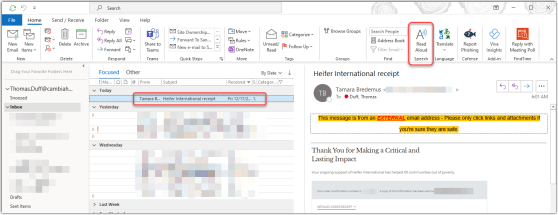
Prior to the advent of cloud computing, sending attachments via email meant that each recipient got their own copy of the file(s), leading to wasted bandwidth, excessive disk storage, and no way to have a “single source of truth” file since everyone had their own copy. But now with the cloud, you can choose instead to send a link to your file that’s stored in OneDrive or SharePoint, and everyone can work off that single copy. Here’s how that works…

The @mention feature in Outlook

Most of us get deluged with email on a daily basis, and it’s hard to get your emails to stand out and get noticed by your recipients. Did you know you can use the @mention feature in Outlook to mention someone in the body of your email and also include them in the To field? Here’s how that works…

Reducing background noise in Microsoft Teams meetings

Now that many of us are working from home and attending seemingly endless online meetings, the issue of background noise has become a common battle. Dogs, voices, kids, and various other sounds make it into the meeting, and it’s often hard to filter it out short of going on mute. Now Microsoft Teams has a Noise Suppression setting that you can use to have a more automated approach to suppressing your background noise. Here’s how it works…

Using Undo/Redo in SharePoint Online Lists

Have you ever been making updates in a SharePoint Online list using Grid View, and you notice that you incorrectly updated a field that’s updated the list item… or worse, deleted something that shouldn’t have been deleted? Well, you’ll love the new Undo/Redo feature in SharePoint Online lists. Here’s how it works…

Microsoft Teams and the pre-meeting join experience

One of the important things to do when you join a Microsoft Teams meeting is make sure your video and audio options are set properly based on your current environment. It used to be that you’d have to join the meeting first, and then look for the options to fix everything (like muting yourself or turning on your video). Now there’s a new pre-meeting joining experience to let you set those before you enter the meeting. Here’s how it works…