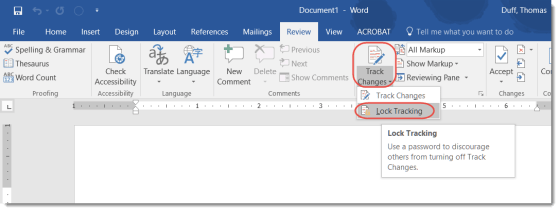
Sometimes the Track Changes feature in Word is a nice convenience, but at other times it’s a critical requirement to make sure no one changed the contents of a document. To prevent someone from hiding their changes by turning off the Track Changes feature, you can add a password to lock people out from turning it on and off. Here’s how that works…
Tag: Word
Break out of your rut with Office templates
When I go to start a new Word document or Excel file, I nearly always take the default blank template in the upper left corner. However, I recently decided to scroll down and see what Excel file templates were out there. I was amazed at what options I had to create something that was “out of the ordinary”.
File protection for Excel, Word, and PowerPoint files
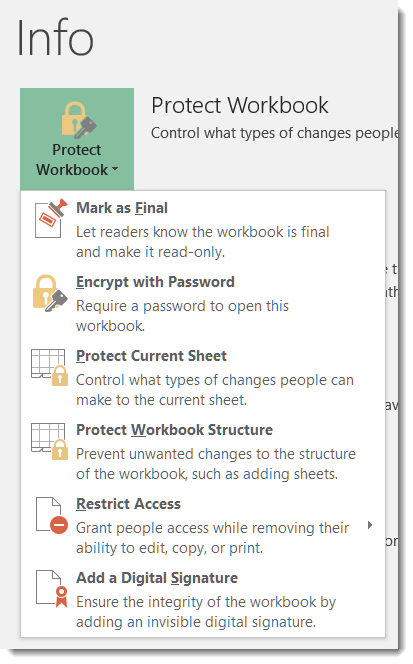
I had a question yesterday from someone asking if there was a way to password protect an Excel file. I just assumed that everyone knew that was possible, but I didn’t have a direct answer that said “click here, here, and here” to help her. Thus, today’s tip on how to password protect files in Excel, Word, and PowerPoint.
Where did my Ribbon Bar commands go?
Some time and somehow over the last couple of days, my Outlook email started showing up with the Ribbon Bar tabs appearing but none of the commands underneath them. To do anything with my email, I had to click the Messages tab to get all the related commands. Since this had One Minute Office Magic tip written all over it, I decided to figure out what I did and how to fix it.
AutoRecover in Excel, Word, and PowerPoint
So have you ever been working away on a Word document or Excel file, only to have the power go out or your laptop throw the Blue Screen of Death? All your work… gone.
But not necessarily… if you have AutoRecover configured in your Office programs (specifically, I’m referring to Word, Excel, and PowerPoint), you will only lose a limited amount of work. Here’s how you do that…
Using the undocumented Lorem Ipsum feature in Word
Sometimes in Word, you need to generate some dummy text to fill in some part of the page until you get the actual content. It’s common to use a Lorem Ipsum generator to do that, but you may not know that Word has one built in. Here’s how you use it…
Displaying Formatting Marks in Word
Displaying Formatting Marks in a Word document can help you resolve difficult formatting issues.
Managing your Recent Files list in Microsoft Office programs
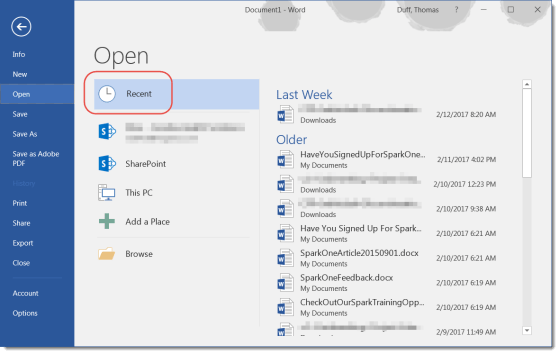
The Recent Files list is a great way to get back to your most important files more quickly.
Creating a PDF file from Word
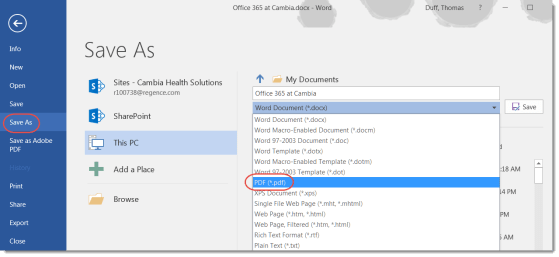
You can create a PDF document directly from Word.