Some time and somehow over the last couple of days, my Outlook email started showing up with the Ribbon Bar tabs appearing but none of the commands underneath them. To do anything with my email, I had to click the Messages tab to get all the related commands. Since this had One Minute Office Magic tip written all over it, I decided to figure out what I did and how to fix it.
Category: Word
AutoRecover in Excel, Word, and PowerPoint
So have you ever been working away on a Word document or Excel file, only to have the power go out or your laptop throw the Blue Screen of Death? All your work… gone.
But not necessarily… if you have AutoRecover configured in your Office programs (specifically, I’m referring to Word, Excel, and PowerPoint), you will only lose a limited amount of work. Here’s how you do that…
Using the undocumented Lorem Ipsum feature in Word
Sometimes in Word, you need to generate some dummy text to fill in some part of the page until you get the actual content. It’s common to use a Lorem Ipsum generator to do that, but you may not know that Word has one built in. Here’s how you use it…
Displaying Formatting Marks in Word
Displaying Formatting Marks in a Word document can help you resolve difficult formatting issues.
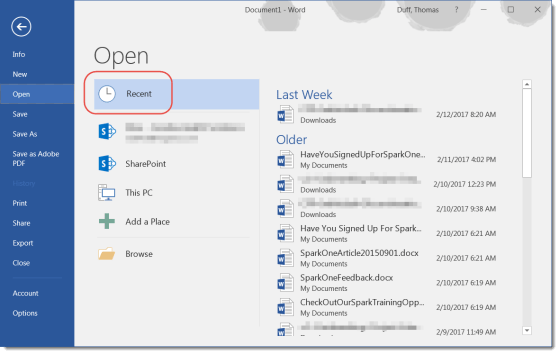
Managing your Recent Files list in Microsoft Office programs
The Recent Files list is a great way to get back to your most important files more quickly.
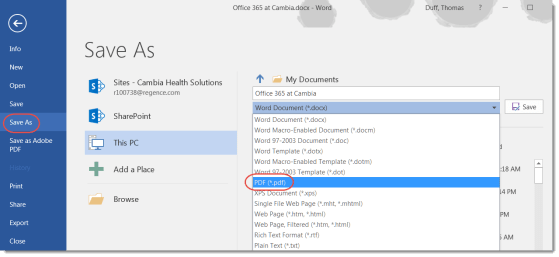
Creating a PDF file from Word
You can create a PDF document directly from Word.
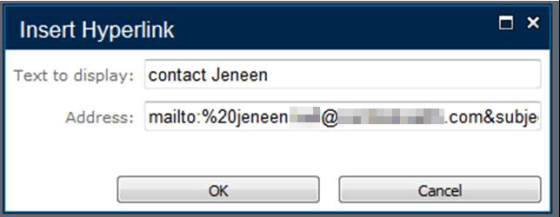
How to create a hyperlink that will open a new pre-populated email
This is a great way to pre-format an email for people.
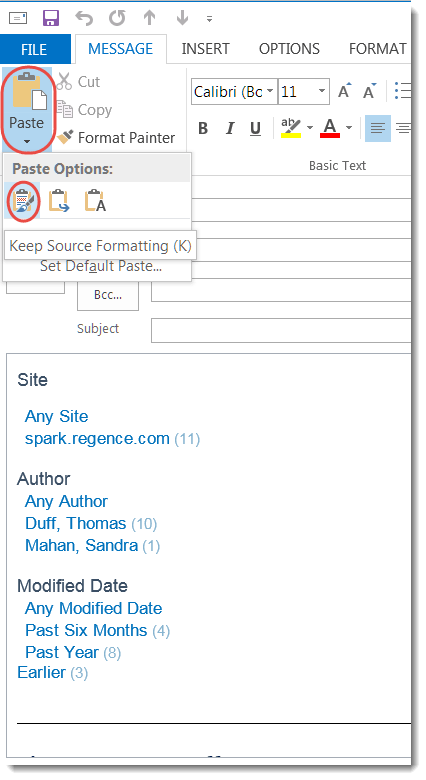
Paste options in Microsoft Office
Try these various Paste options next time you have to copy into another document.
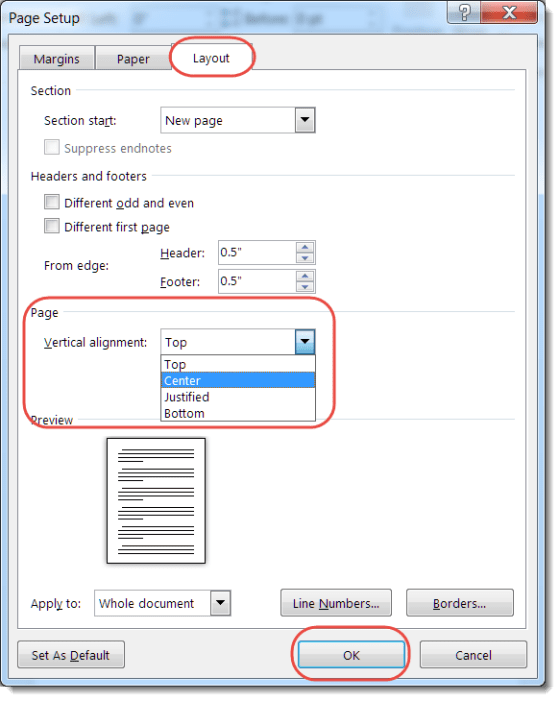
Centering text and objects on a page in Word
Centering pictures and objects on a page in Word is easy with this option.