Expand your writing vocabulary with this easy tool.

Learning new Microsoft Office tricks in "just a minute"
Expand your writing vocabulary with this easy tool.
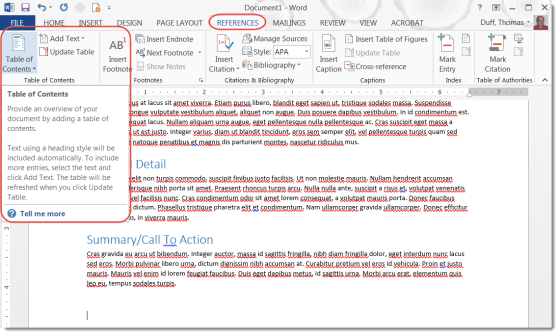
Table of Contents can help you navigate quickly throughout a long Word document.
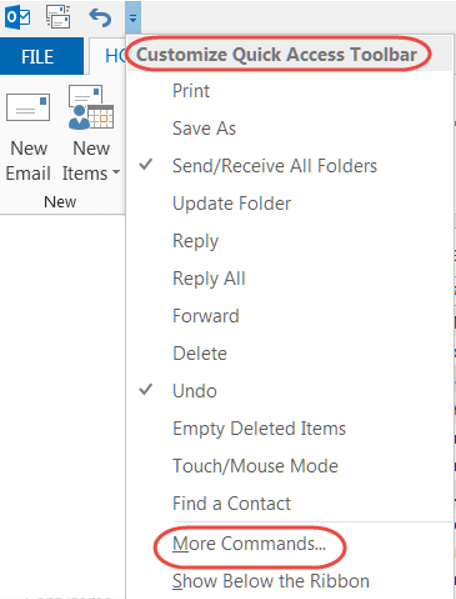
Getting your favorite features to be just one click away.
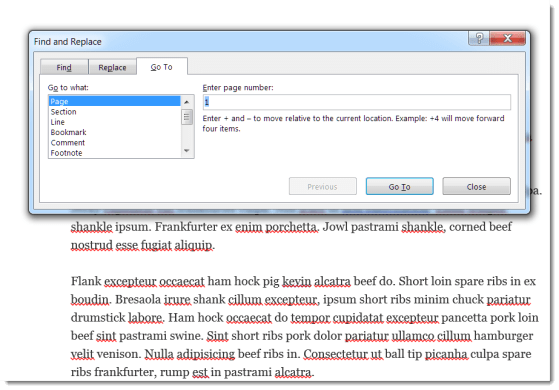
There’s an easier way to navigate around a Word document instead of scrolling.

How to use symbols and special characters when your keyboard doesn’t have them.
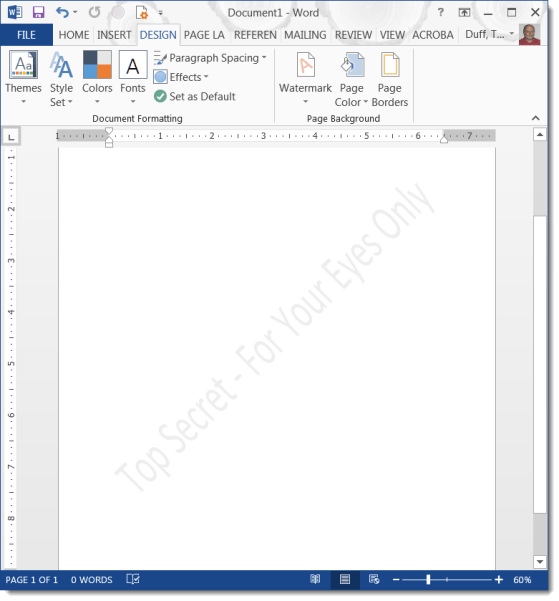
A watermark is a great way to let people know how they should treat a document.

While copy and pasting images in your documents is adequate, there is a better way to have your images pop when they’re seen.

