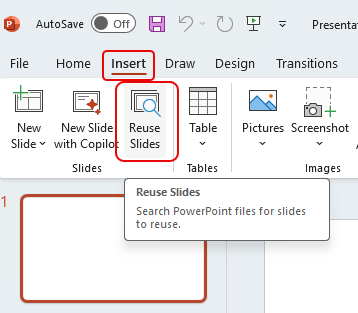
If you’re used to using the Reuse Slides button in PowerPoint to find slide content that you can reuse in your current slide deck, I have bad news. That button will be removed from PowerPoint by July 31st, 2025. Here’s the Microsoft announcement…
Learning new Microsoft Office tricks in "just a minute"
If you’re used to using the Reuse Slides button in PowerPoint to find slide content that you can reuse in your current slide deck, I have bad news. That button will be removed from PowerPoint by July 31st, 2025. Here’s the Microsoft announcement…
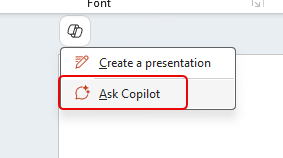
Have you ever been tasked with generating a presentation about some topic, and you are experiencing a severe case of creative writer’s block? You can use Copilot in PowerPoint to help generate a solid starting point, complete with content, speaking notes, and images. Here’s how that works…

It’s not uncommon to copy text from some source into an email, and you find that it’s copied over all the formatting that was part of the source material. You can try various techniques to remove the formatting before you paste it, but you can also remove the formatting once it’s in your email, Word document, or PowerPoint slide. Here’s how to make that happen…
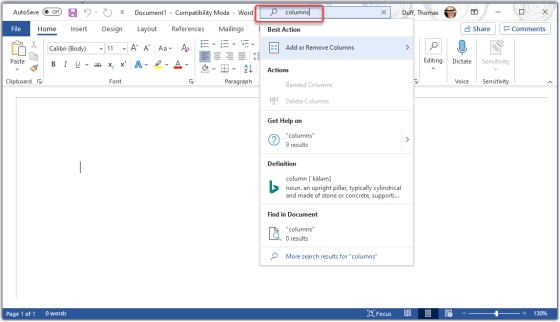
Tamara Bredemus wandered into my office yesterday and said “here’s a tip you might want to use…”, and she was right! You can ask the Tell Me feature in Microsoft Office to show you how to accomplish tasks without having to figure out the exact search terms or find the menu options. Here’s how it works…
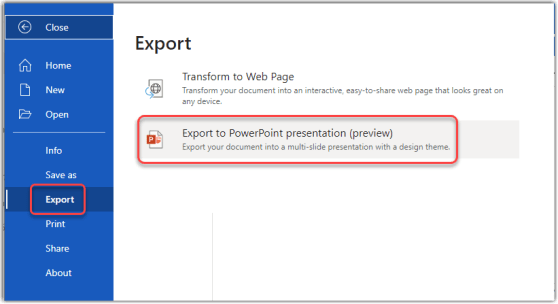
OK… this blew my mind this morning. Joanne C Klein tweeted about the new Export to PowerPoint preview feature in Word on the Web. I gave it a try, and it’s pretty impressive! Here’s how it works…
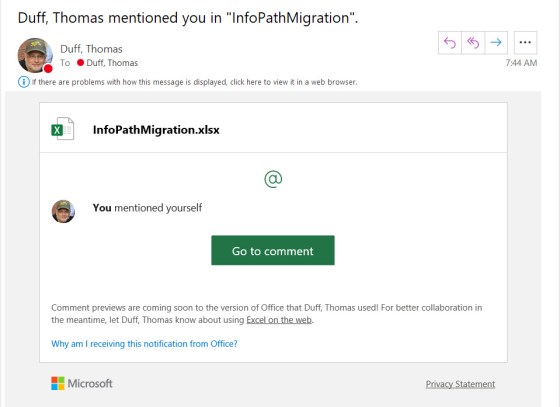
Using the Comments feature in Office is a great way to collaborate on a file, and to provide additional context and information. However, it’s entirely possible that someone may add a comment where your input would be valuable, and you might never see it. Now Office files will sent out a notification if your name is mentioned using the @ symbol. Here’s how that works…
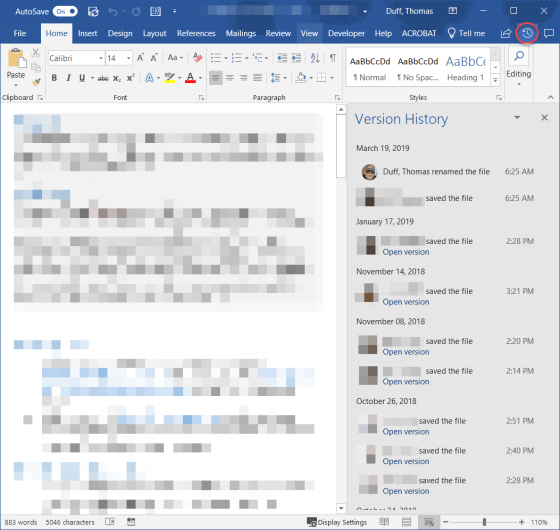
When you have an Excel, Word, or PowerPoint file open that has been shared in SharePoint Online or OneDrive, there’s an easy way to see when and who updated the file using the Version History icon in the Ribbon Bar. You can also easily see the actual file in earlier versions. Here’s how…

Having done this tip gig for a number of years now, I don’t often find a tip that blows my mind. It’s even more rare that I find a tip that blows my mind, *and* has apparently been there for years. Today’s tip fits that bill… you can have up to 24 selectable Office Clipboard entries to choose from when you’re working in Outlook, Word, Excel, or PowerPoint. Even better is that they are shared across all those programs! Here’s how it works…
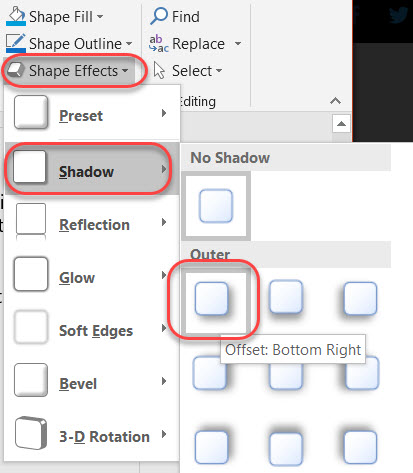
This is a subtle tip (or at least it should be in my opinion). When you add an image into a PowerPoint slide, it normally starts out in a pretty flat state. However, you can use the Shape Effects option to add some depth to the image, and it can make your slides look a lot more professional. Here’s how to do that…
 One Minute Office Magic