Episode 180 of the Microsoft 365 Pulse Roadmap webcast is now out on YouTube. Join Tamara Bredemus, Jennifer Mason, and myself as we cover this week’s updates.

Learning new Microsoft Office tricks in "just a minute"
Episode 180 of the Microsoft 365 Pulse Roadmap webcast is now out on YouTube. Join Tamara Bredemus, Jennifer Mason, and myself as we cover this week’s updates.
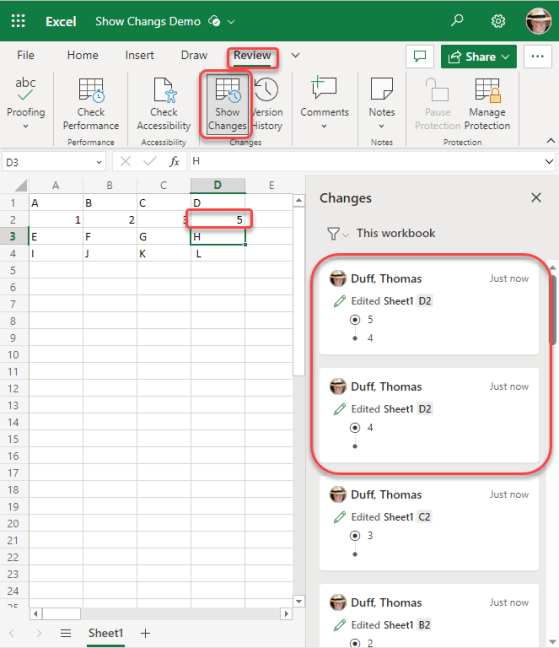
Sandra found a cool new feature yesterday that works in the browser-based version of Excel. It’s called Show Changes, and it’s like having a step-by-step version history of everything in your spreadsheet. Here’s what it looks like…

We just had this new feature roll out in our SharePoint tenant, and it’s pretty cool. When you filter your view on column values, you will now see what the filters are at the top of the view, as well as a button to clear all the filters at once! Here’s what it looks like…
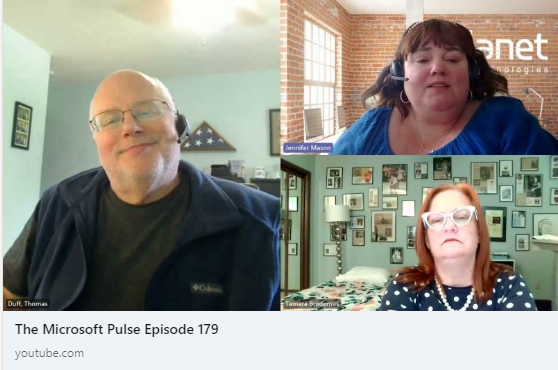
Episode 179 of the Microsoft 365 Pulse Roadmap webcast is now out on YouTube. Join Jennifer Mason, Tamara Bredemus, and myself as we cover this week’s updates.

Have you ever had an important email that you want to keep at the top of your inbox no matter how old it is? You can do that in the browser-based version of Outlook by pinning it. Here’s how that looks…

Episode 178 of the Microsoft 365 Pulse Roadmap webcast is now out on YouTube. Join Tamara Bredemus, Jennifer Mason, Adam Ochs, and myself as we cover this week’s updates.

Getting a count of people in your Microsoft Teams meeting used to take a little bit of work, involving clicking on the People icon at the top of the screen. But now, Microsoft has made it much easier to see the count of people at a glance. Here’s what it looks like…

If you have a modern SharePoint Online Communication or Team site, you can now create new content on your site by using the SharePoint app bar running down the left side of your site. This makes it a lot faster to create new content without trying to figure out where you need to be first. Here’s how that works…
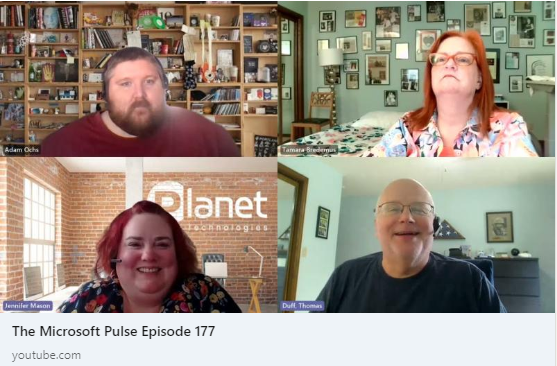
Episode 177 of the Microsoft 365 Pulse Roadmap webcast is now out on YouTube. Join Jennifer Mason, Adam Ochs, Tamara Bredemus, and myself as we cover this week’s updates.
 One Minute Office Magic