One of the new features when using Outlook is that you can @mention someone’s name in the body of the email, and it will automagically put that name into the To field of the email so you don’t forget to send it to them. Here’s how that works…

Learning new Microsoft Office tricks in "just a minute"
One of the new features when using Outlook is that you can @mention someone’s name in the body of the email, and it will automagically put that name into the To field of the email so you don’t forget to send it to them. Here’s how that works…
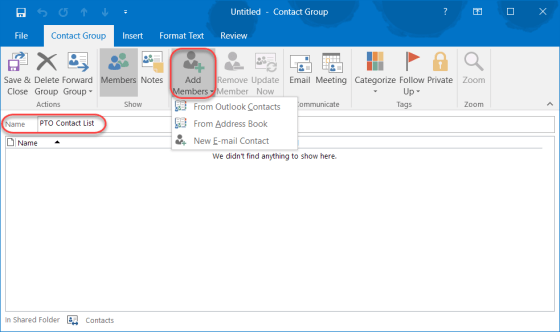
There are times when you want to create distribution lists that serve your organization as a whole. But there are also instances when you want a personal contact list that only affects you and the people you want to reach on a regular basis. This is how you set one up in Outlook…
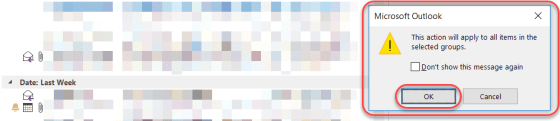
I tend to keep (or at least try to) a fairly lean Outlook mailbox, and I tend to delete items in my Sent, Conversations, and Deleted Items folders on a regular basis. I stumbled across a way to delete things by group the other day, and I thought I’d share it with you…
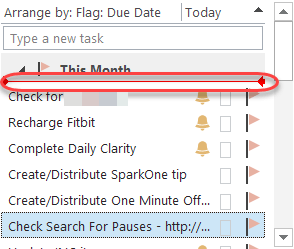
A colleague shared this with me a while back, and I thought it was a cool way to group your Outlook tasks if you want to do something different than first in, first out…
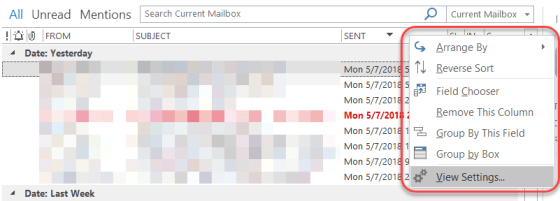
Depending on how you format your Inbox layout in Outlook, you may be interested to save as much room as possible to show more information in the Subject column or have more room for the preview pane. Sandra showed me a way to reformat the date column that works really well for me.

A colleague pointed out this option to me the other day, and it’s a good one to share. In Office programs like Word or OneNote, the system often uses your initials to note who made changes. But perhaps you need to change your initials for some reason (duplicate of someone else, you don’t like them, etc.). Here’s how you do that…
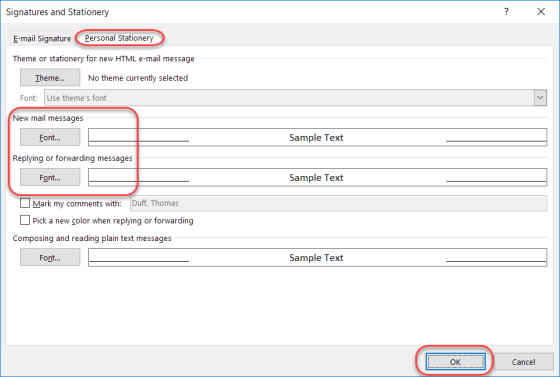
In the last month, I’ve had two customers ask me how to “fix” their font settings in Outlook. Somehow they got changed from what they were used to, and using the font settings on the Home tab only fixed the fonts for the email they were currently in. Here’s how to make the changes permanent…
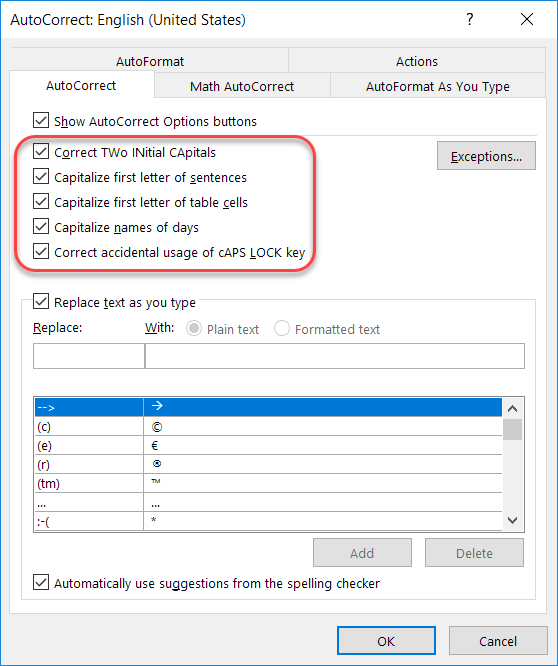
Recently I talked about how to add and remove particular words and acronyms that Office “helpfully” tries to correct for you. In this tip, I want to point out a few other options that are interesting and might address a pain point or two based on how your fingers and your brain communicate with each other…
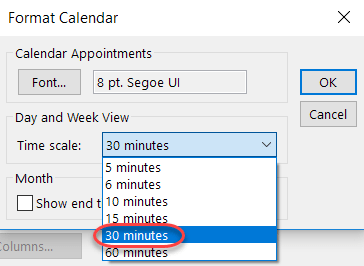
I find it extremely frustrating when someone books an hour for a meeting by default, but yet they only have about 10 minutes of material they need to cover. Instead of playing havoc with your (and others) calendar, you can set your default meeting length to something shorter. Here’s how…

