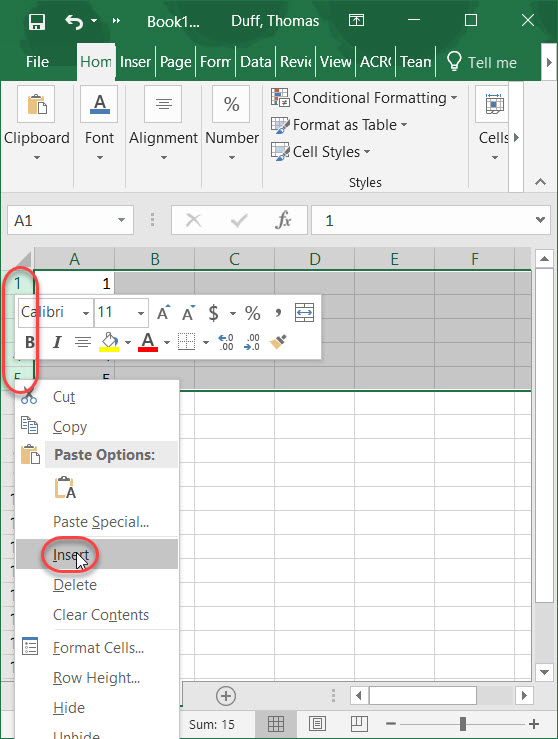
This is a really simple tip that I wish I had known about sooner, instead of copy and pasting blank rows for an Excel spreadsheet. Instead of just inserting a single blank row, you can easily insert multiple blank rows by highlighting the number of rows you need. Here’s how…
Category: Excel
Excel keyboard shortcuts
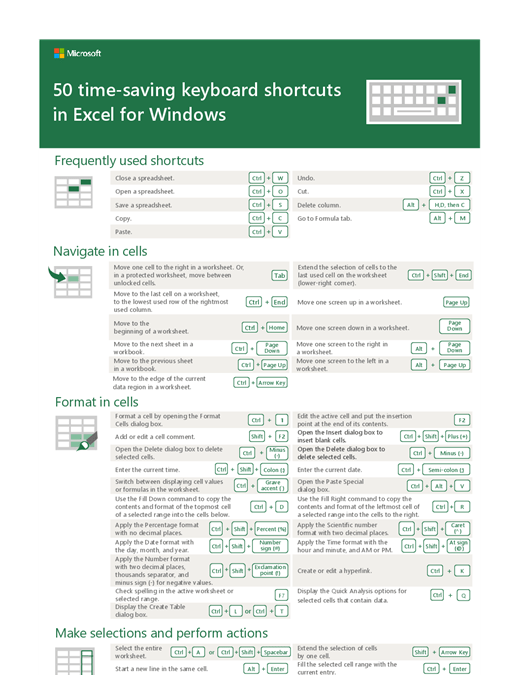
Are you the type of person who likes to use keyboard shortcuts when you’re working with software? If you do, here’s a great resource for keyboard shortcuts in Excel.
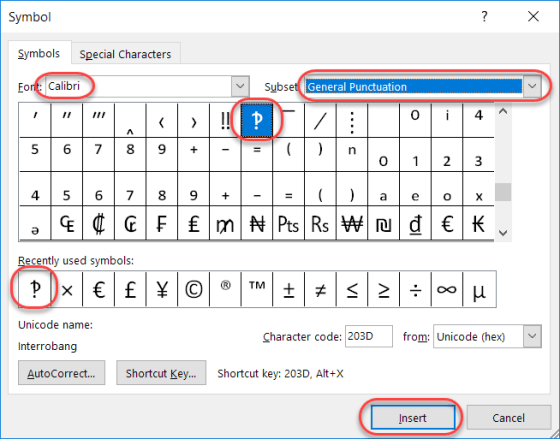
What in the world is an “Interrobang”?
Today’s tip is a bit lighter in nature, as I learned something this week which I had never even heard, much less knew about. Have you ever written an email or a Skype message that was something along the lines of “What do you think you are doing?!?!?!” That series of snarky question marks and exclamation points, when combined, are often referred to as interrobangs.
Setting the Print Area on an Excel spreadsheet
Obviously, you can have a multitude of rows and columns in an Excel spreadsheet spread out over numerous worksheets. However, if you want to print out just part of the information, you may think you have to print out everything just to get the part you want. In reality, you can set the Print Area of your spreadsheet to only print out the area that you need, saving paper and time in the process. Here’s how you do that…
Adding comments in your Excel spreadsheet
There have been times I would have liked to have made a note or two in a spreadsheet so I could remember something associated with a piece of data. I wish I had known about adding comments, but I do now!
Changing your user initials in Office programs
A colleague pointed out this option to me the other day, and it’s a good one to share. In Office programs like Word or OneNote, the system often uses your initials to note who made changes. But perhaps you need to change your initials for some reason (duplicate of someone else, you don’t like them, etc.). Here’s how you do that…
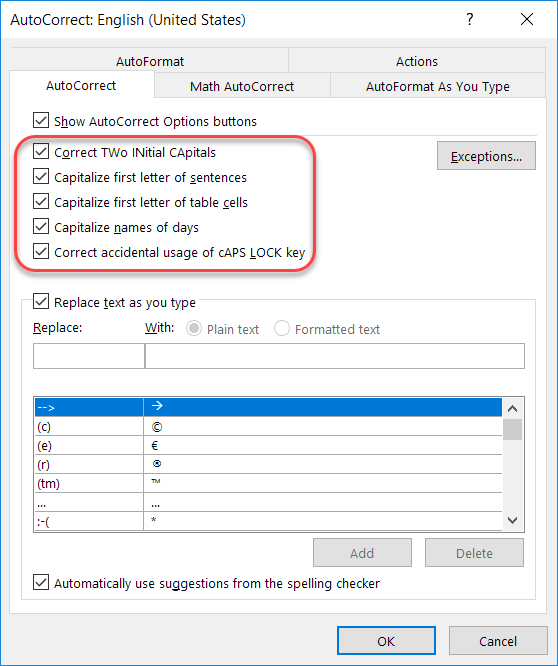
Additional AutoCorrect options in Office
Recently I talked about how to add and remove particular words and acronyms that Office “helpfully” tries to correct for you. In this tip, I want to point out a few other options that are interesting and might address a pain point or two based on how your fingers and your brain communicate with each other…
Working with the Excel Fill Handle
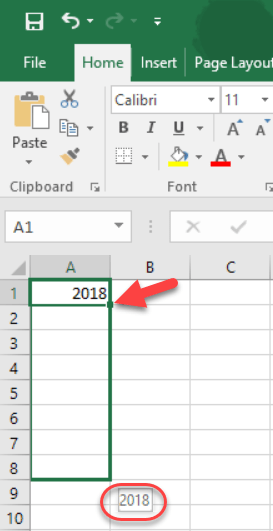
One of the cool things about working with Excel is the ability to click on the Fill Handle in the lower right corner of a cell, and then drag it to auto-fill values based on what’s in the original cell. However, it can be frustrating to figure out whether it’s going to copy the value or auto-fill based on the next value in the sequence. Here’s a brief overview on how you can get it to copy or fill based on what you need, regardless of what Excel wants to do for you automagically…
Generating random numbers in Excel
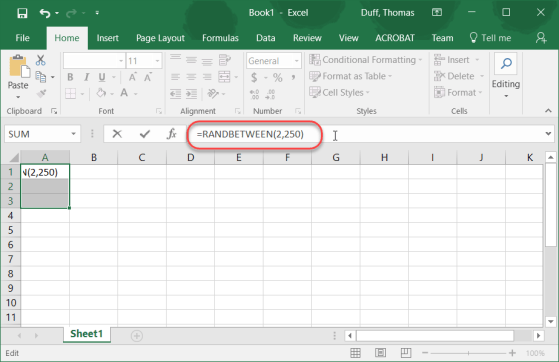
On Twitter this weekend, I found a cool link on how to generate random numbers in Excel. Considering I normally use a random number generator site to do this, I thought it was a pretty cool tip.