Autocorrect your typing in Microsoft Teams

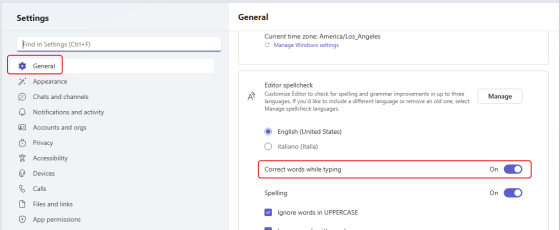
In many of the Microsoft 365 applications like Word or OneNote, autocorrecting a misspelled word is something you’ve come to expect. Microsoft Teams has been an outlier in that it will flag a misspelled word but it won’t correct it. Microsoft is currently rolling out a change that *will* actually autocorrect commonly misspelled words for you. However, it seems to be not-quite-ready-for-prime-time, but I want you to know what you’re looking at when you see it. Here’s how it looks and (sort of) works…
Fixing your quirky spelling errors in Office

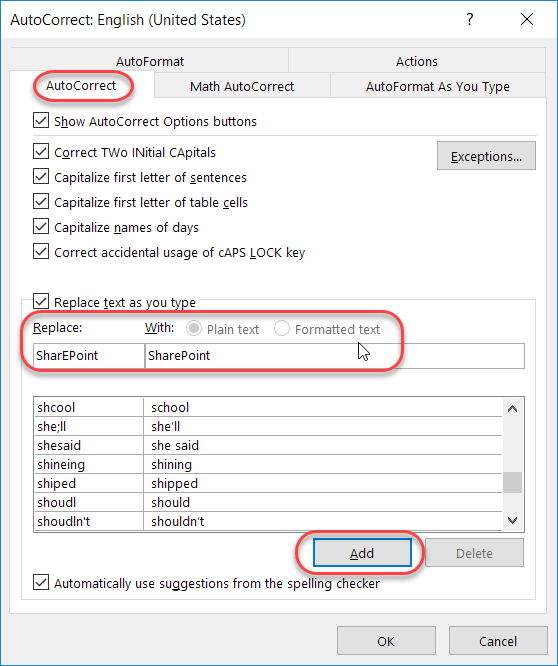
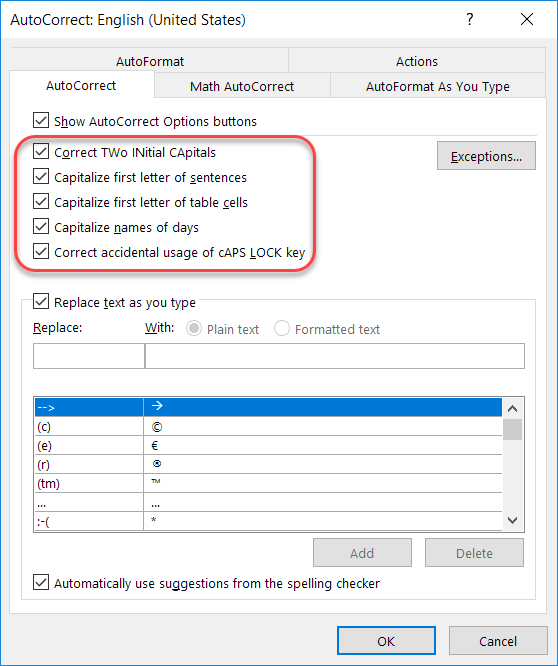
Admit it… you have a few(?) words that you always misspell or mistype when working on a Word document, a PowerPoint deck, an Excel file, a OneNote notebook, or an Outlook email. And, for whatever reason, the program decides that your quirky spelling isn’t important enough to fix for you automagically. Well, you can actually add your own spelling quirks to Office so that you don’t have to wear out the backspace key fixing your errors. And yes… this is a case where you can fix it once, and *all* the programs will pick up the change!