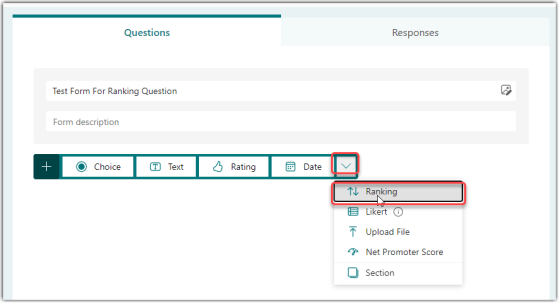
When you’re creating a Microsoft Forms questionnaire, you might want to give people a list of options and provide the opportunity to move them around into a preferred order. You can do that with the Ranking question type. Here’s how that works…
Learning new Microsoft Office tricks in "just a minute"
When you’re creating a Microsoft Forms questionnaire, you might want to give people a list of options and provide the opportunity to move them around into a preferred order. You can do that with the Ranking question type. Here’s how that works…
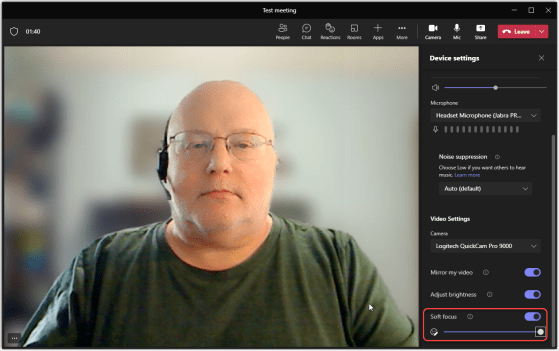
High-definition cameras are great for some things, but there are times you *really* don’t want people seeing all the “fine detail” on your face during a video call. Microsoft Teams now has two settings that will help smooth things out a bit… Adjust Brightness and Soft Focus. Here’s how they work…
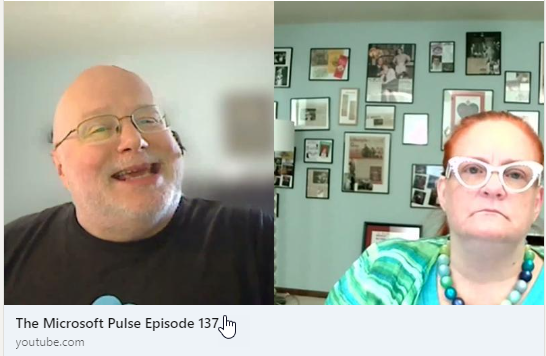
Episode 137 of the Microsoft 365 Pulse Roadmap webcast is now out on YouTube. Join and myself as we cover this week’s updates.

Another change that hit my Microsoft Teams desktop client is the change to the emoji palette. Instead of the flat 2D emoji, they are now “3D” and have some depth. The formal name that Microsoft calls the styling is Fluent emoji. Here’s what they look like, as well as hidden trick for the people emojis…

I got the latest changes in the Outlook client the other day, and I saw a new button and toggle in the upper-right corner for Coming Soon and Try It Now. Of course, I had to click on those, and here’s what I found…
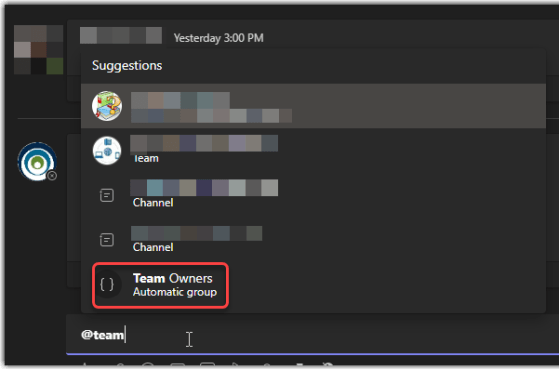
Microsoft Teams now has a new feature called Automatic Groupings. This is a notification group for posting in Teams channels, and it will automatically notify everyone in that group. The new automatic posting group is @Team Owners, and this is how it works…
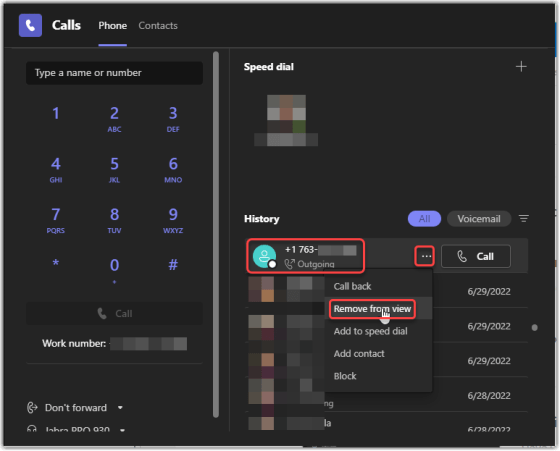
When you go into Microsoft Teams Calls, you’ll see a history list of all incoming and outgoing calls. But you may want to remove some entries from that call list (perhaps spam calls). You can now do that with the Remove from view feature. Here’s how it works…
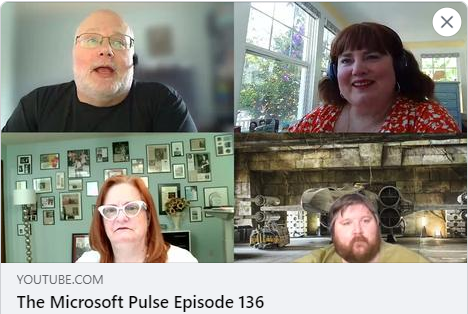
Episode 136 of the Microsoft 365 Pulse Roadmap webcast is now out on YouTube. Join Jennifer Mason, Tamara Bredemus, Adam Ochs, and myself as we cover this week’s updates.
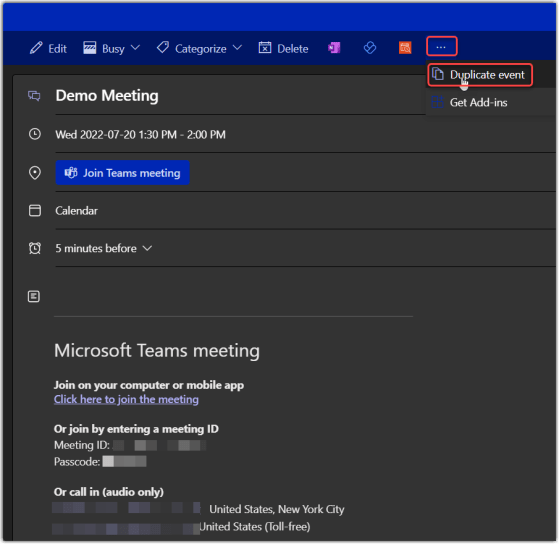
Have you ever had to set up a series of meetings with the same information, and you have to enter the information over and over and over? My wife Tamara showed me a cool feature I never noticed before that works on the calendar in Outlook on the Web… Duplicate Event! Here’s how it works…
 One Minute Office Magic