So are you tired of the normal color background and theme of your Office apps, such as Outlook, Word, Excel, PowerPoint, and OneNote? Well, you can change them, and here’s how you do it.

Learning new Microsoft Office tricks in "just a minute"
So are you tired of the normal color background and theme of your Office apps, such as Outlook, Word, Excel, PowerPoint, and OneNote? Well, you can change them, and here’s how you do it.
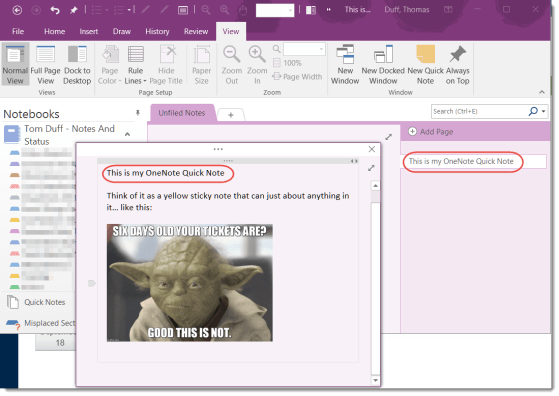
This is one of those features I accidentally discovered by wondering what the Quick Notes entry was doing at the bottom of my notebook lists on the left-side navigation of my OneNote client. After a quick bit of research, I think this will now become a go-to feature for me.
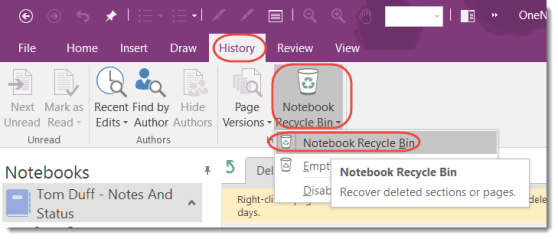
Lately I’ve had a few panicked phone calls from my customers who are missing content (either pages or whole sections) in their OneNote notebooks. In order to help everyone reduce those feelings of dread, I’d like to make sure you know about the OneNote Recycle Bin, which almost always has the material that was deleted.
It’s that time of year again!
Each year, Eric Ligman from Microsoft has a blog entry that posts links to a LARGE collection of FREE ebooks on Microsoft technology. There’s no catch, it’s all legal, and it’s simply a “thank you” to everyone who is a Microsoft customer or partner. They are full versions of the titles, they are not time-bombed, etc. They are really and truly FREE for downloading.

Some time and somehow over the last couple of days, my Outlook email started showing up with the Ribbon Bar tabs appearing but none of the commands underneath them. To do anything with my email, I had to click the Messages tab to get all the related commands. Since this had One Minute Office Magic tip written all over it, I decided to figure out what I did and how to fix it.
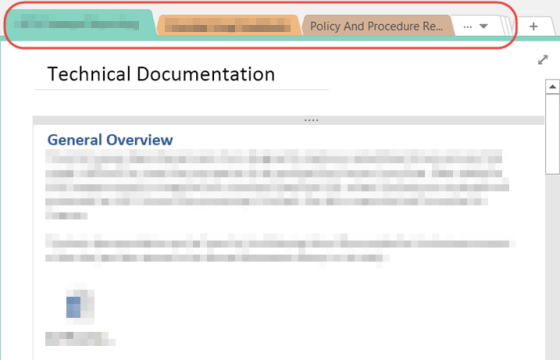
If you use the CTRL+Tab key combination, you can move across the section tabs from left to right at the top of your OneNote notebook.
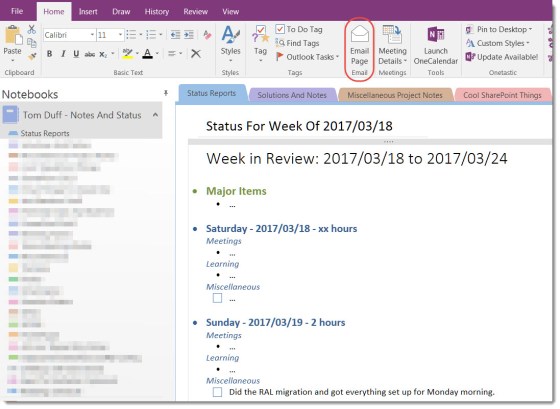
Emailing OneNote pages to others is easy…
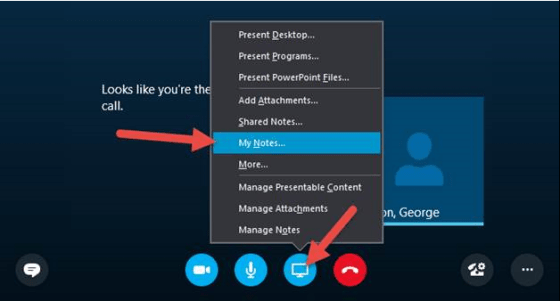
My Notes in Skype for Business is a quick way to start your own personal notes about your Meeting.
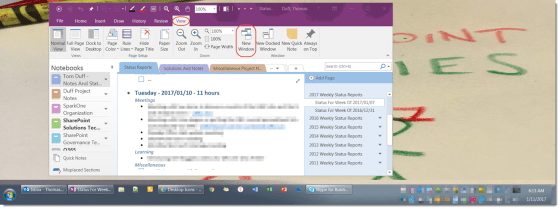
Having two (or more) OneNote windows open can be very useful.
 One Minute Office Magic