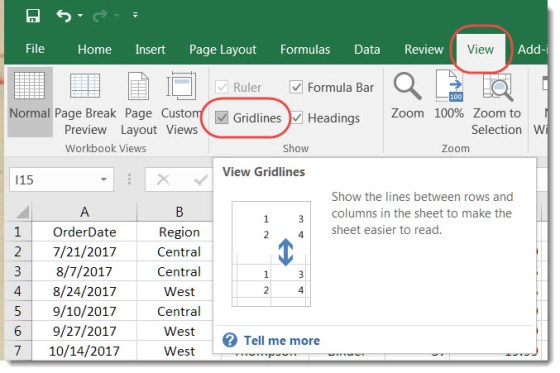
The normal default behavior in an Excel spreadsheet is to see all the gridlines that separate the rows and columns and define all the individual cells. But there are times where you might want a cleaner appearance, and it would be beneficial to see those lines go away. This is how you do that…
Category: Excel
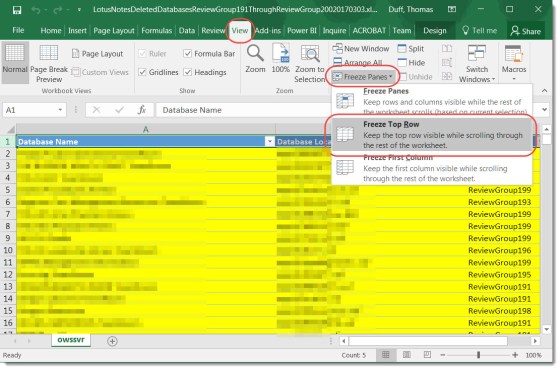
Freezing the Header row in Excel
You know how sometimes when you’re in an Excel spreadsheet, you can scroll up and down the rows, but the first row of Header columns stays fixed? Here’s how you do that…
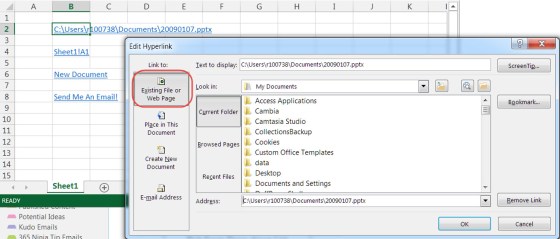
Excel Hyperlinks… more than just web addresses
A hyperlink can be so much more, and Excel makes it easy for you to explore the possibilities.
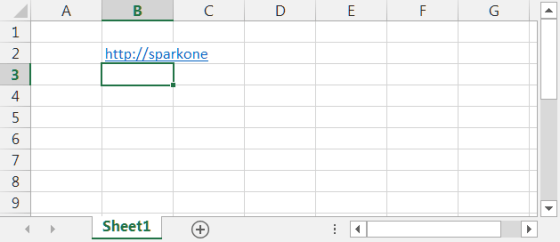
Adding an active hyperlink to an Excel spreadsheet
How to easily paste an active hyperlink into Excel…
More keyboard shortcuts for Excel
Two Excel keyboard shortcuts that makes selecting data a lot easier…
Selecting entire rows and columns in Excel via keyboard shortcuts
I was unaware of these two keyboard shortcuts that make selecting entire rows and columns in Excel a piece of cake.
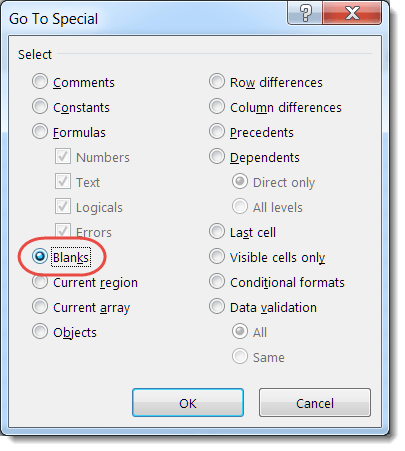
Deleting multiple blank rows and columns in Excel
Here’s how to easily delete multiple blank lines and rows in an Excel spreadsheet.
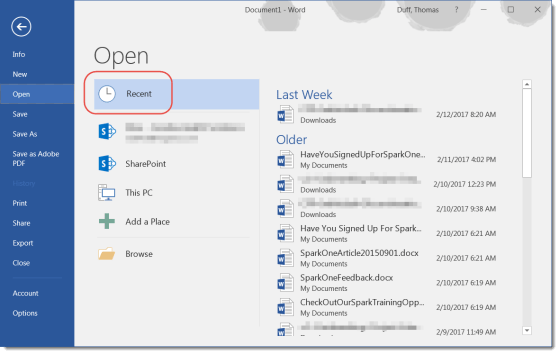
Managing your Recent Files list in Microsoft Office programs
The Recent Files list is a great way to get back to your most important files more quickly.
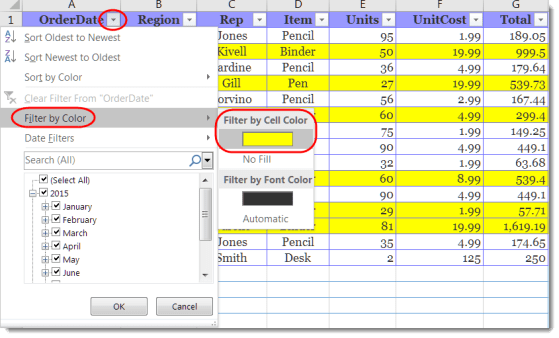
Filter by Color in Excel
You can filter your Excel spreadsheet by the colors in the cells.