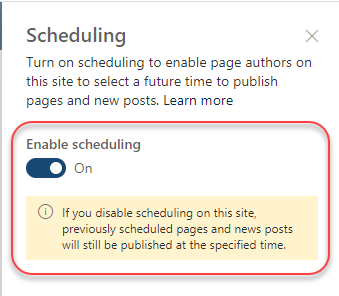
This is a feature that our organization has been asking for ever since we went live with SharePoint Online… the ability to schedule when a page should be published. If you have a Modern Page Library (often called Site Pages), it’s pretty easy. Here’s how it works…
Category: SharePoint Online
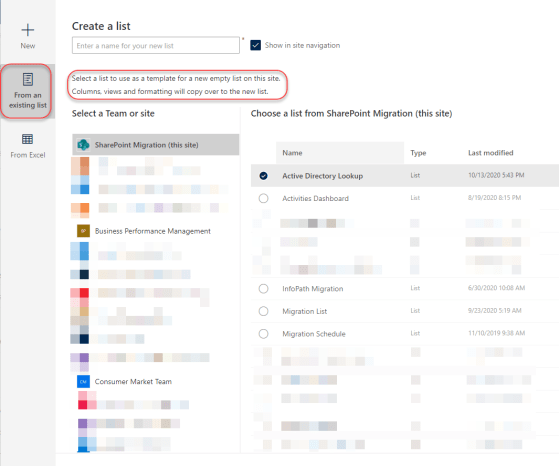
Creating a new list from an existing list in SharePoint Online
This is a feature I haven’t used as much as I should, as it would save me a ton of time. Even better, I can create new lists from lists in *other* sites, too! Here’s how it works…
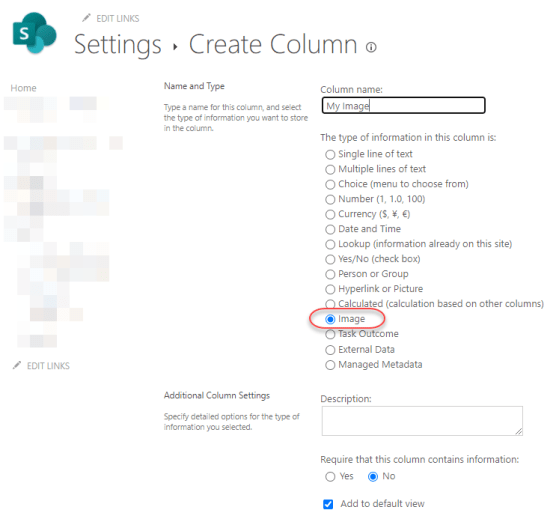
New Image column type in SharePoint Online Lists and Libraries
If you want to store an image as part of a SharePoint Online list or library item, you can now do that! Microsoft has added a new Image column type, and here’s how it works…
Expand/Collapse button in SharePoint lists
If you’re fortunate enough to work with a large-screen monitor, you may not have much of a problem with how much data displays in a SharePoint list. But if you’re on a laptop with a smaller screen, you might find that screen real estate is in short supply. You can gain a bit of that real estate back by using the Expand/Collapse button in SharePoint lists. Here’s how that works…
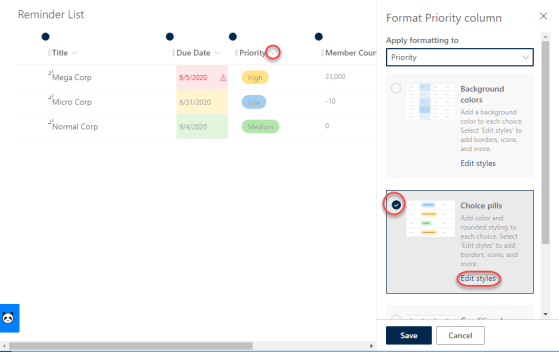
SharePoint Online List View formatting to make things pop…
So if you’ve been working with SharePoint Online for any length of time, you are used to views that show list data, but they don’t normally have any visual indicators that make important data stand out (unless you’re willing to dive into JSON formatting). However, now there are a number of out-of-the-box, menu-driven ways to make your important data stand out. Here’s some examples…
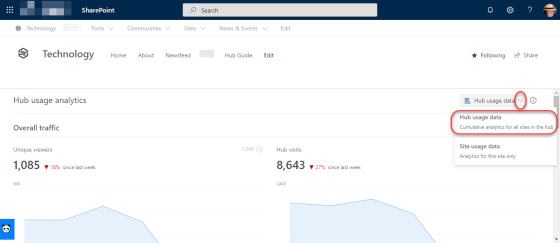
Cumulative analytics for SharePoint hubs
If you use Hub sites in your SharePoint Online environment, you have probably at some point have wished you could get statistics that show numbers across all the sites attached to a particular Hub site. Now you can with the cumulative analytics in the Site Usage page for your Hub site. Here’s how it looks…
Saved For Later web part for SharePoint Online
If you’re like me, you tend to “bookmark” a lot of things to save for later. Of course, whether you actually get back to reading them is a different matter… The Saved For Later web part is a great way to flag content for later reading, and have it displayed back to you in an easy to read manner. Here’s how it works…
SharePoint page difference visualization for versioning
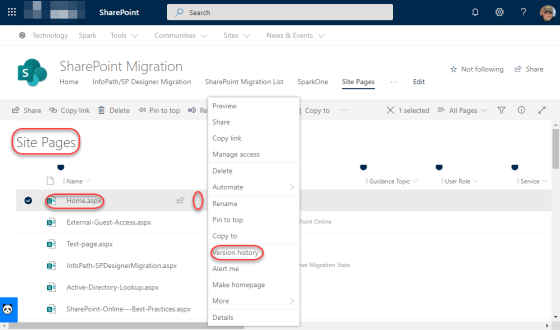
Versioning on list items and document library files works well, but versioning on pages has always lacked something in my opinion. The description of what changed wasn’t always helpful if you were trying to get back to a version of a page prior to changes. Now with the SharePoint page difference visualization feature in version history, it’s easy to see what version you need to restore. Here’s how it works…
Audience Targeting in SharePoint Online navigation links
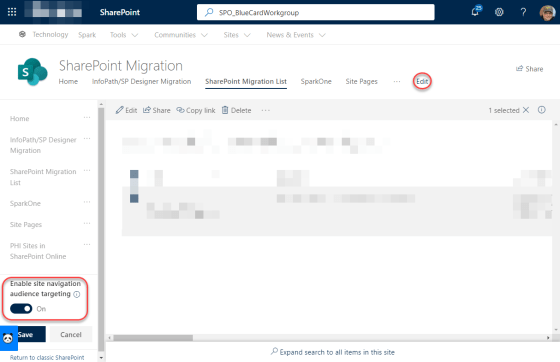
One of the latest changes to show up for SharePoint Online is the ability to have audience targeting apply to specific links in your navigation in Modern sites and pages. This means that you can have certain navigational links show up only to specific groups of people who are part of an Active Directory group. Here’s how it works…