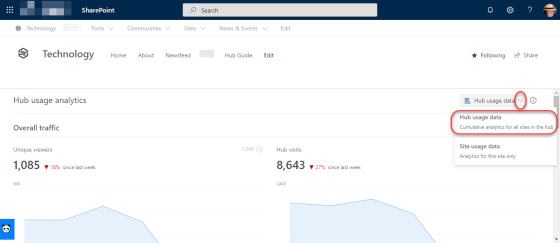
If you use Hub sites in your SharePoint Online environment, you have probably at some point have wished you could get statistics that show numbers across all the sites attached to a particular Hub site. Now you can with the cumulative analytics in the Site Usage page for your Hub site. Here’s how it looks…
Tag: SharePoint Online
Saved For Later web part for SharePoint Online
If you’re like me, you tend to “bookmark” a lot of things to save for later. Of course, whether you actually get back to reading them is a different matter… The Saved For Later web part is a great way to flag content for later reading, and have it displayed back to you in an easy to read manner. Here’s how it works…
SharePoint page difference visualization for versioning
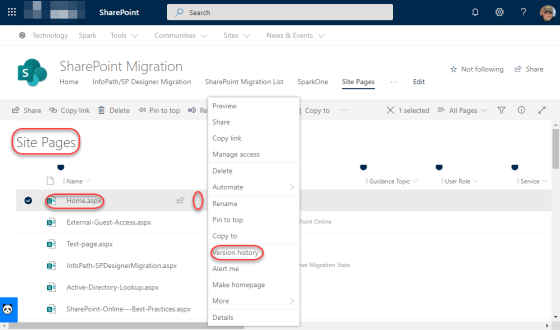
Versioning on list items and document library files works well, but versioning on pages has always lacked something in my opinion. The description of what changed wasn’t always helpful if you were trying to get back to a version of a page prior to changes. Now with the SharePoint page difference visualization feature in version history, it’s easy to see what version you need to restore. Here’s how it works…
Audience Targeting in SharePoint Online navigation links
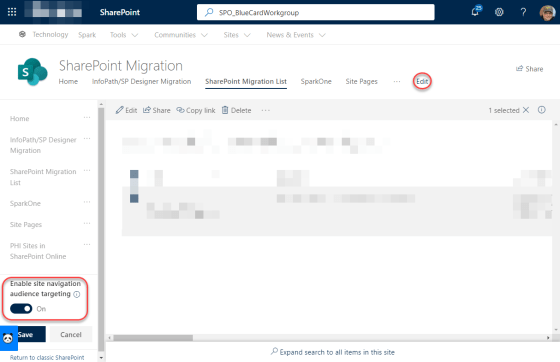
One of the latest changes to show up for SharePoint Online is the ability to have audience targeting apply to specific links in your navigation in Modern sites and pages. This means that you can have certain navigational links show up only to specific groups of people who are part of an Active Directory group. Here’s how it works…
The new Search Bar in SharePoint Online
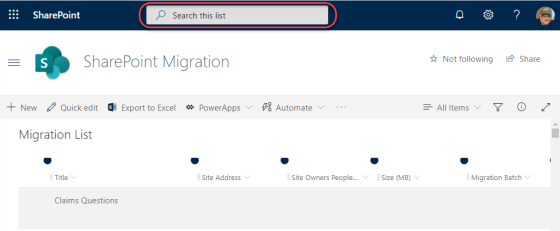
One of the latest efforts by Microsoft is to have a unified search experience across all elements in Microsoft 365, such as Word, PowerPoint, and now SharePoint Online. Here’s what it looks like and how it improves the focus of your searches…
Stock photos for SharePoint Online pages
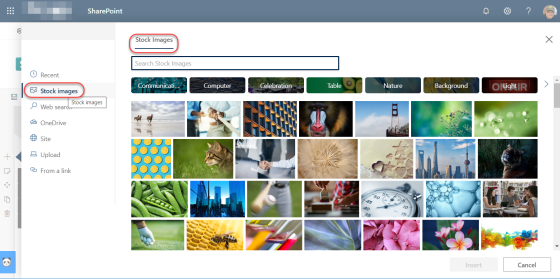
When creating pages in SharePoint Online, I have spent *far* too much time looking for that perfect photo, searching various sites, etc. But now, Microsoft has finally delivered on their promise to provide stock photos for the image web part! This makes picking pictures SO much easier. Here’s how it works…
Next Steps in a SharePoint Online Team Site
This is a pretty minor feature, but it can help your new SharePoint Online Team Site owners figure out what to do next with their site… Next Steps. Here’s what it is and how it works…
Resizing images in the SharePoint Online Image Web Part
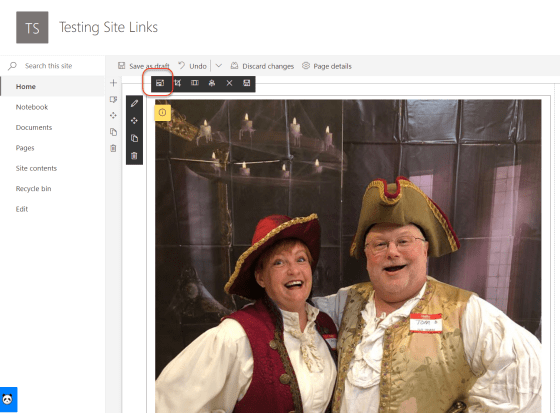
Image web parts in SharePoint Online are used to easily add images to your web page. However, rarely is your image the perfect size when you first upload it, and you’d be surprised how big a photo can be in full resolution. 🙂 There is now an option in the Image Web Part that allows you to resize your image. Here’s how it works…
Sharing Reports for SharePoint Online
Some SharePoint Online sites are easy to manage when it comes to permissions (especially if there’s no unique permissions on the site). But attempting to find a single place where you can review all the permissions of everything on your site was difficult… until now. If you’re a Site Administrator for a given site, you can use the new Sharing Report to create a spreadsheet of all the permissions on all the items in the site. Here’s how it works and looks…