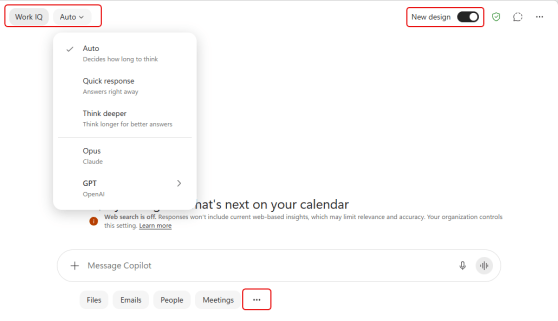
If you are using Microsoft Copilot from the Copilot home page (https://m365.cloud.microsoft/), you’ll notice there are a few changes in the layout. It’s not major, but it’s good to know what you’ll see before you see it. 🙂
Learning new Microsoft Office tricks in "just a minute"
If you are using Microsoft Copilot from the Copilot home page (https://m365.cloud.microsoft/), you’ll notice there are a few changes in the layout. It’s not major, but it’s good to know what you’ll see before you see it. 🙂
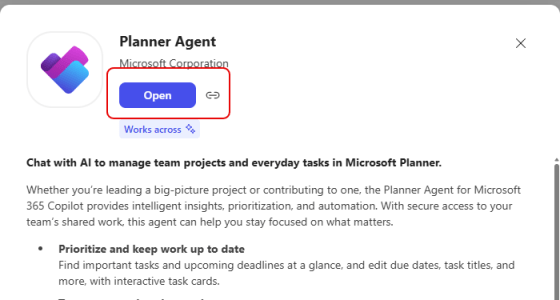
There have been a number of people looking forward to the Planner Agent in Copilot, and it’s finally available for all Planner levels! Here’s how to find it and a simple example of how to use it…
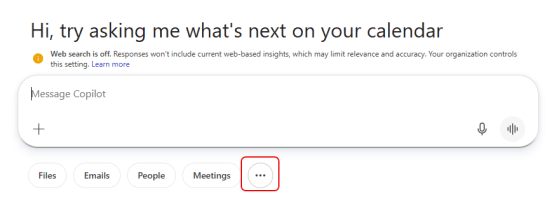
When you’re working with Copilot in Microsoft Teams or a web browser, you can save your prompts so that it’s easy to use them repeatedly. But it feels like Microsoft changed the way you get to the Copilot Prompt Gallery lately. If you’re having problems on how to find your saved prompts, here’s how that works…
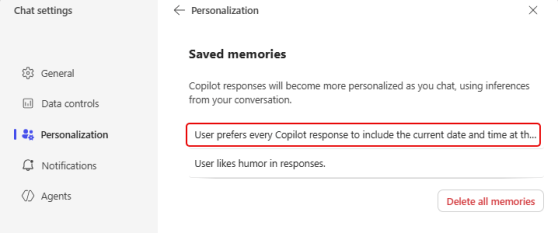
Copilot has some interesting ways to handle personalization when you want it to aways respond in certain ways. One of those techniques is Saved Memories, and you can pass along those memories in the middle of having an ongoing chat. Here’s how that works…
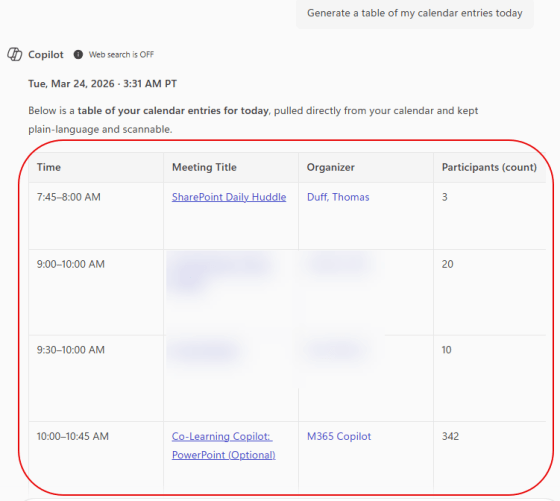
One of the recent Copilot changes is the ability to copy AI-generated tables from Copilot and paste them in other M365 applications. I guess I just assumed that would always be possible, but I had never tried it before. Here’s how it works…
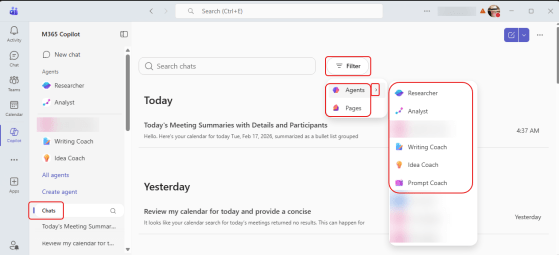
When you are looking at your Copilot Chat history, it could be a bit overwhelming to filter down what you’re looking for. Yes, you do have search, but what if you’re unsure of the keywords you used? Now you can use a filter pill to pare down the list to results from Agents or things you sent to Copilot Pages. Here’s how that works…
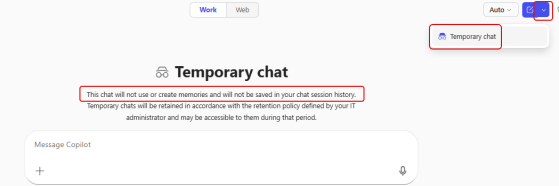
I ran across something interesting today when I was using Copilot. I found a feature called Temporary chat. Here’s what it looks like and why you might want to use it…
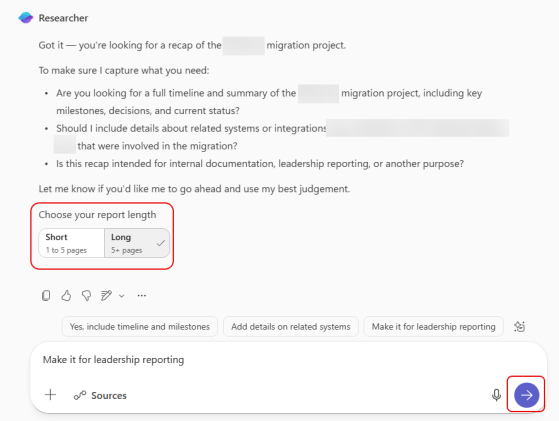
When you use the Researcher agent in Microsoft Copilot, it can generate a huge amount of information. But that might be overkill for what you want. Now you get the opportunity to give some guidance on how long the report should be. Here’s how that works…
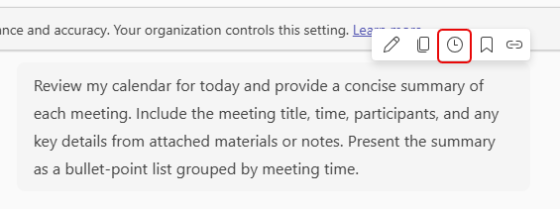
It’s not uncommon to have prompts that you run reach morning (or at other parts of your day) to gather information that you will need for various events. Instead of triggering each of those prompts manually, you can schedule those prompts to run at a set time every day (with a few caveats). Here’s what that looks like…

