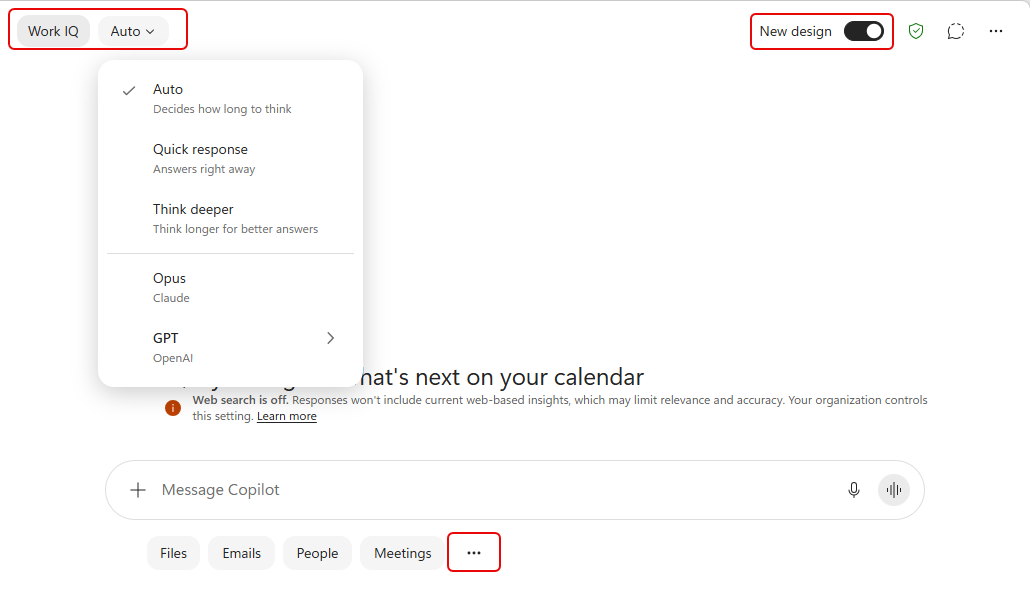
If you are using Microsoft Copilot from the Copilot home page (https://m365.cloud.microsoft/), you’ll notice there are a few changes in the layout. It’s not major, but it’s good to know what you’ll see before you see it. 🙂
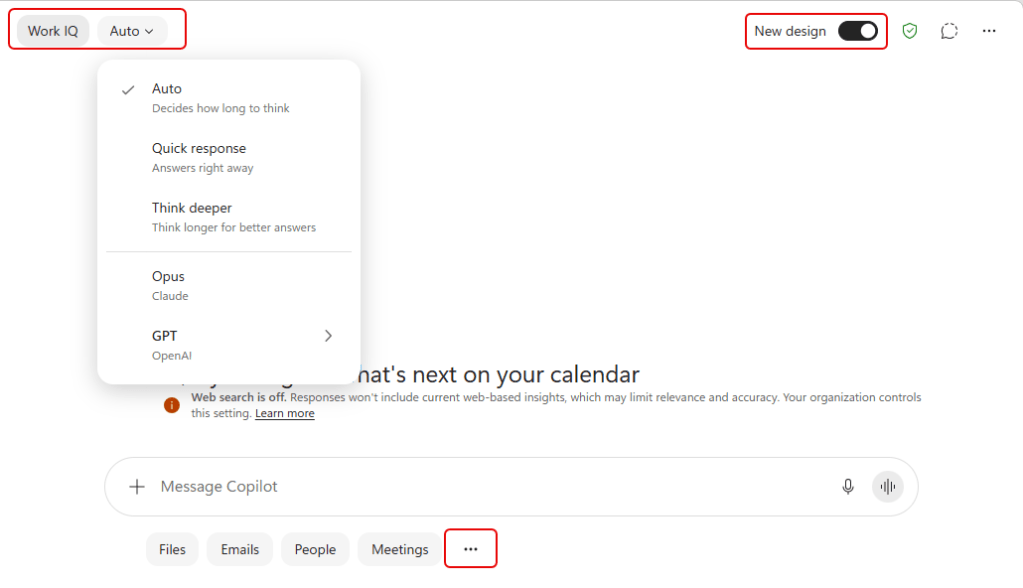
To see the new design, select New design in the upper right corner. That will change the home page to the new design, and you’ll see the model selection over in the left corner. Your personal prompts can still be found in the lower line of options by selecting the ellipsis:
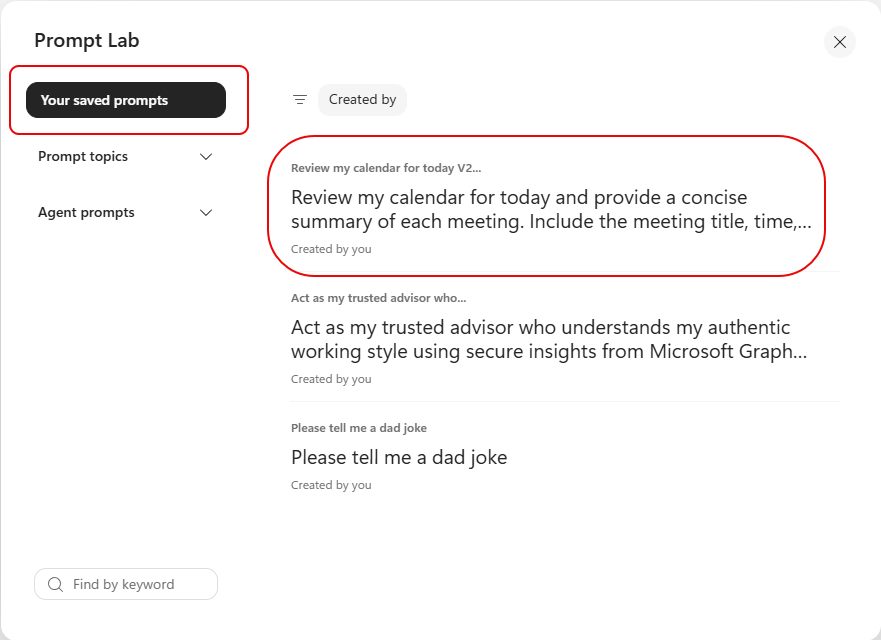
You’ll see a button for Your saved prompts on the left, and your prompts will be in a list that shows a lot more text than was visible before in the small box. Click on the prompt you want to select:
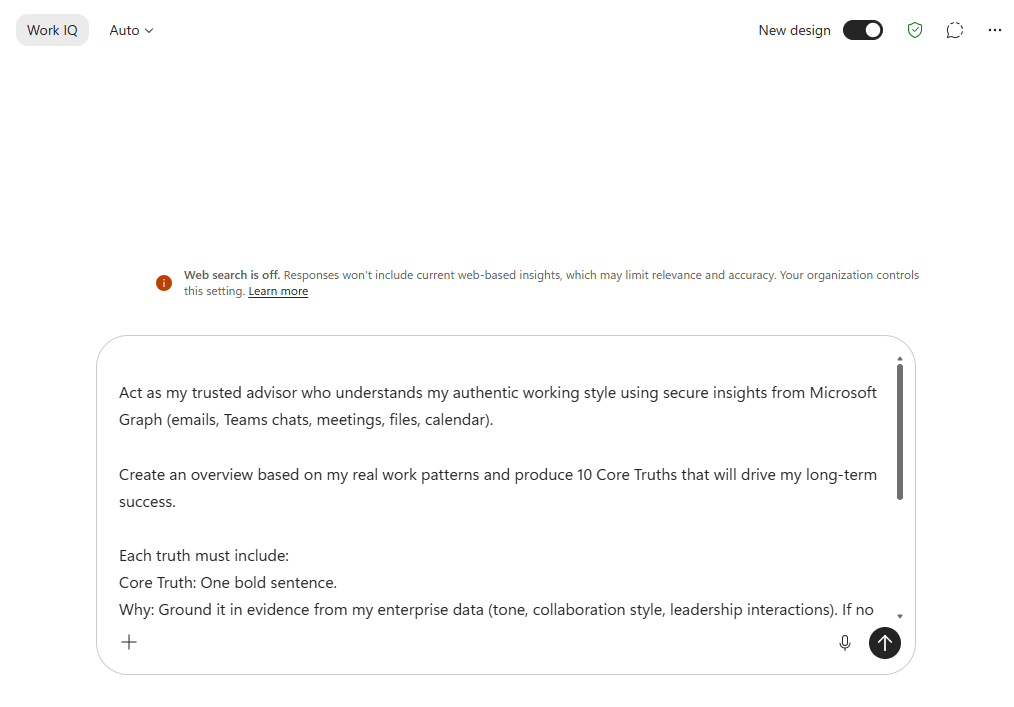
That prompt will be displayed in the prompt box on the home screen:
Again, it’s not significant, but it’s a good change in my opinion when it comes to seeing more of your personal prompt information. Also, this isn’t yet available in the Microsoft Teams Copilot home page.


