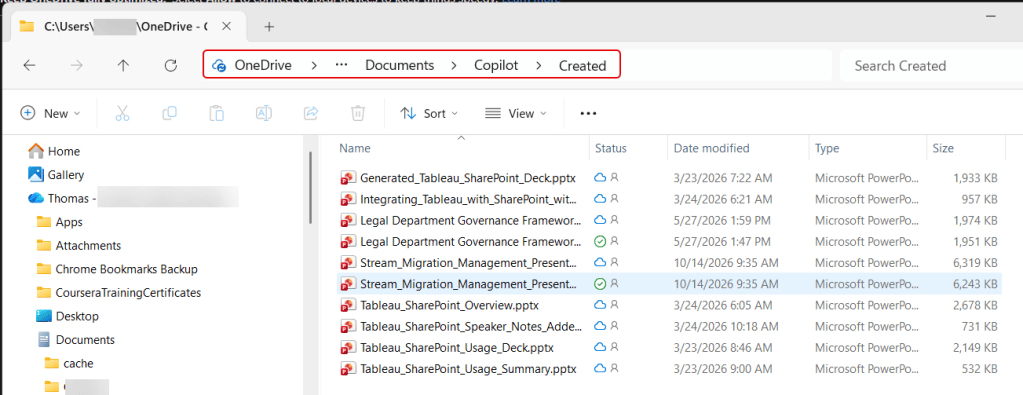
I found out today that Copilot stores content that it creates for you in your OneDrive. I didn’t realize that was the case, so let me point you to the location so you can find stuff…
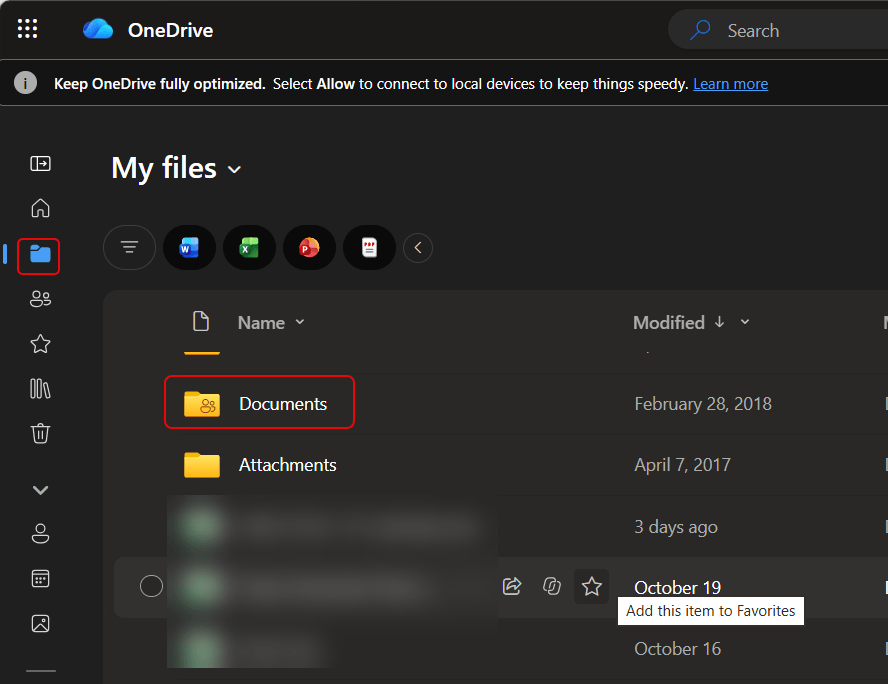
Going into OneDrive on the web, I select the Folder icon on the left navigation rail and scroll down to Documents. Click on that folder:
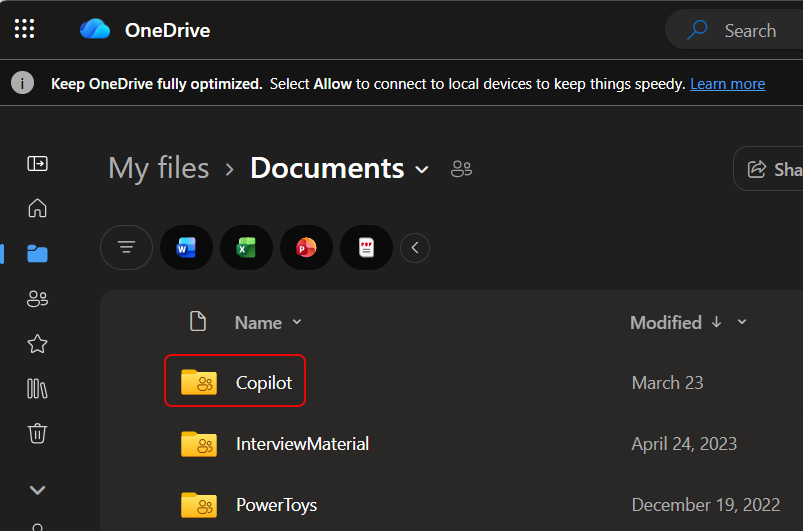
In the Documents folder, you should see the Copilot folder:
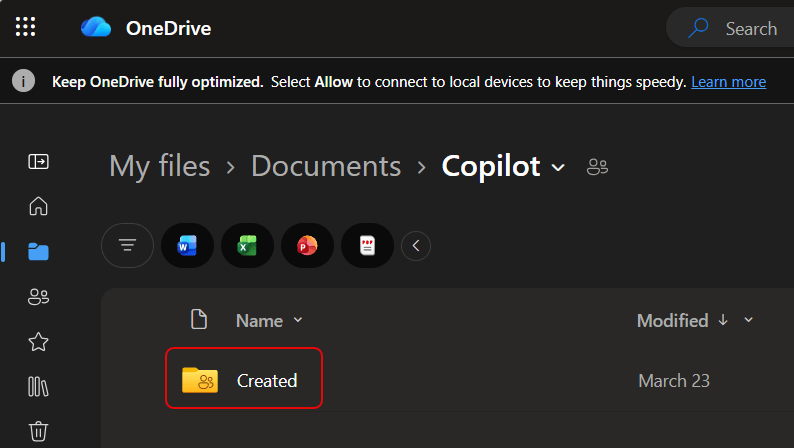
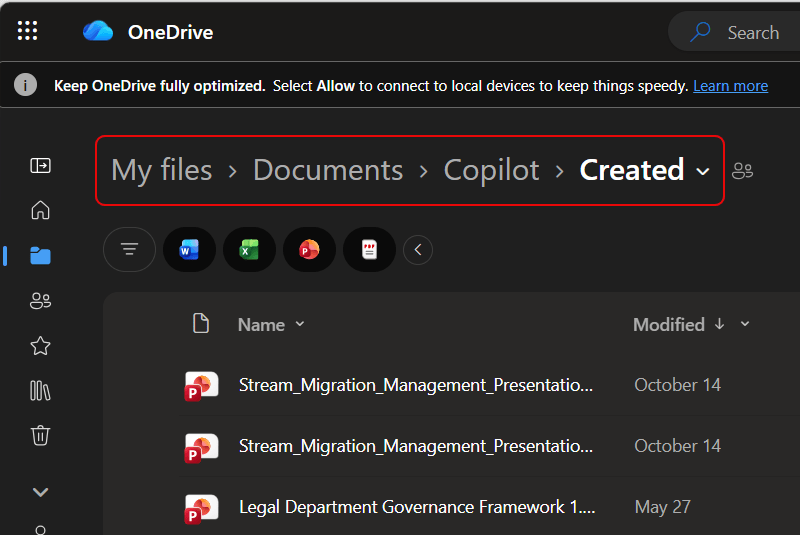
And within that, you’ll see the Created folder:
Any of the things you’ve had Copilot build and create for you should be stored there unless you sent it somewhere else:
You can also get to the same place in the Windows File Explorer that points to your OneDrive: