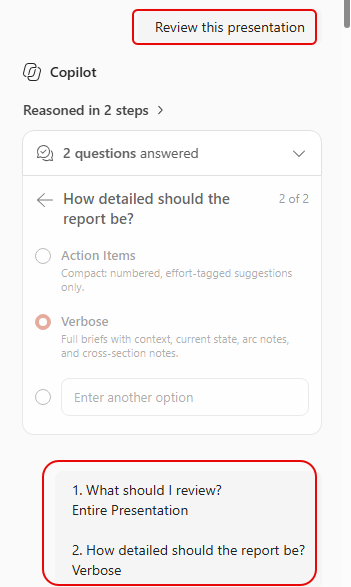
It’s one thing to be able to use Copilot to help you build a PowerPoint presentation… great graphics, appropriate wording and content, speaker notes, etc… but once it’s done, is it really going to help you deliver your message to your audience? You might want to start using the Review this presentation prompt in Copilot when you have your presentation open in the PowerPoint client. Here’s the type of information you can get from it…
The first thing Copilot does after that prompt is ask you two questions, asking how much of the presentation should be reviewed, and how much detail you want:
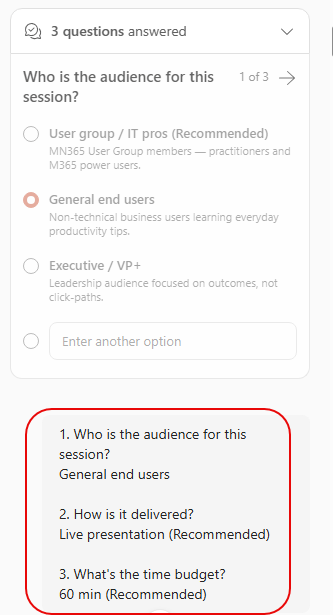
It then asks for your audience, the delivery method, and how long you have to present:
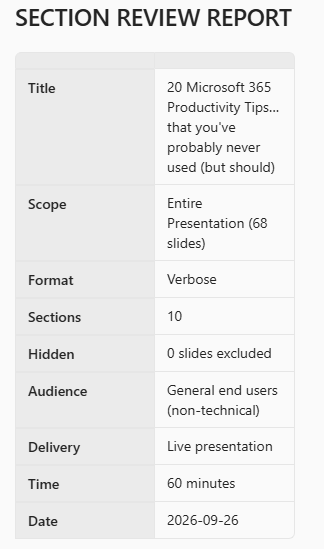
You get a recap of what you asked for, and then it’s off to analyze your content:
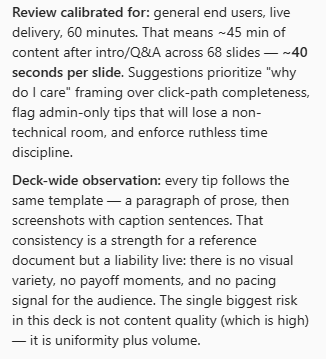
It gives a quick analysis up front from what it examined, and gives you a general expectation of what it will talk about:
It covers the slide deck in a number of sections as it found logical groupings of content. Each one of the sections has an analysis and suggestions on how to improve the content and delivery:
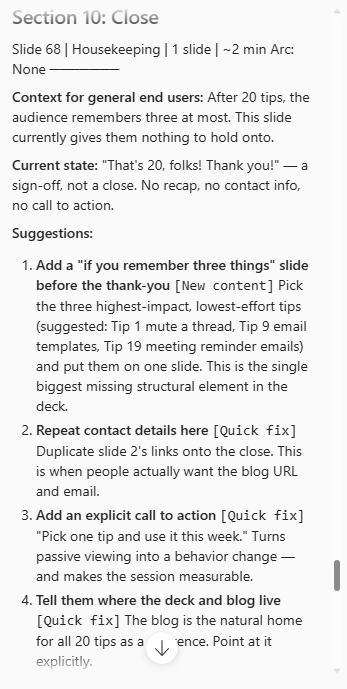
At the very end, it provides deck-level suggestion involving items such as cutting some content, regrouping content if appropriate, work on pacing, and other notes. It then provides a final recap that can lead to a stronger presentation and audience engagement.
In short, this prompt can take you from “I have a pretty slide deck” to “I have a strong message that is appropriate for my audience and should have strong engagement.” I will be using this from here out to improve what I share with others.


