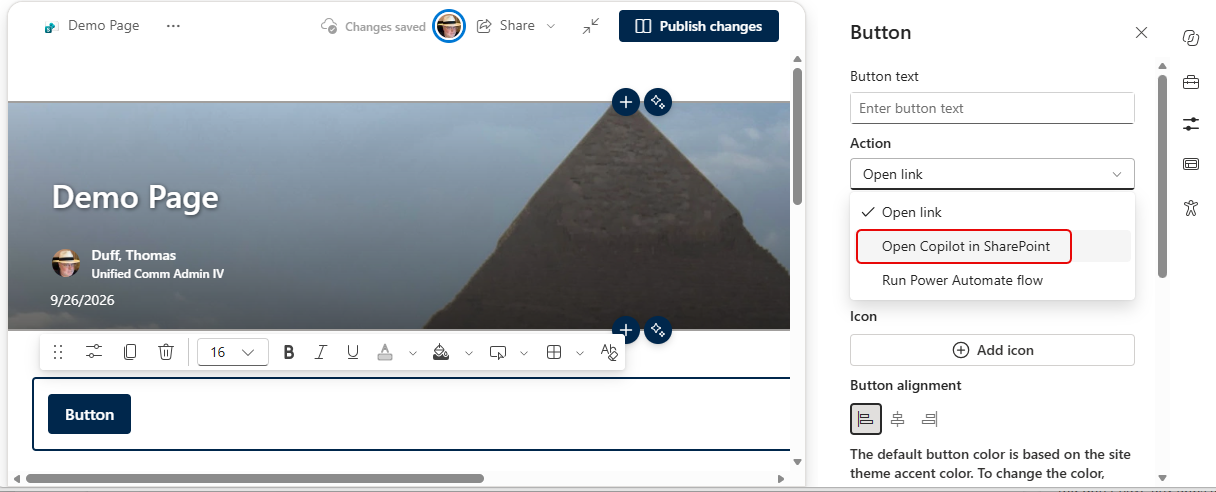
If you set up SharePoint pages on a regular basis, you are probably familiar with the SharePoint Button web part. It’s usually used to store a link that can be clicked. However, there are some new options for the button, including one to open Copilot in SharePoint. Here’s how you can set that up…
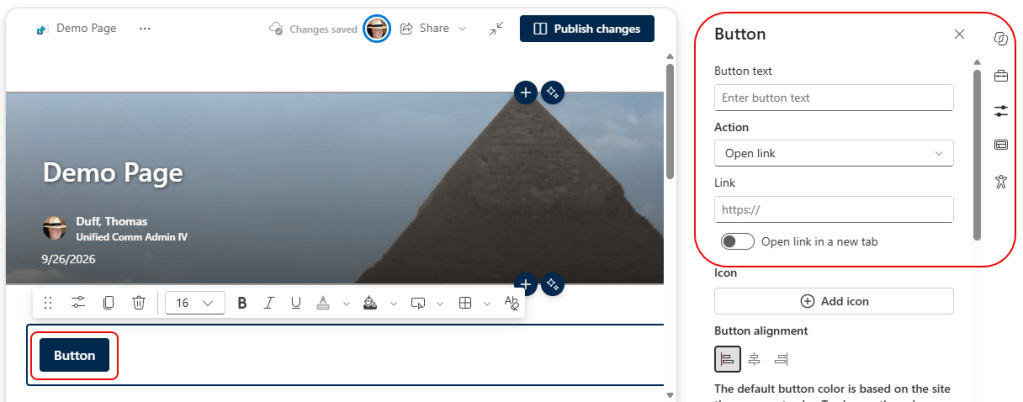
In your SharePoint page, add a Button web part. When you click the button, you’ll see the options for configuring the button:
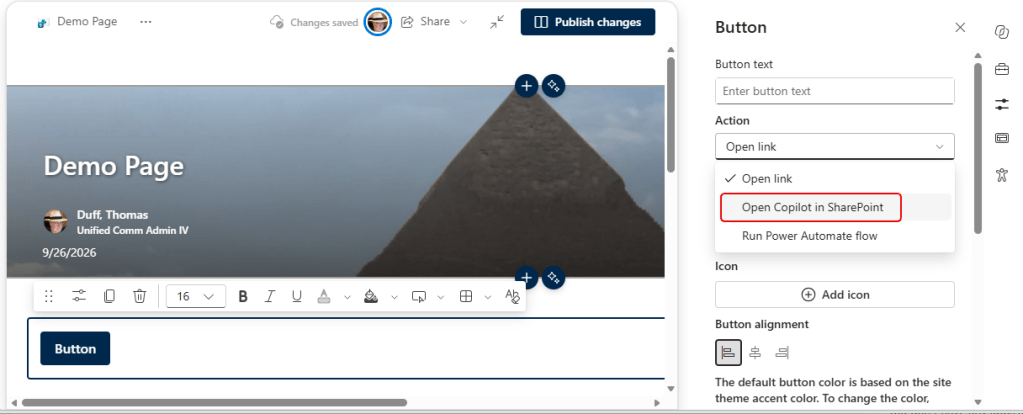
The new option under Action is Open Copilot in SharePoint:
If you select that one, you can provide a prompt that will run when the button is clicked:
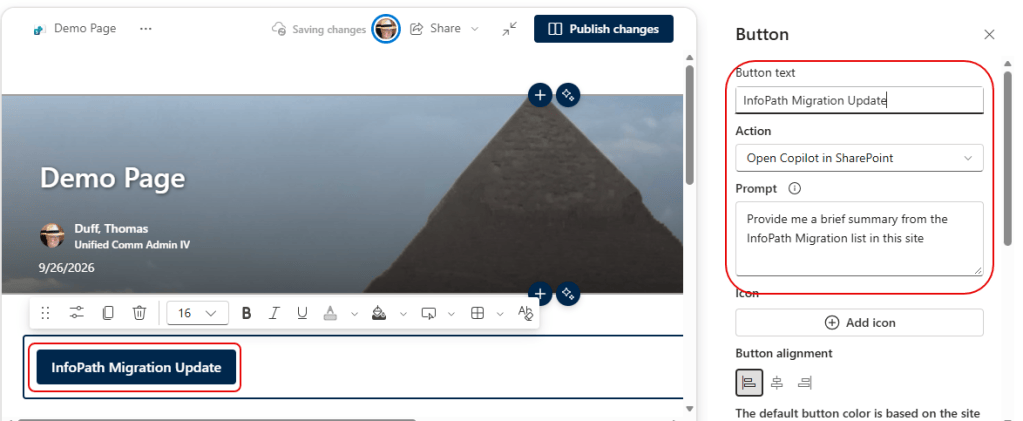
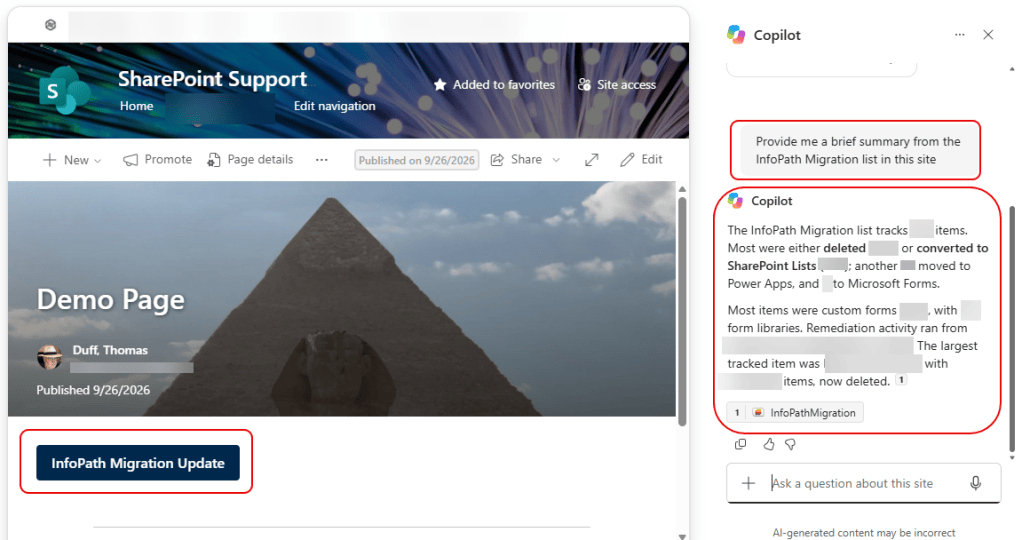
And in my example prompt, Copilot reviewed a list in my site and gave me a brief summary of our InfoPath migration:
I haven’t had a lot of time to play with this feature, but I’m sure there are an endless number of ways you can leverage a pre-configured prompt that can be run by clicking a button. 🙂


