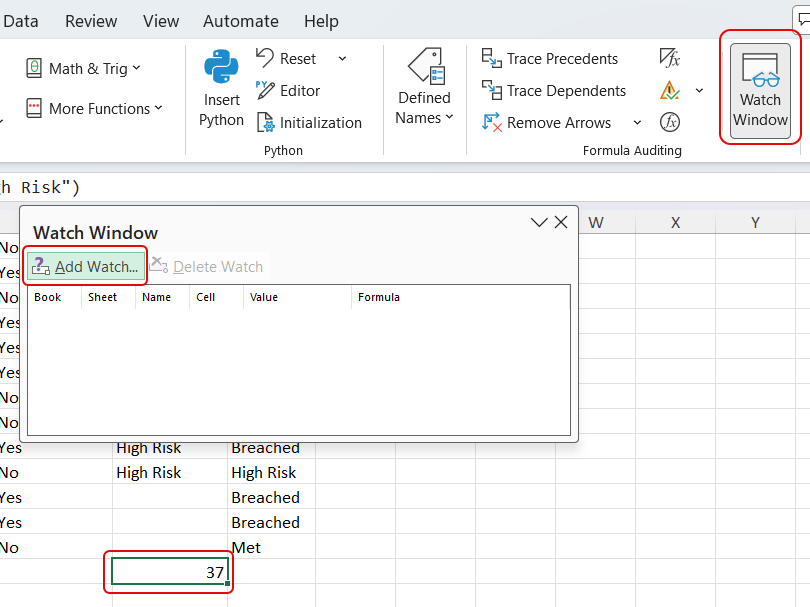
This Excel feature came to my attention a couple of weeks ago, and I had never heard of it. It’s called Watch Window and it makes it easy to keep an eye on a particular cell without having to scroll all over the place to see changed values. Here’s how it works…
In this example, I have a cell at the bottom of the table that counts the number of items marked as High Risk. Rather than scroll to the bottom each time a change is made, I clicked on Formulas > Watch Window:
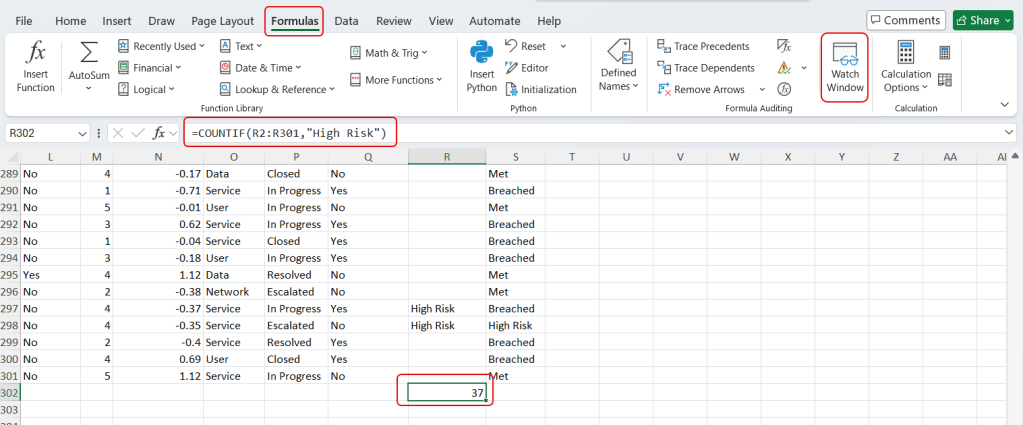
The Watch Window appears, and I can click on the cell I want to watch and click Add Watch:
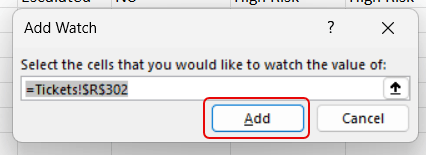
The Add Watch pop-up appears so that I can make sure I have the right cell selected, and then I can click Add. I could also add additional cells if needed:
The Watch Window now appears over the top of the spreadsheet, and it shows me that I have 37 High Risk items based on the cell I selected:
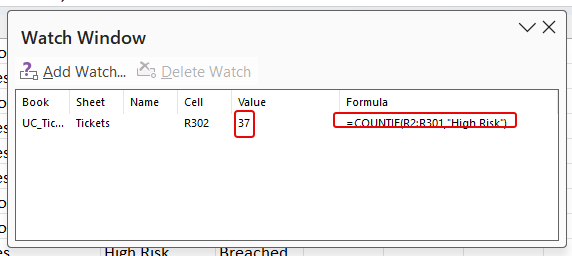
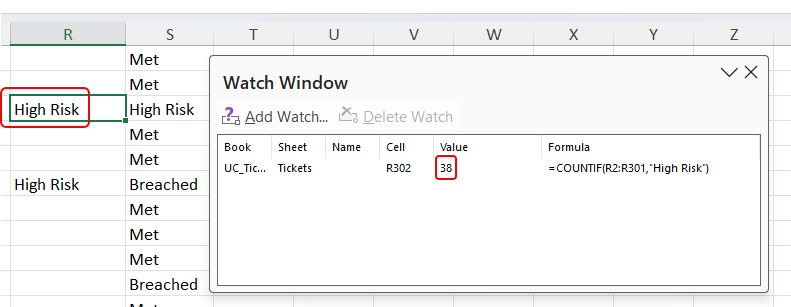
I updated one of the cells to be High Risk, and the Watch Window updates the value without me having to scroll back down the table to look at the update:
If you want to receive other Excel tips and tricks, I’d suggest checking out Excel Dictionary and get their tips newsletter each week…


