In all likelihood, you spend a LOT of time in Teams meetings during the days and weeks. And trying to find the recaps of those meetings can be… difficult. Now, you can use the Meeting Recap application in Microsoft Teams to find all the recaps of your meetings over the last 30 days in one convenient location. Here’s how that works…
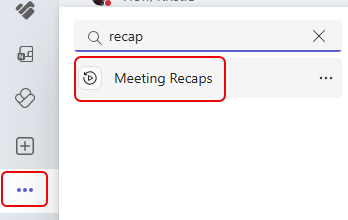
If you don’t see Meeting Recap on the left-side navigation, click the ellipsis at the bottom of the screen and search for recap. Meeting Recaps will appear and you can click on that to add it to the navigation:
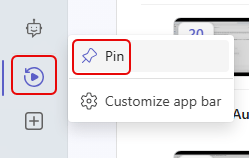
I would recommend pinning it so that you don’t have to go searching for it all the time:
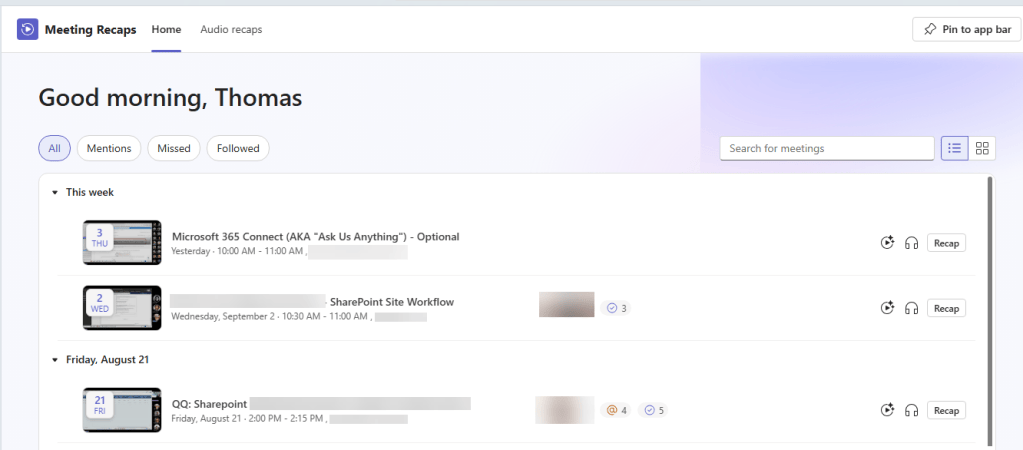
When you go into Meeting Recaps, you’ll see the All option to display all the meetings you’ve been in during the last 30 days:
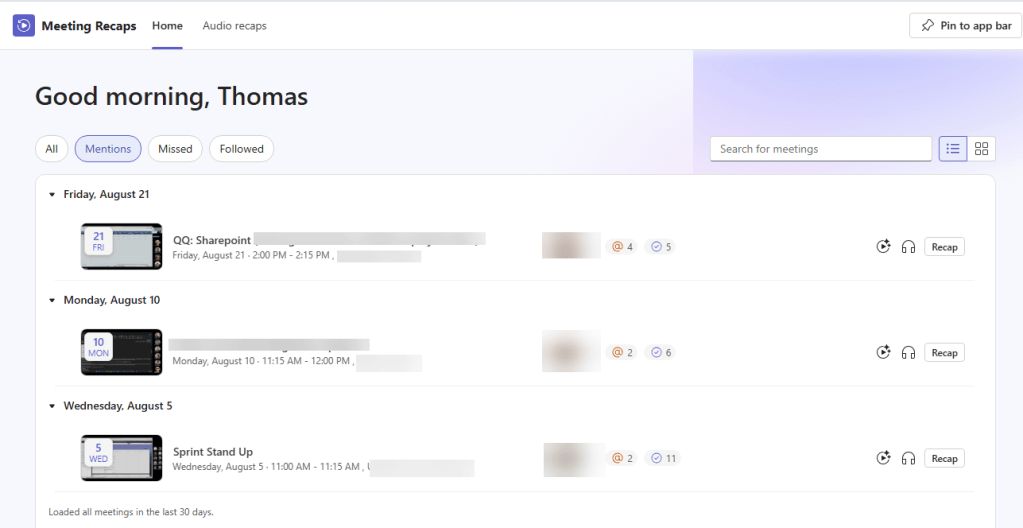
You can also filter on Mentions:
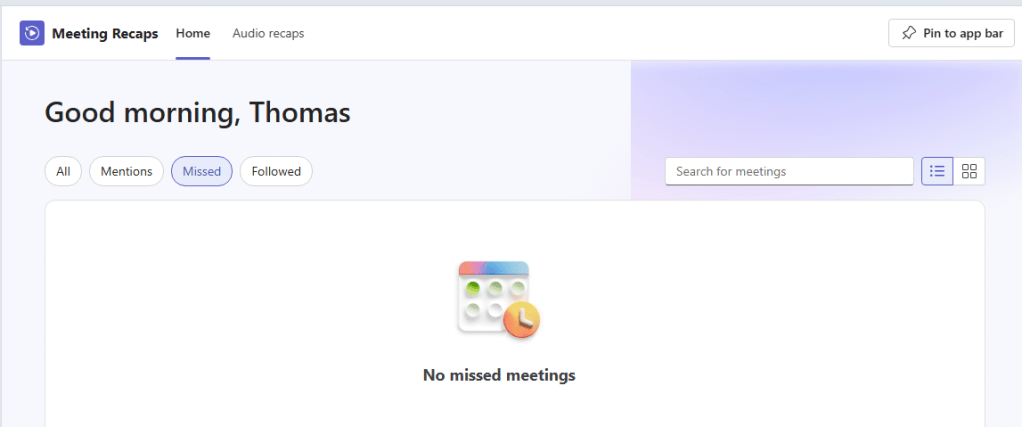
Missed:
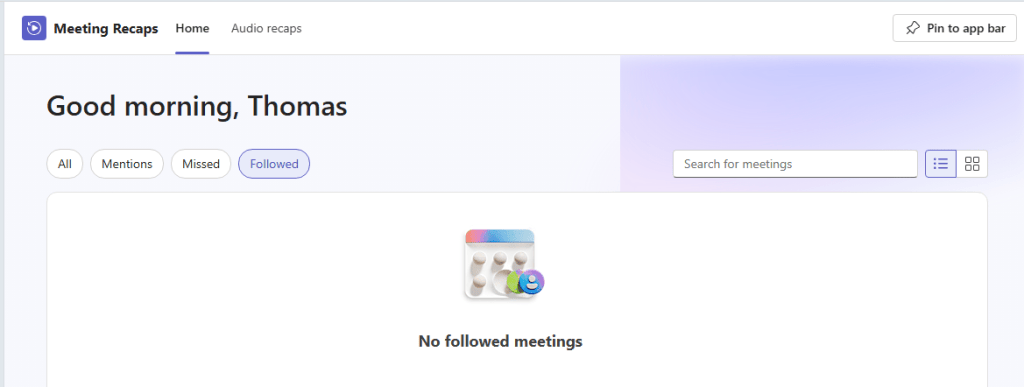
And Followed:
This is a great new app in Teams, and will save you a lot of time and frustration in finding all those meeting recaps.


