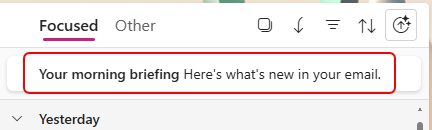
Within the last week or so, I started seeing a new Copilot feature in New Outlook/Outlook on the web. It’s a clickable link at the top of your Focused inbox to get a Morning Briefing. Here’s how that works and what it looks like…
At the top of your inbox (when Focused is selected), you’ll see a link for Your morning briefing. Click on it to start the briefing process:
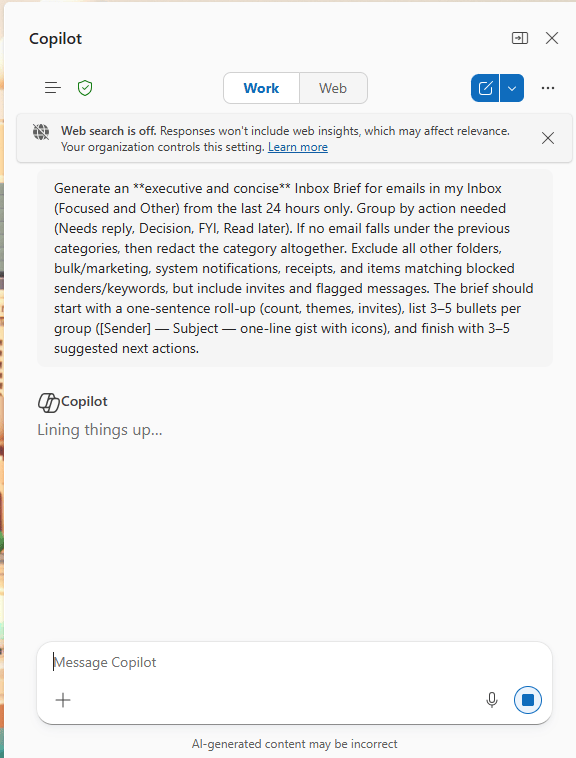
Copilot will open up on the right side of your screen and submit the prompt to generate the morning briefing. You don’t have to do anything to start it:
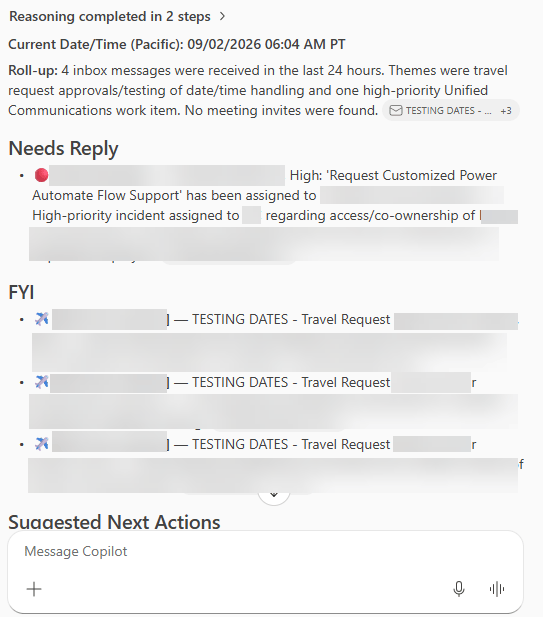
After it does it’s reasoning, it gives you a list of items that need replies:
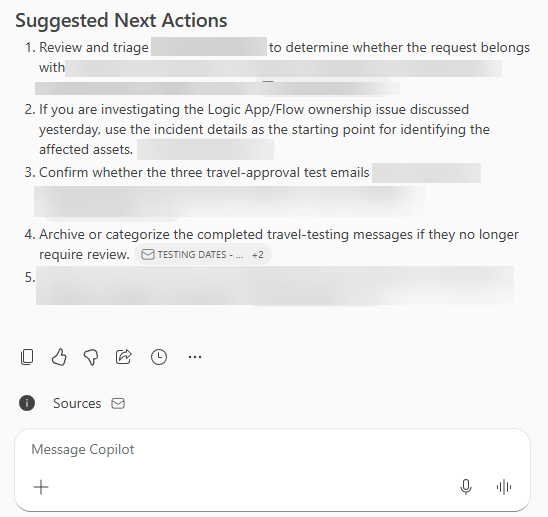
And it’s followed by the suggested next actions based on what it found:
If you dread opening your inbox each morning, this can be a good way to take care of the highest priority items first…


