Microsoft Teams has been adding the ability to pull out chats and conversations into separate windows to make it easier to multi-task. A recent change makes it even easier to pull out a chat into a separate window at the very start of a new chat. Here’s how that works…
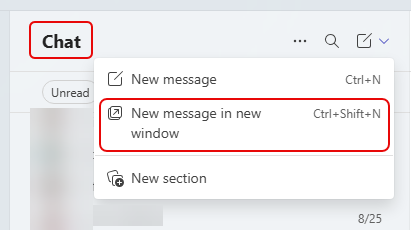
When you go to start a new chat message, you will see an option to create a New message in new window:
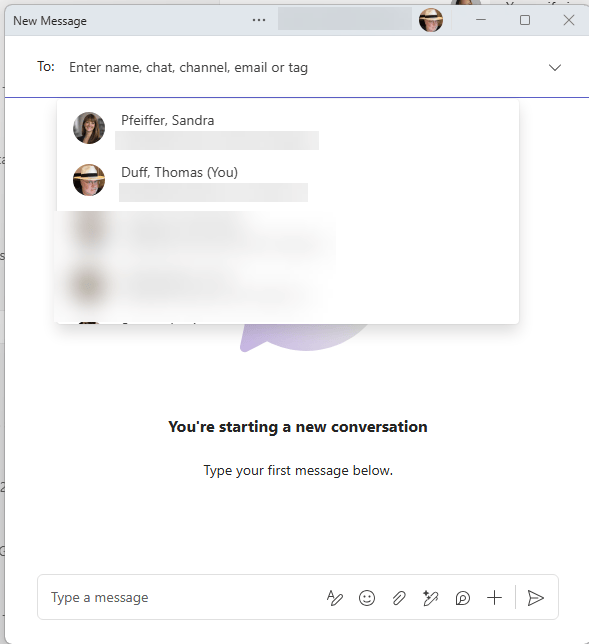
By clicking that option, your new chat message starts out immediately in a separate window without having to take an extra step to make that happen: