Ah, yes… in virtually every Teams meeting, you will hear this phrase: “Can you hear me?” Wouldn’t it be nice if there was a way you could test your microphone and speakers before you actually join a meeting? Now you can! Here’s how that looks and works…
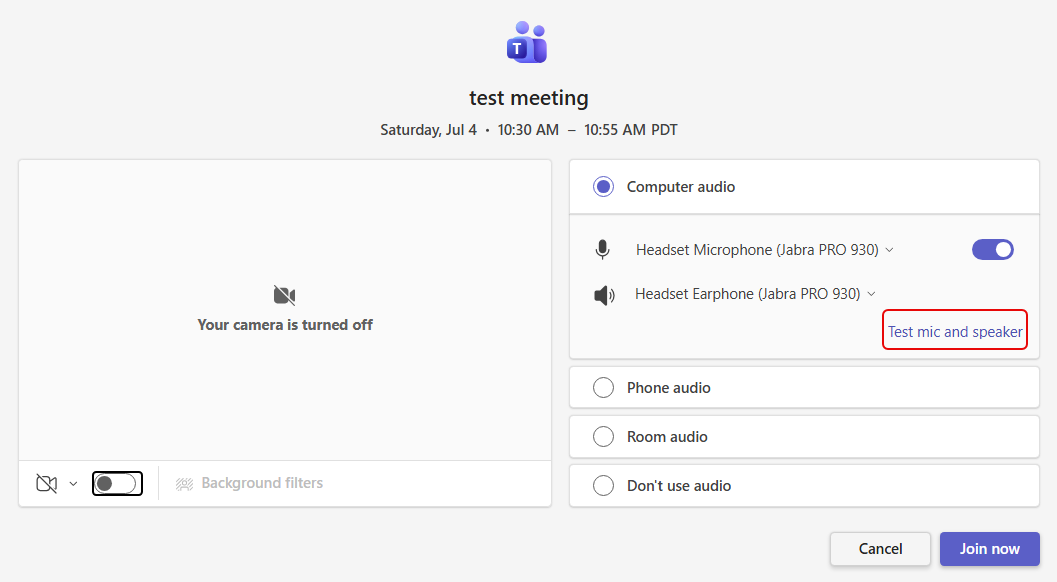
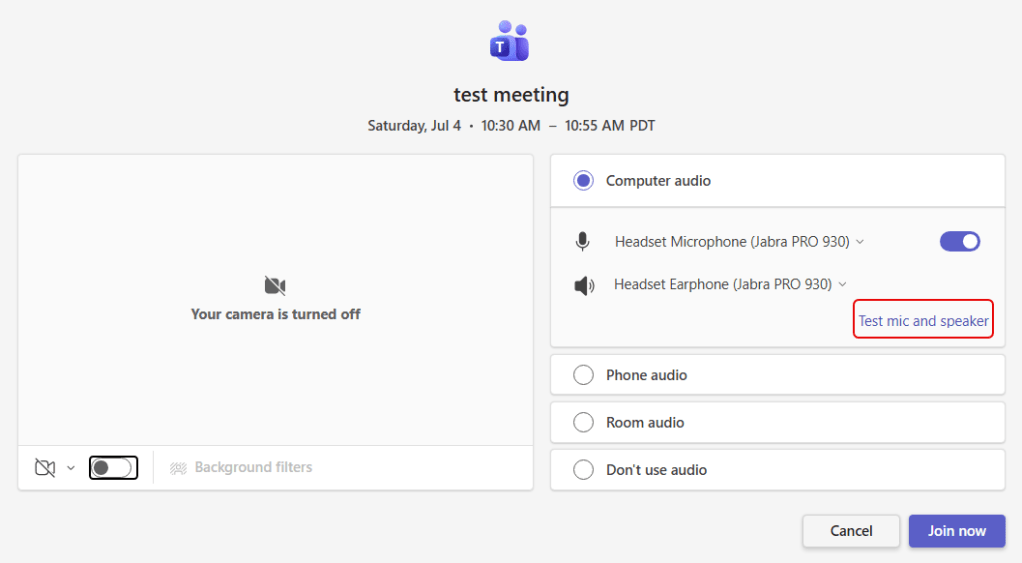
In the screen for joining the meeting, you’ll now see a link to Test mic and speaker:
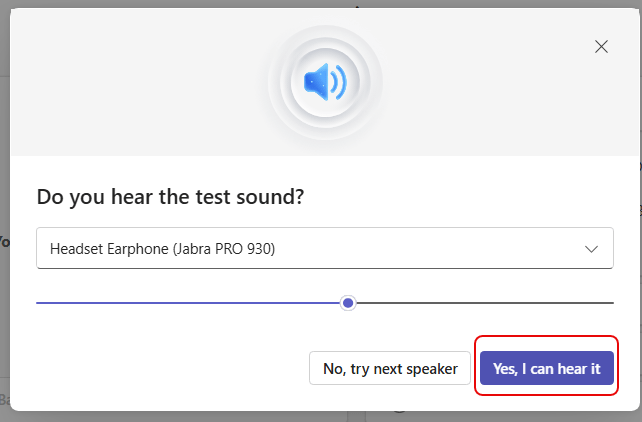
First you get a chance to test the speakers. You should hear a repeating sound from your speakers. If you hear them, click Yes, I can hear it. If not, click No, try next speaker:
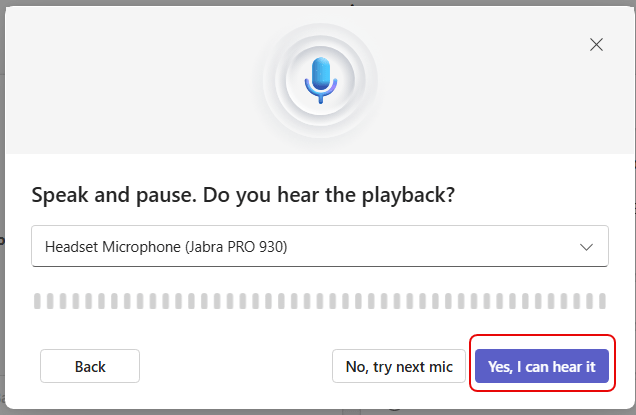
Next, you’ll be testing your microphone. Say a few words and then wait. Teams will play back what you said to see if you can hear it. If so, click Yes, I can hear it. If not, click No, try next mic:
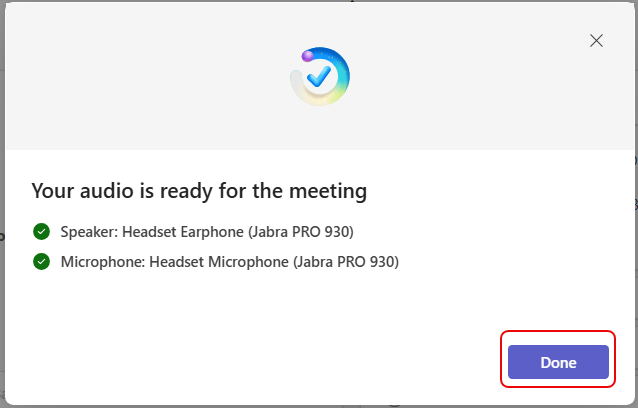
Provided you were able to use the mic and hear the speakers, you’ll get a confirmation screen saying which speakers and mic you’re using. Click Done and you’ll join the meeting: