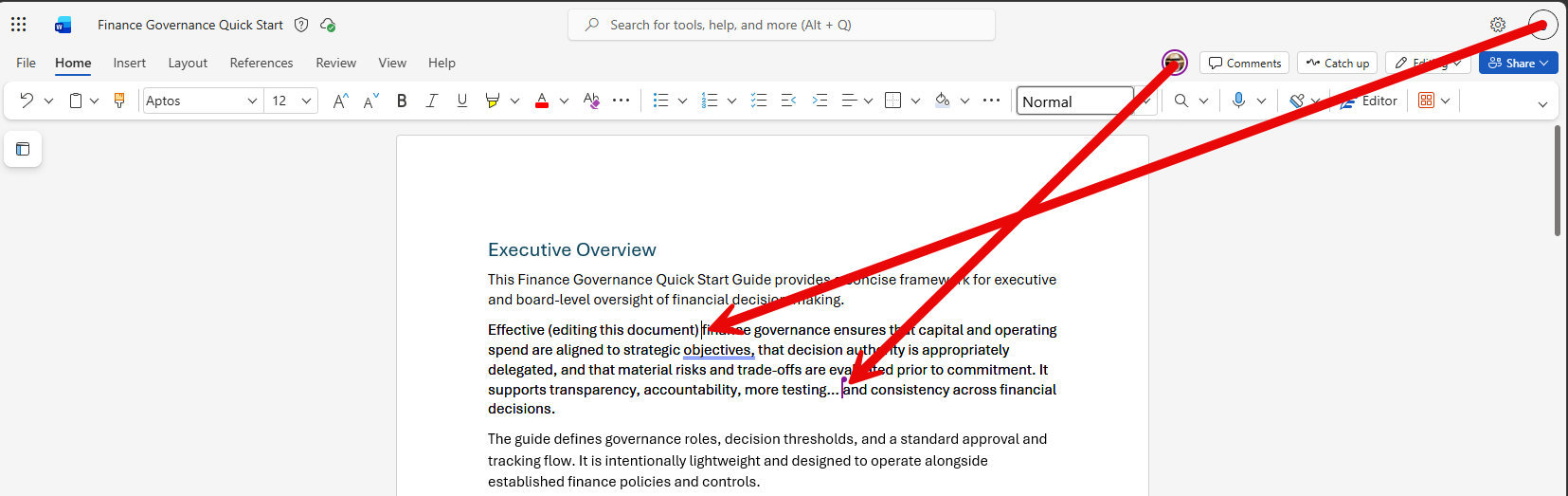
No doubt you’ve taken advantage of coauthoring in the various Microsoft 365 offerings like Word, Excel, and PowerPoint. However, you have probably also run into the locking limitations, such as only a single person being allowed in a Word paragraph at a time. Microsoft has fixed that with lock-free coauthoring in Microsoft Word. Here’s what that looks like…
In this example, I have a Word document that’s shared with two people that have it open in edit mode. You can see the cursor for “S” as they are editing the document. You can also see the purple line where the purple circled person (Tom) is editing the document. The new feature is that they can both be editing the same paragraph at the same time:
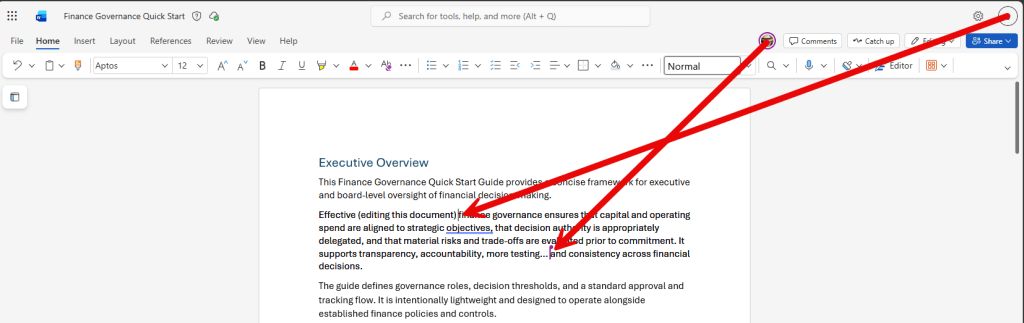
This may not affect you every time you coauthor in Word, but it’s a definite benefit to not have to worry about it.


