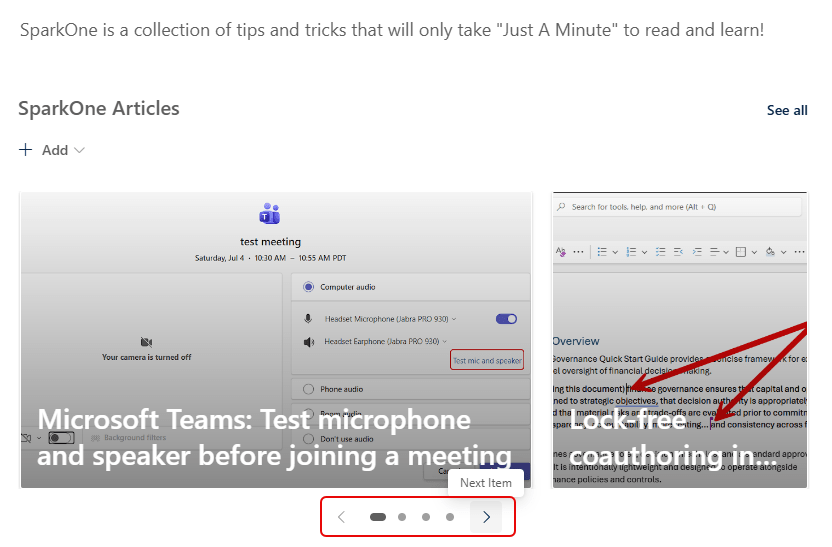
It’s very common to use the Top Story layout in a News web part on a SharePoint page… but now you have a new option: the Filmstrip layout. Here’s how you select it and what it looks like…
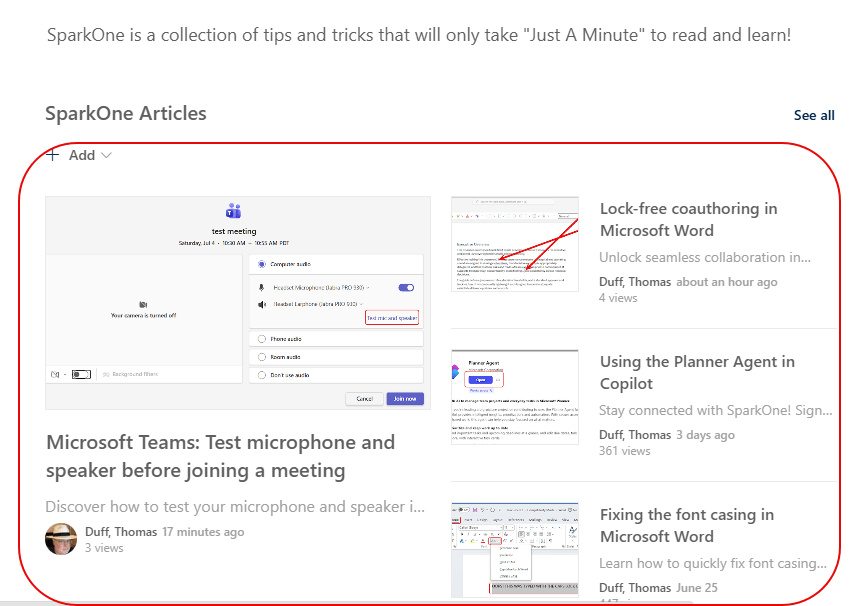
If you’re using the Top Story News web part, it will look like this:
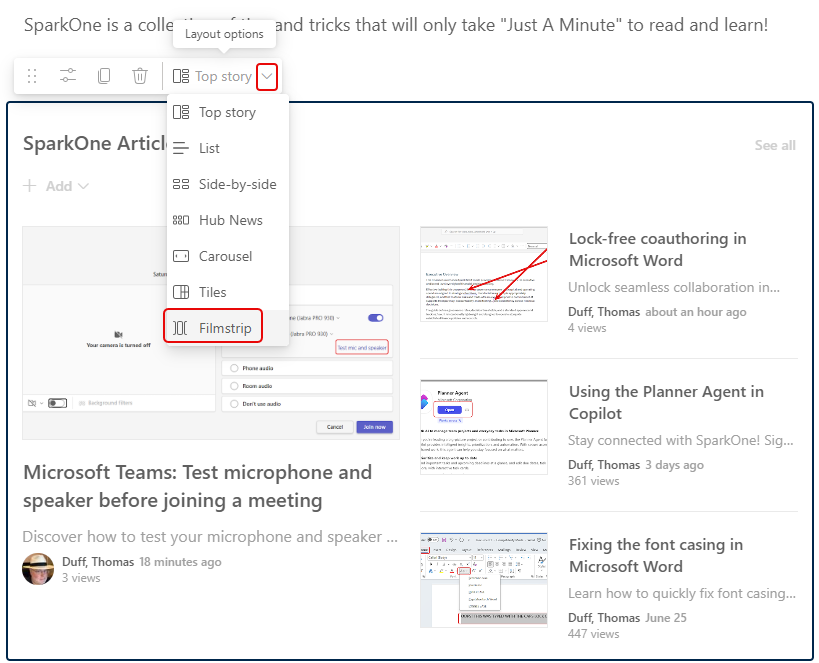
When you edit the News web part, select the Filmstrip option at the bottom of the selection list:
Now you’ll see a Filmstrip layout of your News stories, and you can use the navigation bar at the bottom of the stories to scroll left and right through them: