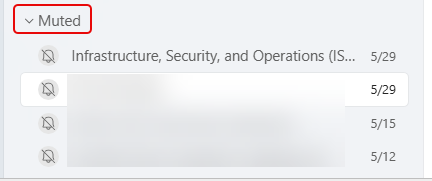
There’s little that is more irritating than getting pop-up chat notifications for a meeting you were invited to but aren’t attending. You can mute the chat, but what happens if you need to go back and look at the chat after the fact? This is where the muted Teams meeting chats hang out…
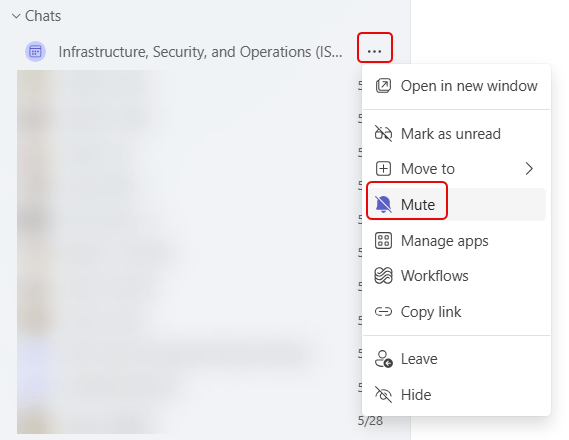
If you have a meeting chat that you really don’t want to get notifications on, you can Mute the chat:
If you need to check out a muted chat after the fact, you can find all the muted meeting chats at the bottom of your Chats under the Muted section:


