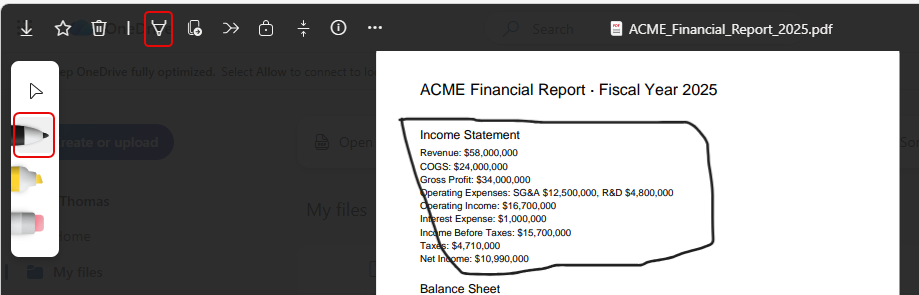
Being able to make annotations on PDF files when in SharePoint or OneDrive is great, and now when you’re working in the browser version, you can Undo and Redo those annotations without having to use 3rd party software. Here’s how that works…
When you’re in the browser-based version of a PDF in SharePoint or OneDrive, you can make annotations by clicking on the Annotation icon and then selecting your pen or highlighter. Then just draw on the PDF:
To remove the annotation, use CTRL-Z to Undo the annotation:
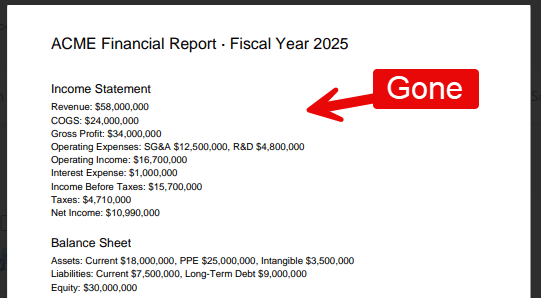
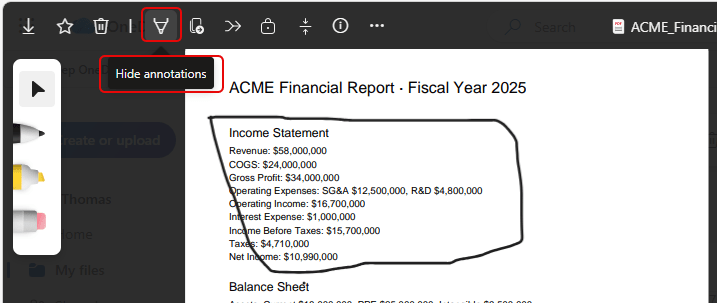
You can also use CTRL-Y to Redo the annotation so that it’s back. If you want, you can also hide the annotation by clicking on the Annotation icon again and selecting Hide annotation:

 One Minute Office Magic