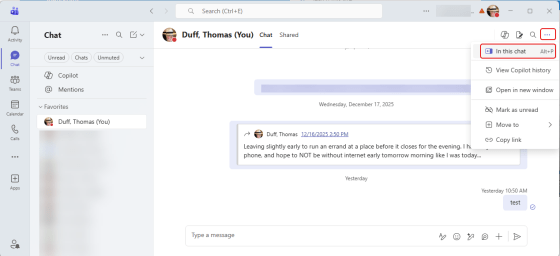
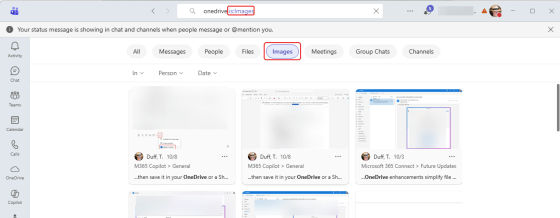
You’re probably used to using the search feature in Microsoft Teams to find words and such in various chats and channels. But now you can also search for images. Here’s what that looks like…
Tag: Search
Searching for Settings in Microsoft Teams
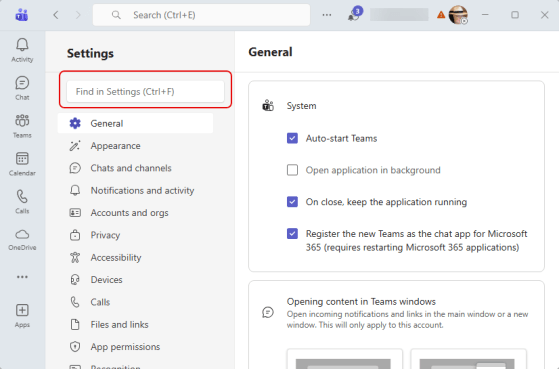
Have you ever gone into the Settings for Microsoft Teams to change something, and found yourself clicking through every single option looking for what you’re after? Now you can just search for the option using the Settings search. Here’s what that looks like:
Better People search results in Microsoft Teams
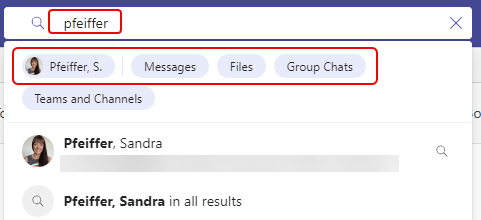
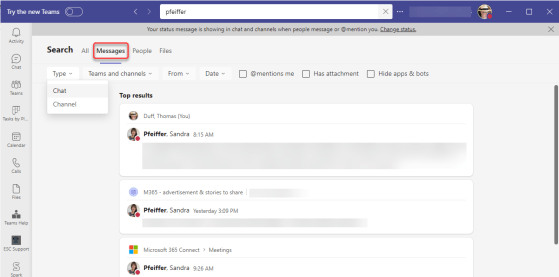
Microsoft Teams recently updated the Search feature when it comes to finding content related to specific people. You can now filter based on specific types of results instead of having to wade through everything. Here’s what that looks like…
Folder tags when searching in Outlook on the web
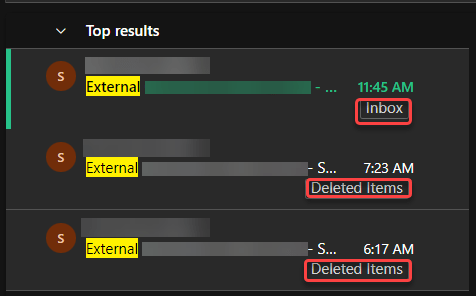
This is yet another reason why I really like using the browser-based version of Outlook. When searching, it automatically shows you the folder where the item was found. Here’s what that looks like…
Finding videos in Microsoft 365 Search
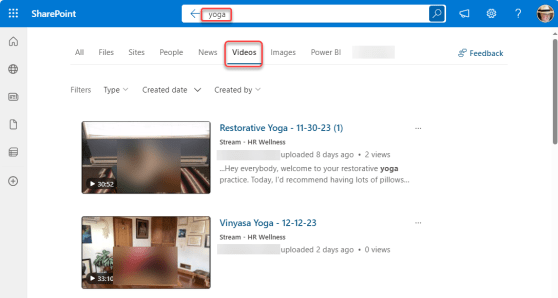
If you’re familiar with the Microsoft 365 Search bar at the top of all the M365 applications, you’ll know that once the results come back, there are filter options to narrow down the results, such as Files, Sites, People, etc. Recently, Microsoft added a new filter… Videos. This makes it easier to find that elusive video that’s stored somewhere on SharePoint or OneDrive. Here’s what that looks like…
Domain-specific searching in Microsoft Teams
While you’ve been able to get search results in Microsoft Teams, you often got WAY more results than you wanted, and it was hard to narrow things down. Now with domain-specific searching, you can narrow down your search results in much the same way you narrow down search results in Microsoft 365. Here’s how that works…
Microsoft Teams search has a new look
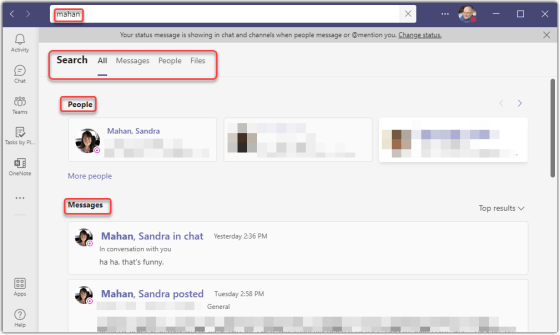
It used to be when you searched for something in Microsoft Teams, you got the results in the Feed section, and you had to scroll through the feed to find what you were looking for. Now, the search results are in the main display area, conveniently broken out by People, Messages, and Files. Here’s what it looks like…
Using the SharePoint Site Description to enhance findability in Search
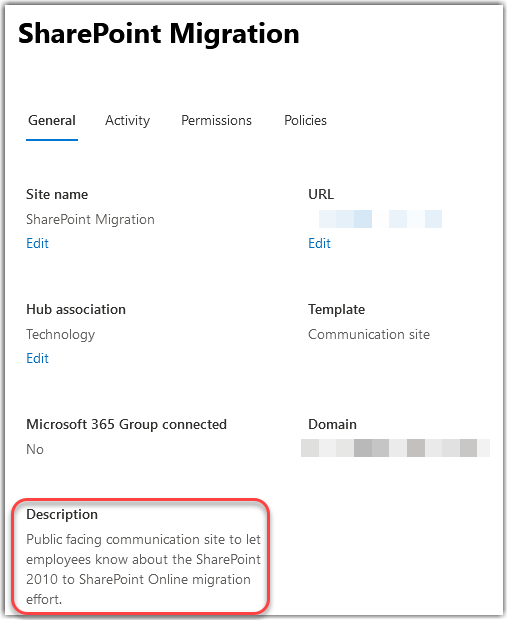
SharePoint has always had a Site Description field where you can provide an explanation of what your site is used for. However, it never seemed to show up in search results, so it wasn’t as useful as it could be. Fortunately, a recent change by Microsoft (outlined by Mikael Svenson in this blog post) means that the Site Description is now indexed by Search, and can help people find your site more easily. Here’s how it works…
Searching in channels and chats for Microsoft Teams
While Microsoft Teams is a great way to keep information consolidated for your work, the capability to find things in various chats and channels has been somewhat limited. With the addition of enhanced searching in Microsoft Teams, that now becomes much easier. Here’s what it looks like and how it works…