If you’re in a Microsoft modern list, there’s a cool feature you may not have noticed. In the upper-right corner, you can see who else might be using that list at the same time you are. This is how that looks…

Learning new Microsoft Office tricks in "just a minute"
If you’re in a Microsoft modern list, there’s a cool feature you may not have noticed. In the upper-right corner, you can see who else might be using that list at the same time you are. This is how that looks…
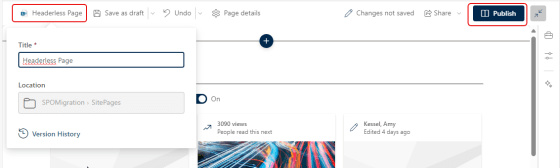
This is a good tip that Sandra sent my way today… Have you ever wanted to create a SharePoint page that didn’t have the normal page header at the top? It had been possible with using some hacks and workarounds, but now you can do it as part of editing your page in the browser. Here’s how that works…
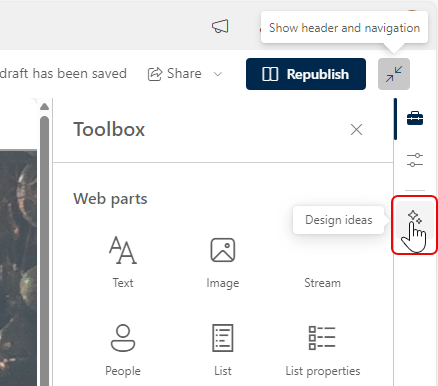
If you struggle with coming up with nice layouts on your SharePoint Pages, the new Design Ideas feature will be of interest to you. It can help you come up with design options that you may not have thought of (or like me, are incapable of). Here’s how that works…
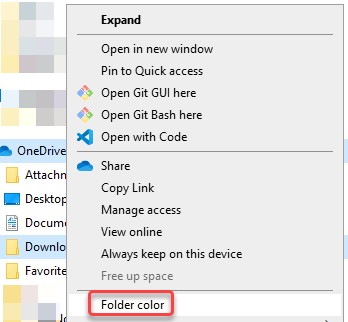
Some time ago, Microsoft added a feature to allow you to change the folder color in a SharePoint or OneDrive library. That color would show up in Windows File Explorer, but you couldn’t set the folder color from there. But… now you can! Here’s what that looks like and how it works…

A new change is now available when it comes to versioning in SharePoint document libraries. It used to be that you could only control the number of versions you kept. Now you can also add a time-based element to your versioning. This is what it looks like and how it looks…
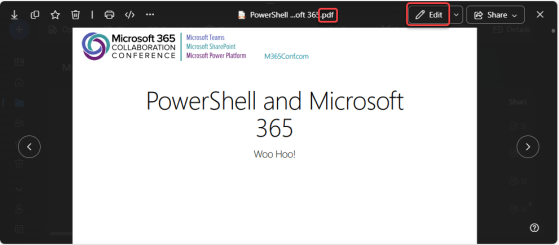
If you have a PDF file stored in OneDrive or SharePoint, you can now easily annotate the pages with text boxes without having to use a 3rd party application. Here’s how that works…
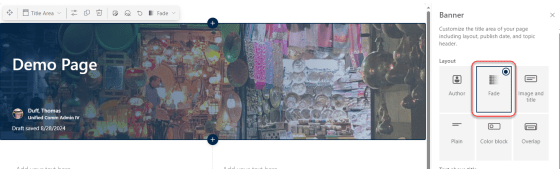
There’s also one other new SharePoint page banner… it’s called Fade. It’s not as impressive as the new Author banner type, but it’s worth knowing about. Here’s how it works and looks…
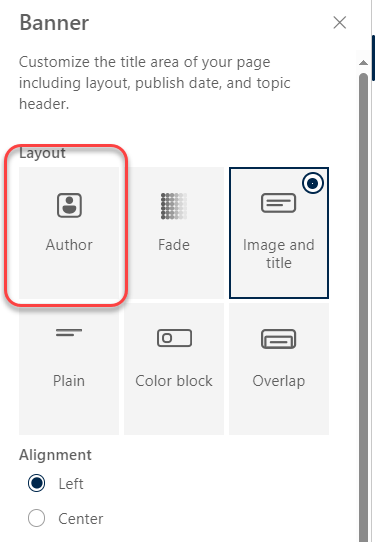
When Sandra was sharing some new features with me, she happened to stumble across this new addition to the SharePoint page banners… the Author banner! This looks really slick, and is great for pages that want to make the author of the page more evident. Here’s how it works and looks…
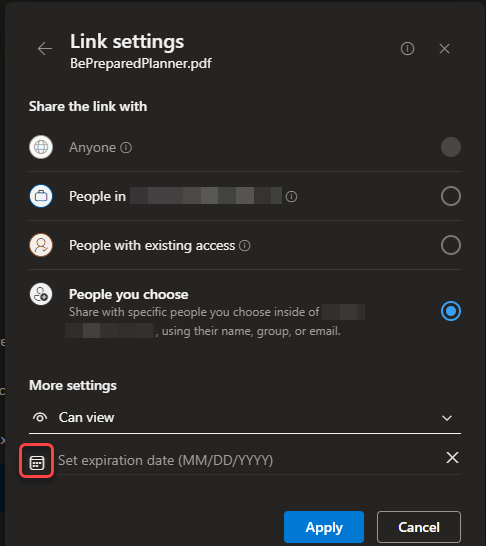
It used to be when you’d share a file in SharePoint or OneDrive, that link was valid until such time as you removed the person from the access to the file. Now you can simply set an expiration date on the link, and they will no longer be able to access the file after that date. Here’s how that works…
 One Minute Office Magic