Running scheduled prompts in Copilot Chat

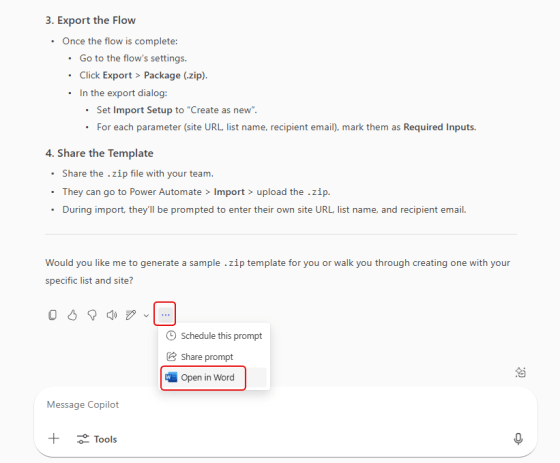
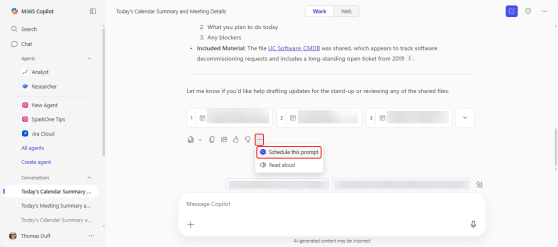
As a regular user of Copilot, you may have certain prompts that you run every day, such as “summarize my inbox” or “review my calendar”. You can save those prompts and run them manually, but now you have an additional option… setting them up as a scheduled prompt. Here’s what that looks like and how it works…

Using the Copilot OneDrive life item icon to get file information

When you’re scrolling through your OneDrive and you see a file that looks interesting, you may not be thrilled to have to dig through the document manually to figure out what it’s talking about. But by using the Copilot icon on the document library line item, you can get summaries, FAQs, and audio overviews. Here’s how that works…

Extracting text from an image using Copilot

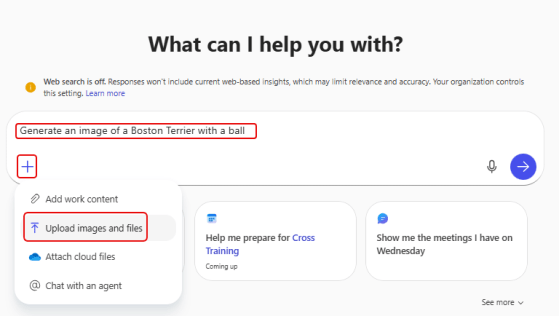
It’s not uncommon that you have a picture of something that includes text, and you really want to be able to use that text in an email or document. Optical Character Recognition (OCR) is the way to go, but do you have any software to do that? You do if you have Copilot! Here’s how that works…

 Sharing files along with a Copilot summary

SharePoint and OneDrive make it really easy to share files with others, but by default the recipient gets an email with the file link, and that’s about it. Wouldn’t it be nice to give them a summary of what’s in the file when they get that link email? With Copilot, it’s really simple. Here’s how that works…

Using Copilot to get a summary of a PDF document

I recently covered how Copilot provides an automatic summary of a Word document from SharePoint or OneDrive. Copilot also does much the same thing with a PDF document, but it’s not as “automatic” as it is with Word. Here’s how the summary works for PDFs…

Using Copilot to get a summary of a Word document

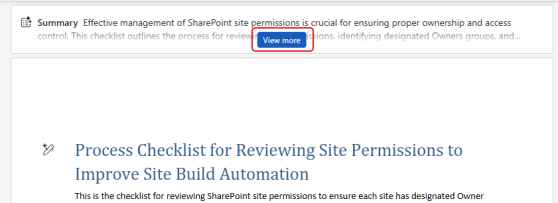
Have you ever opened up a large Word document from SharePoint or OneDrive, and you wish you could easily get a summary of the document automatically so that you have some idea of what it contains? Now, Copilot will provide that for you! Here’s what it looks like when you open that large Word doc…

Theming Outlook on the web with Copilot

Here’s a fun thing you can do with Copilot. If you’re using Outlook on the web, you now have an option to allow Copilot to come up with a theme for Outlook. It may not be quite “ready for prime time”, but it’s kind of fun. Here’s what it is and how it works…

Using Copilot to generate a PowerPoint presentation

Have you ever been tasked with generating a presentation about some topic, and you are experiencing a severe case of creative writer’s block? You can use Copilot in PowerPoint to help generate a solid starting point, complete with content, speaking notes, and images. Here’s how that works…