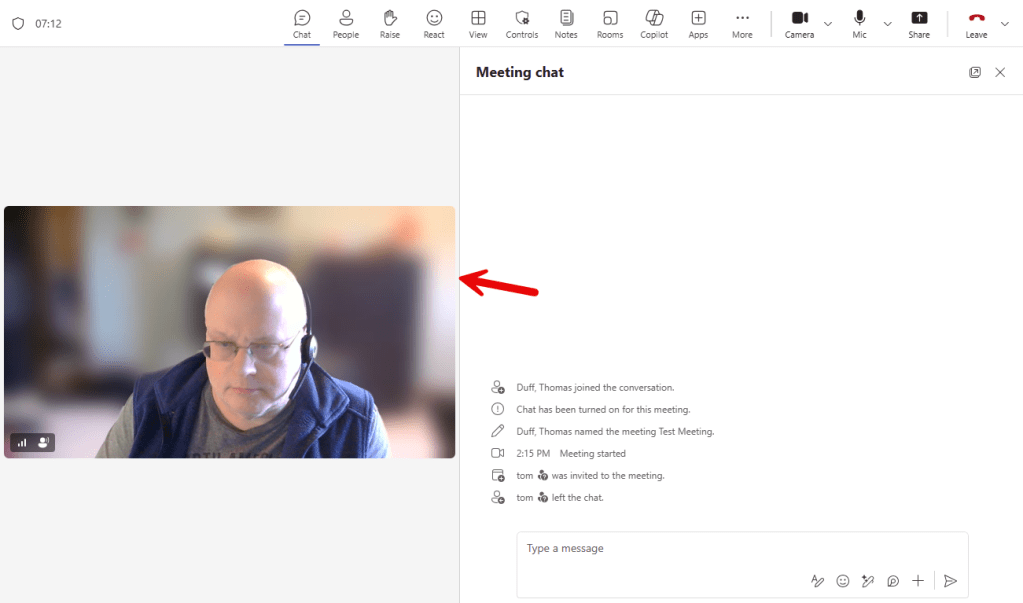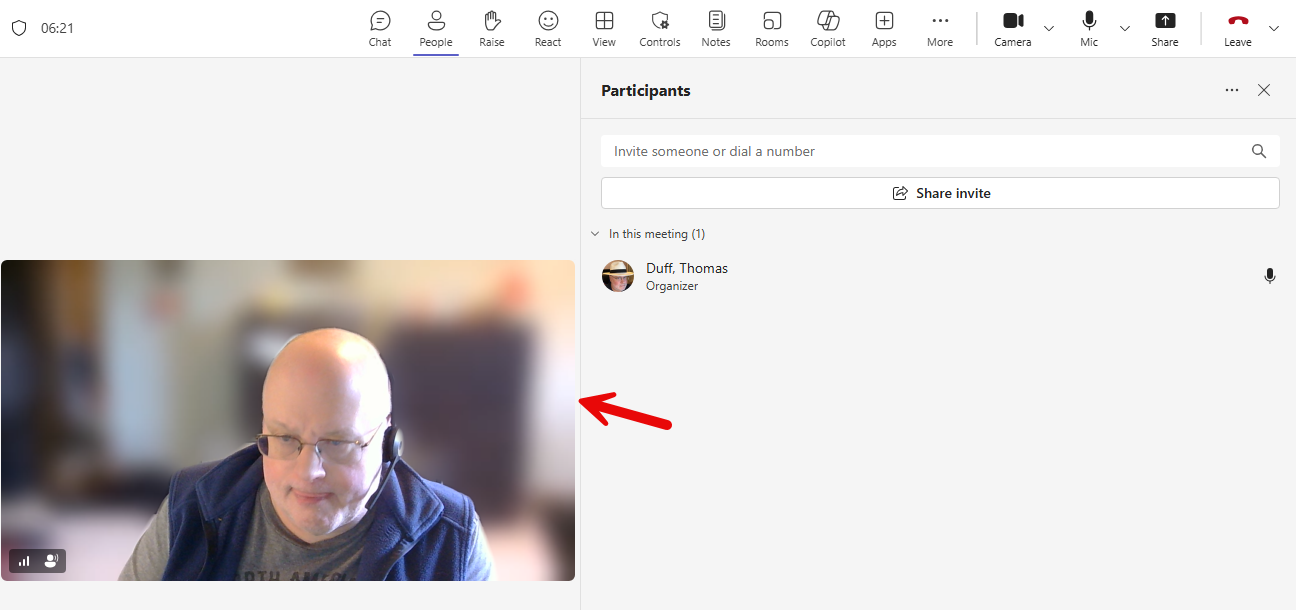
For the longest time, you’ve been locked into the main size of the main video sharing screen in a Microsoft Teams meeting. But now, you can click the divider between the content screen and the people/chat screen to resize based on your requirements. Here’s how that looks…
If you hover over the divider between the main screen and the people column, you will see your cursor change. You can click and hold that divider, and drag it over to the right:
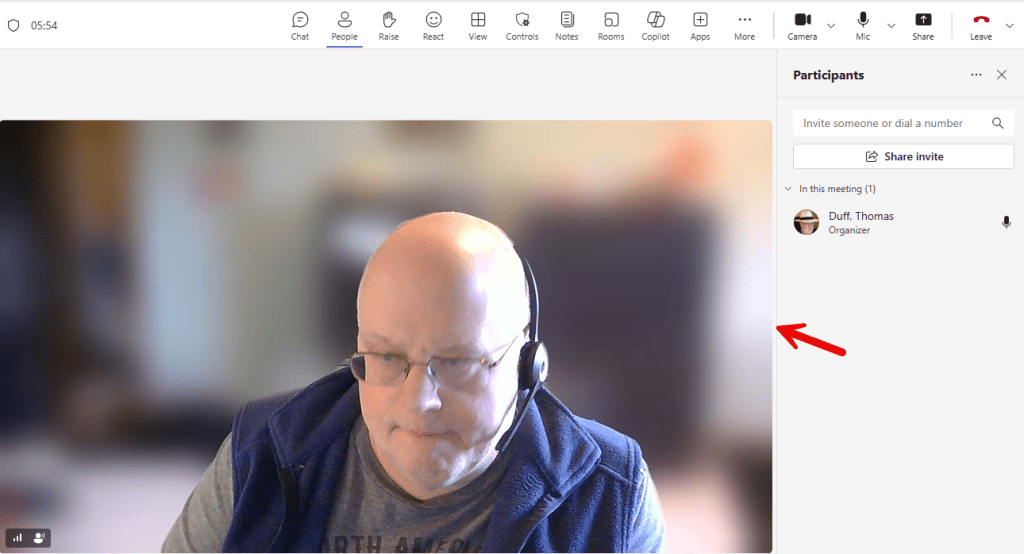
This gives you more room for attendee videos and reduces the size of the main sharing screen:
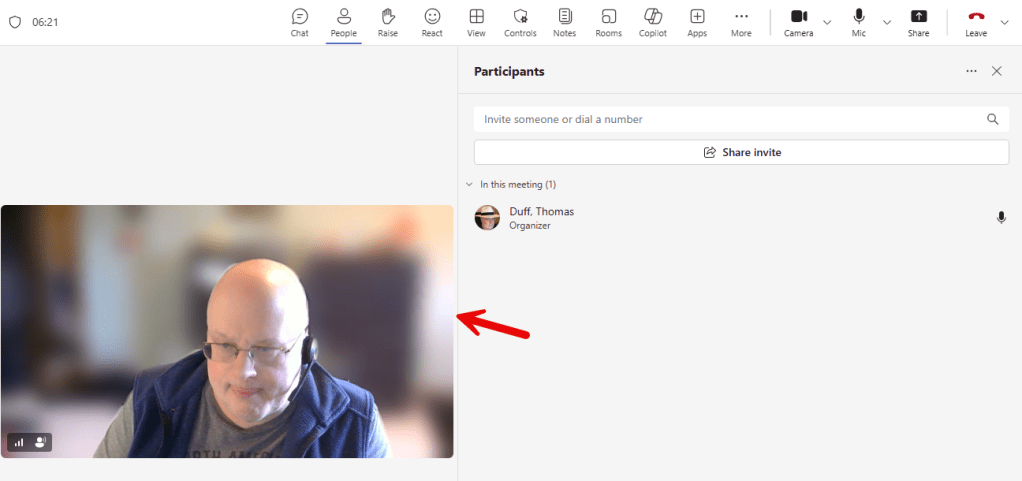
The same thing works if you want more room for your chat column:
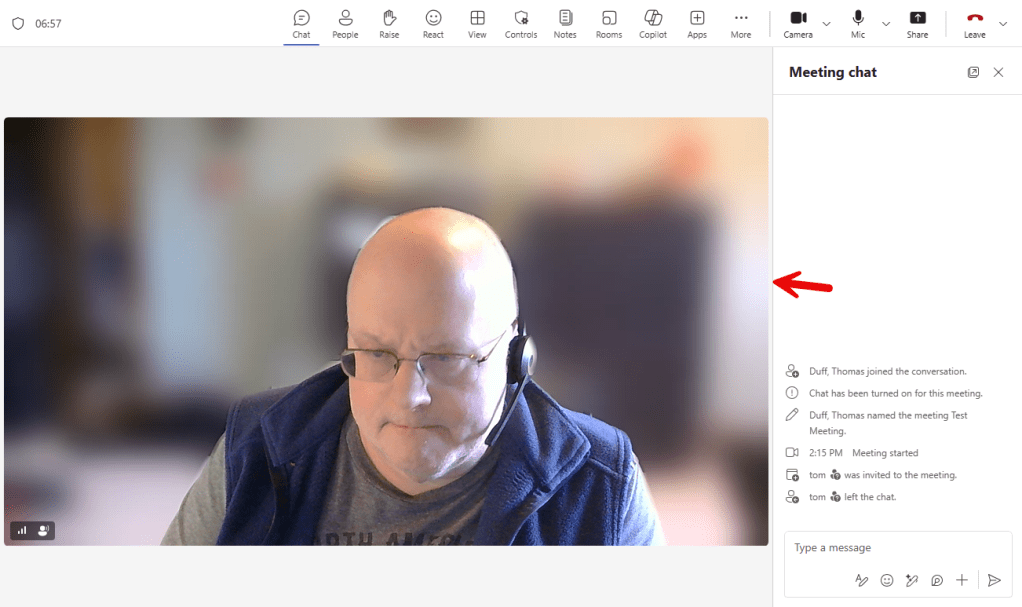
Now you have more room for seeing chat content: