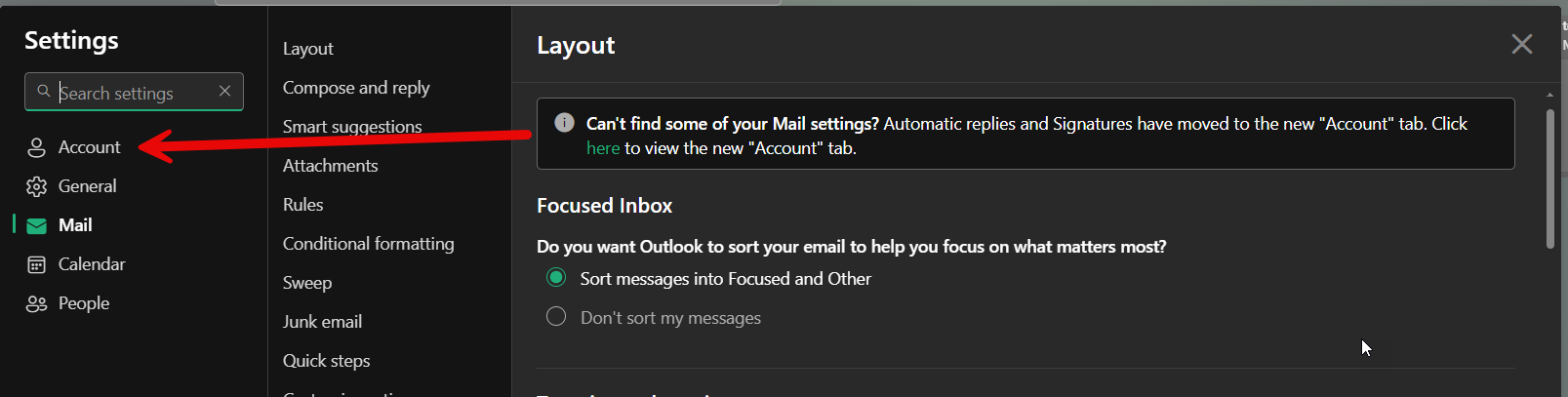
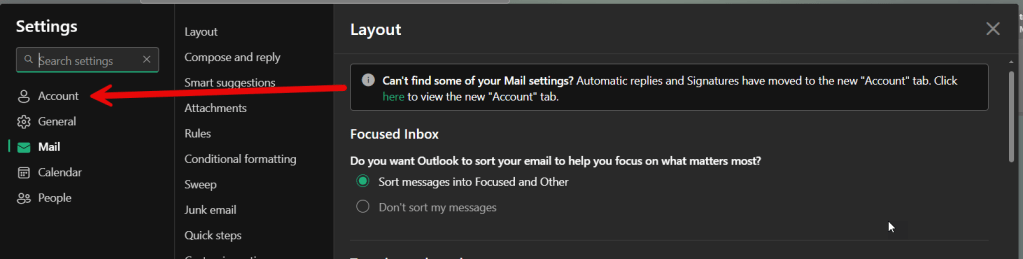
When going to update some account settings in Outlook on the web, I noticed that certain things were missing in terms of where I normally would find them… such as the Automatic replies and Signatures. Turns out they’ve been moved from the Mail tab to the new Account tab. Here’s what that looks like now…
Your first clue that something has been moved is the banner message telling you that certain things are now in the new Account tab:
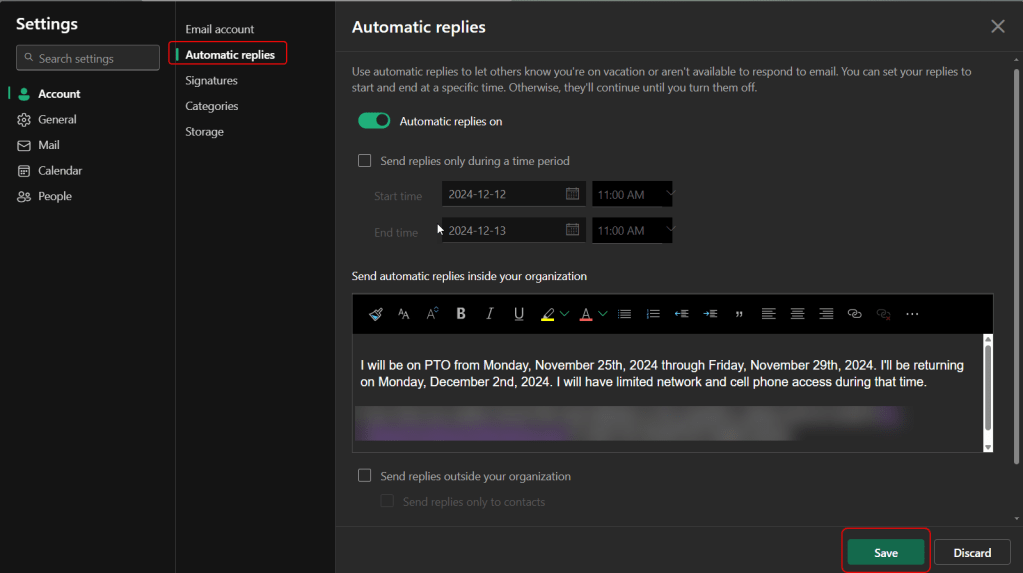
Automatic replies are now found in Account. It looks pretty much the same as when it was in the Mail tab:
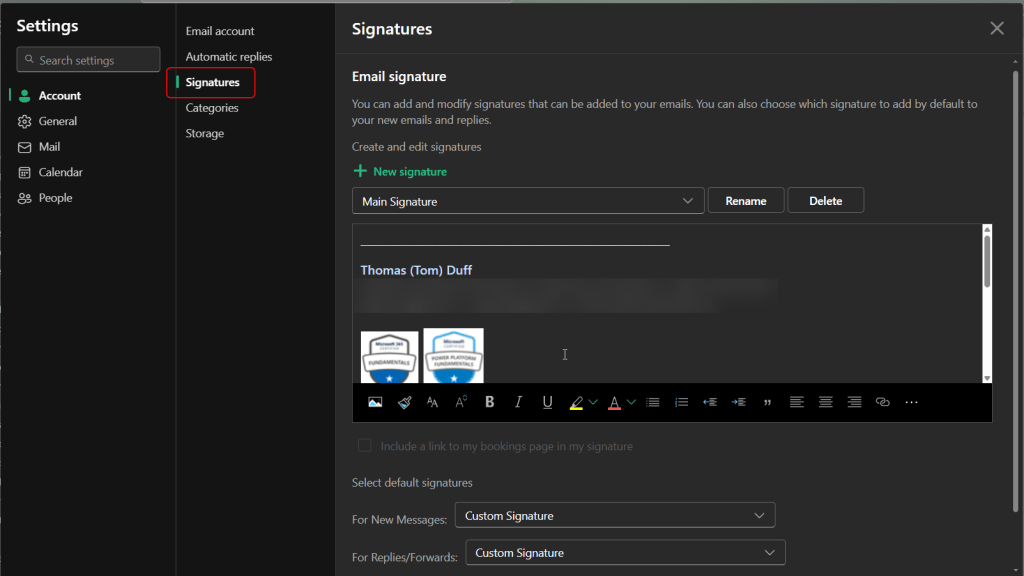
Signatures have also moved to the Account tab. Much like Automatic replies, it looks much the same:
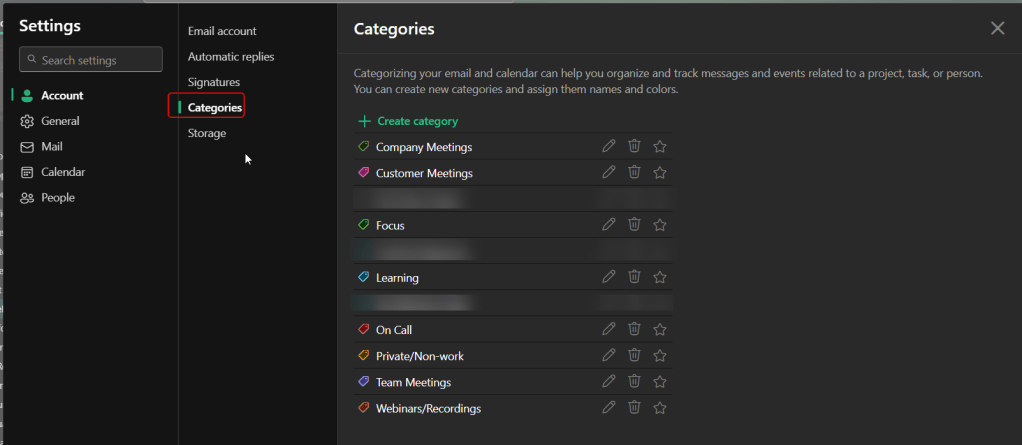
Categories is a nice layout for managing any categorization you might use for emails and calendar entries:
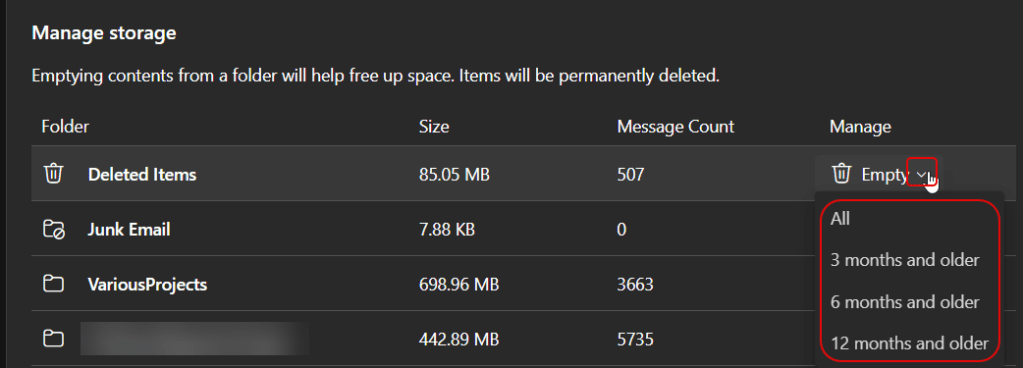
Finally, you have the Storage area that shows you your folders, the amount of storage they take up, the number of emails stored in the folder, and a way to quickly manage the clean-up of that folder:
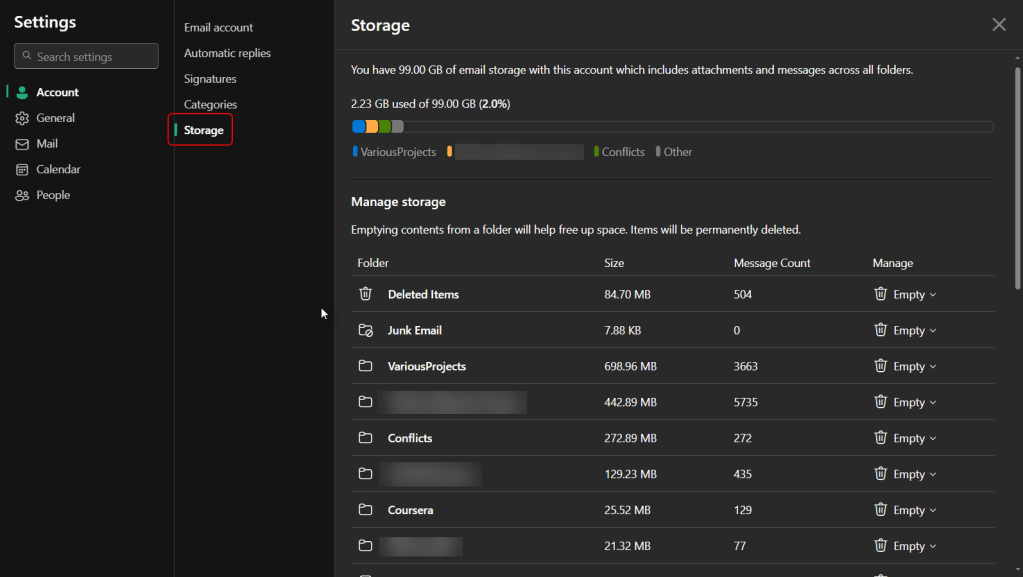
By clicking on the dropdown arrow next to Empty, you can either delete all the contents of the folder, or delete based on a 3 month, 6 month, or 12 month cut-off: