Episode 206 of the Microsoft 365 Pulse Roadmap webcast is now out on YouTube. Join Tamara Bredemus, Jennifer Mason, and myself as we cover this week’s updates.

Learning new Microsoft Office tricks in "just a minute"
Episode 206 of the Microsoft 365 Pulse Roadmap webcast is now out on YouTube. Join Tamara Bredemus, Jennifer Mason, and myself as we cover this week’s updates.
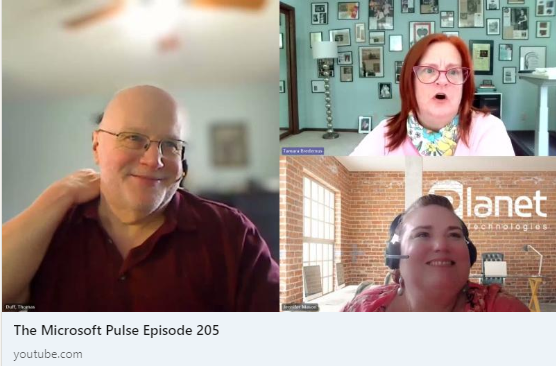
Episode 205 of the Microsoft 365 Pulse Roadmap webcast is now out on YouTube. Join Jennifer Mason, Tamara Bredemus, and myself as we cover this week’s updates.
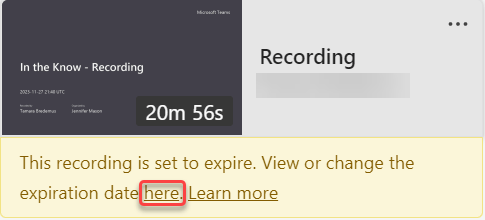
In Microsoft Teams, there is a policy setting that controls the auto-expiration of Teams meeting recordings. Microsoft has stated that over 99% of videos are never viewed after 60 days, and they take up storage that you pay for as an organization. However, there are videos that you may need to retain for various purposes, such as training classes. Here’s how you can change the retention period for a Teams meeting after the recording has been processed.
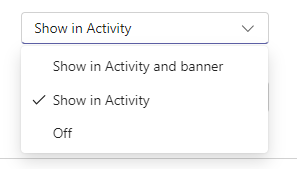
In the new Microsoft Teams, there’s a feature to have any calendar invites, updates, and cancellations show up in your Activity Feed. However, you might find that it adds a lot of clutter to your feed, making it harder to find the things that are more important. Here’s a way to shut down those calendar notifications so that your Activity Feed won’t get those posts…

In the new version of Microsoft Teams, you’ll see a new screen sharing bar across the top of your screen letting you know that… you’re sharing your screen. It also comes with a Stop sharing button. However, it’s not uncommon that you need to access something underneath that screen sharing bar, and there’s no way to move it around the screen to display what’s underneath it. Here’s a quick workaround to hide that bar and still be able to stop sharing your screen when you’re done…

Sandra found a nice new feature in Microsoft Forms, and it involves the numbering of the questions on your form. Normally, every one of your questions is numbered. While that might be proper for a business-type survey, it may be a bit too formal if you’re just sending out an invitation to a lunch gathering. Now you can turn off the numbering to provide an alternative look. Here’s how it looks and works…
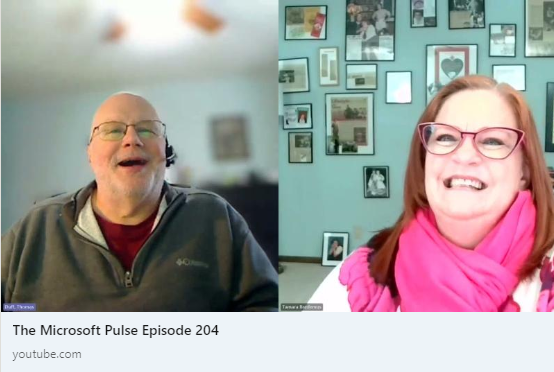
Episode 204 of the Microsoft 365 Pulse Roadmap webcast is now out on YouTube. Join Tamara Bredemus and myself as we cover this week’s updates.

The other day, I ran across a Microsoft Edge browser tip from one of my Microsoft 365 colleagues. He pointed out there is a Split Screen icon in the Edge ribbon bar, and it allows you to show two different screens in the same browser window! Here’s how it works and looks…
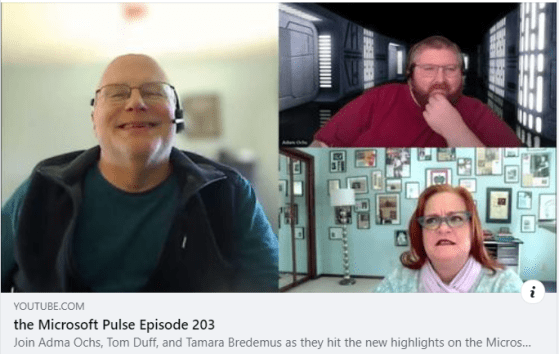
Episode 203 of the Microsoft 365 Pulse Roadmap webcast is now out on YouTube. Join Adam Ochs, Tamara Bredemus, and myself as we cover this week’s updates.
 One Minute Office Magic