Choosing how you record a Microsoft Teams meeting

When you think of “recording a meeting” in Microsoft Teams, you normally envision recording both video and audio. But what if you’re sharing content during the meeting where you don’t want to have data shared via screen share to be part of the recording? Now you can choose to record Video and audio or just Audio only. Here’s how that looks…

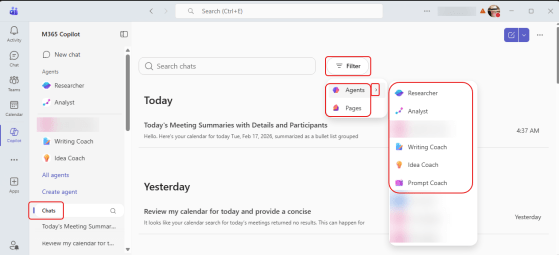
GPT-5 is now the default model for Microsoft Copilot

For the last few months, when you are in Copilot Chat you’ve been asked if you want to try the GPT-5 model for your Copilot interactions. When you clicked the button, Copilot would look at your question and decide whether a quick response or a reasoning response would be best. Now you have the ability to expressly determine which type of interaction you want. Here’s what that looks like…

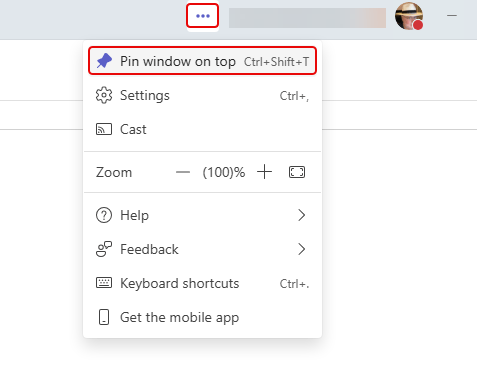
Changes to the Window Jump List for Microsoft Teams desktop

If you’re a Windows user, you are probably aware that you can right-click on an application icon in the Windows Task bar to see shortcuts to various options for that particular application. The Microsoft Teams desktop application has had some changes to the jump list that might save you some time. Here’s what it now looks like…

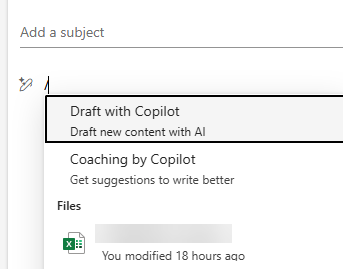
Using email to ground a Copilot chat

If you’re using Copilot Chat, you’re probably familiar with providing one or more files for grounding your prompt. You may not know that you can also ground your chat in emails. This means you can take an informational email and use it in your Copilot chat session for asking questions. Here’s how that looks…