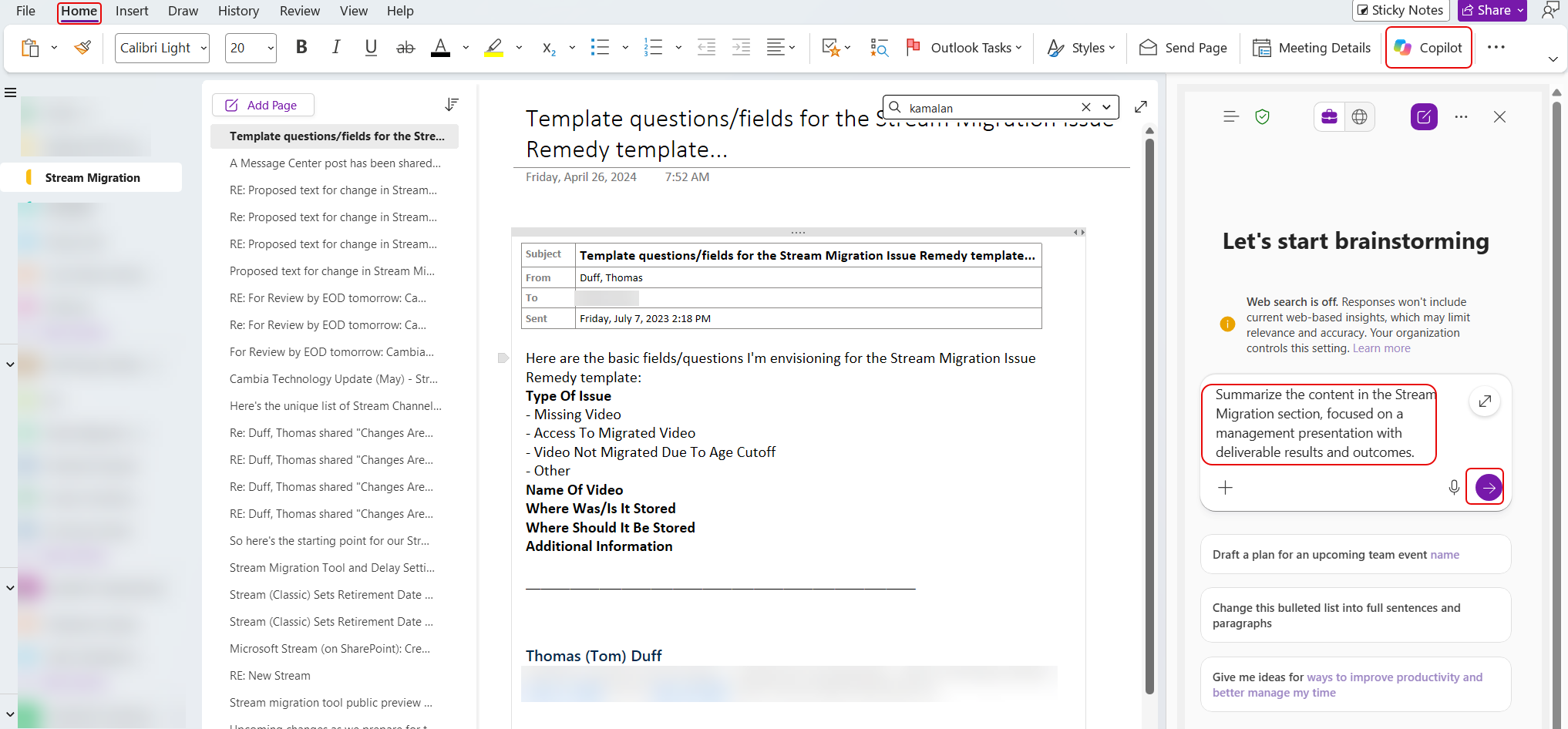
When trying to use Copilot in OneNote in the not-too-distant past, I found that the results were less-than-helpful. It seemed like the options were limited, and it had issues trying to find the content I was trying to focus on. I decided to give it another try today, and it is SO much better. Here’s a sample of what I was able to do…
In this example, I’m looking at a OneNote section titled Stream Migration. It contains pages on notes I made while coming up with a ticket template for reporting issues with migrated Stream videos. I’ve been asked to give a brief presentation to management on the project, but it was a number of years ago. I click on Copilot in the upper-right corner and give it a prompt asking for a summary designed for a management overview:
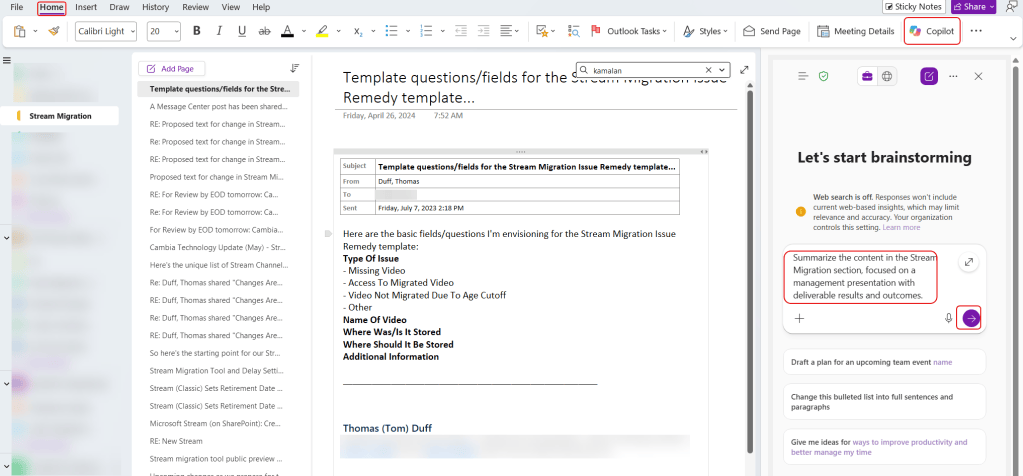
In short order, it provides a great recap taking all the pages in the section into account:
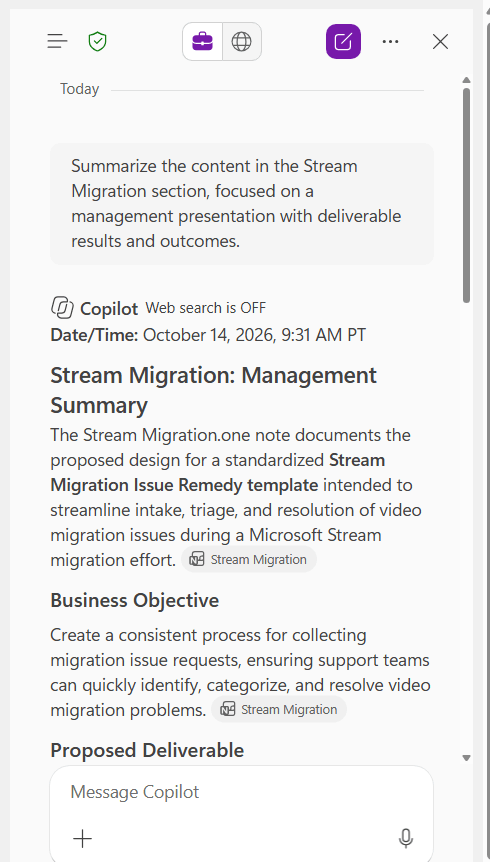
It made a suggestion to generate a three-slide PowerPoint slide deck to assist with my presentation… sounds like a great idea to me!
In a few minutes, it had created the PowerPoint file for me:
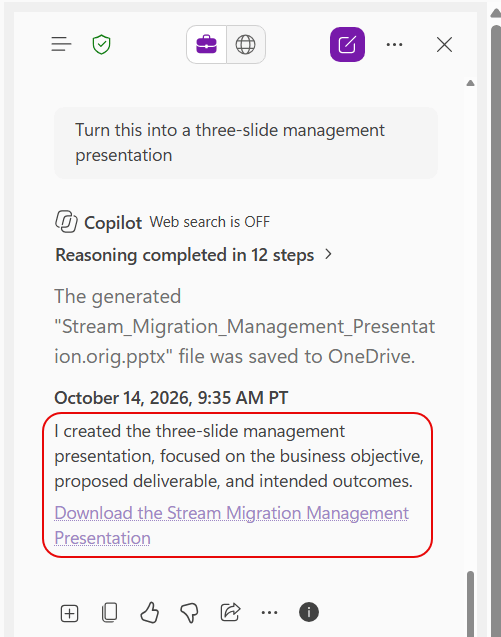
Aside from a few minor formatting issues, it looks pretty good… better than what I might have done from scratch on my own, and in FAR less time:
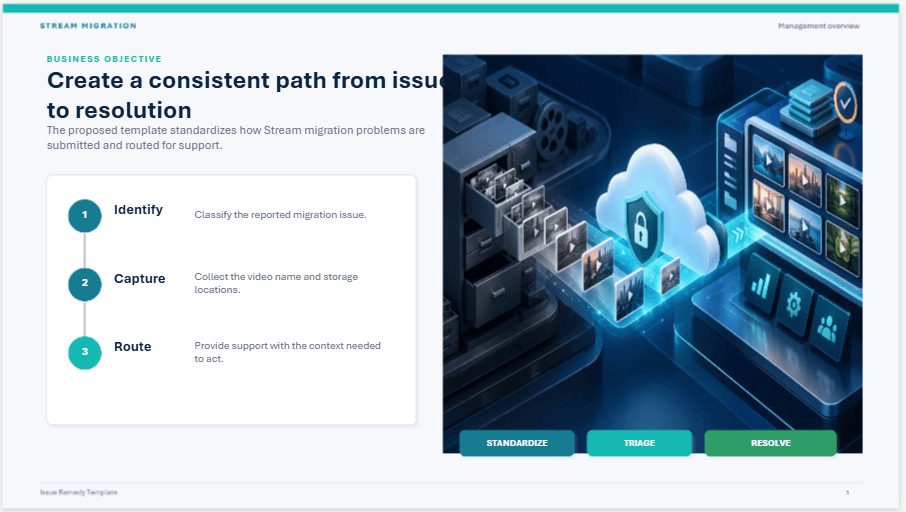
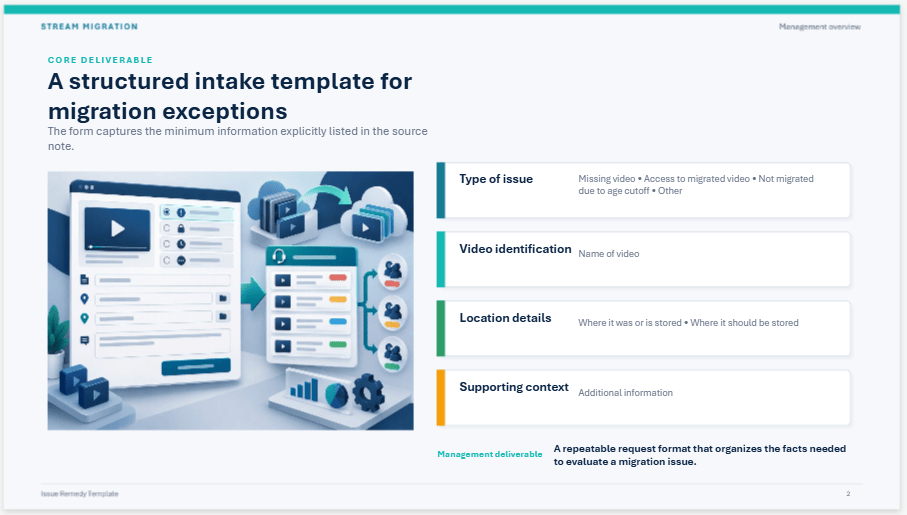
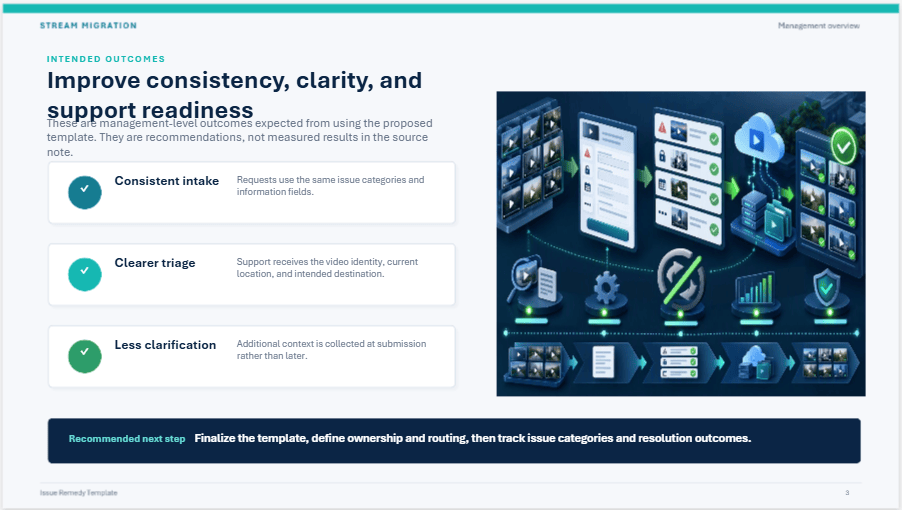
Seeing this in action makes me excited to dig in deeper to see what I can get done with Copilot in my OneNote… like perhaps generating a status report recap from the details I keep for the week in a single OneNote page. 🙂


