Have you ever had a Microsoft Teams channel that is VERY active, and it’s hard to keep up with what’s going on without a lot of clicking back and forth? Now, Microsoft is allowing you to open a channel into a separate window! Here’s how that works…
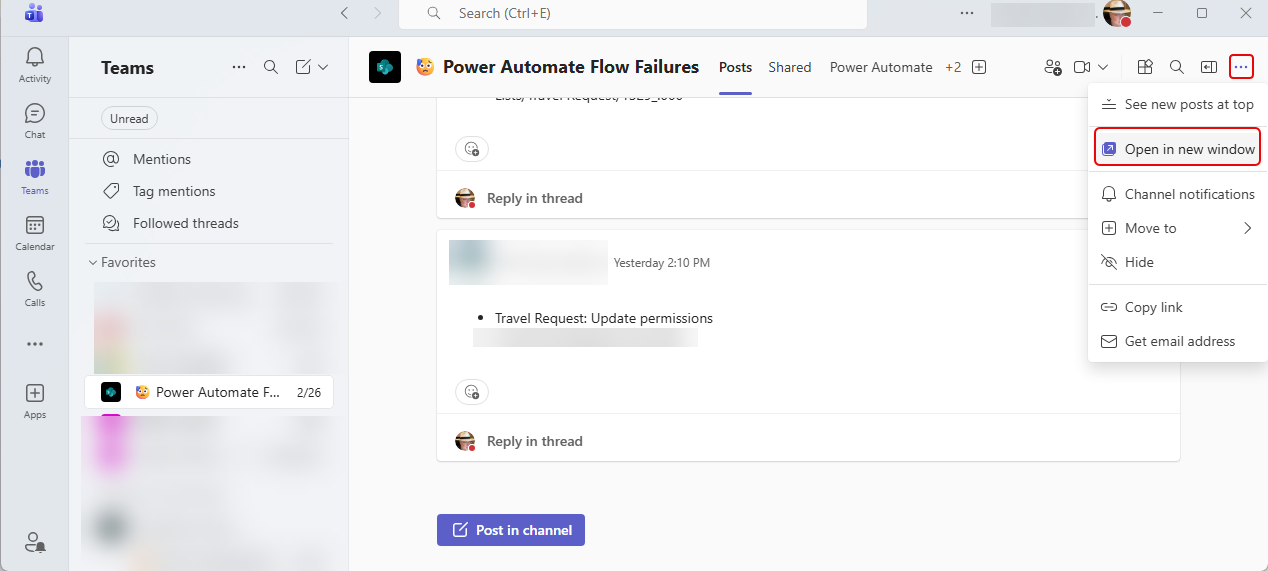
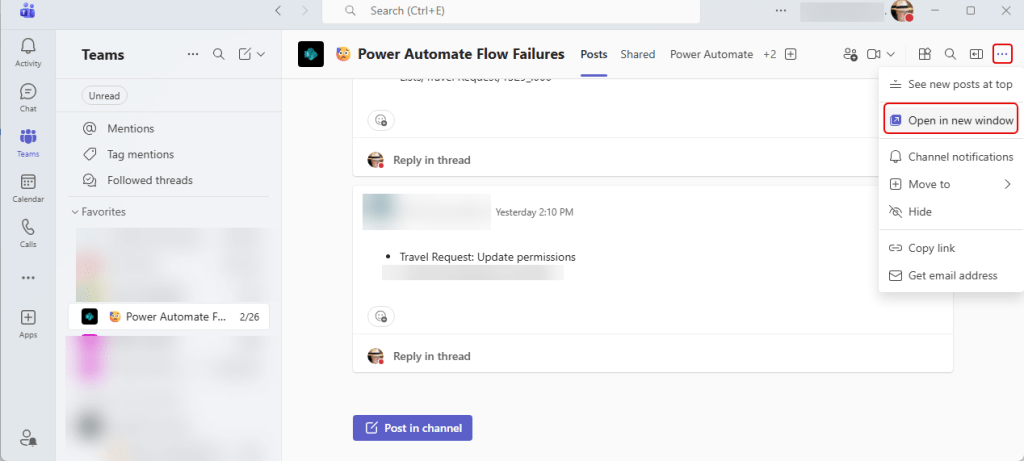
For a channel that you want to have in a separate window, click on the ellipsis in the upper-right corner and select Open in new window:
And once you select that option, your channel is now in a separate window:
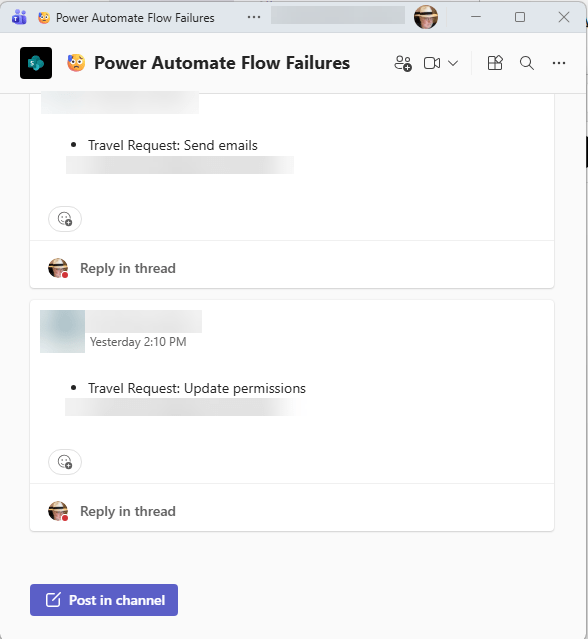
This is a great feature if you have a busy channel that you need to keep “front and center”. Open it in a separate window and slide it over to a second monitor. You can then do regular work in Teams and keep an eye on the channel for anything that you need to act on…

 One Minute Office Magic