
It used to be that Microsoft Teams had separate icons for adding emojis, GIFs, and stickers to your chats and conversations. But now those three features have been combined into a single icon to select them. Here’s what that looks like and how it works…
In your message bar, you’ll see a single smiley face icon to open up the selection panel:

When clicked, you get the combined emoji, GIFs, and stickers selection panel. You get a short preview of each, and you can click on See all or the links at the top of the panel to see a wider selection of whatever feature you want:


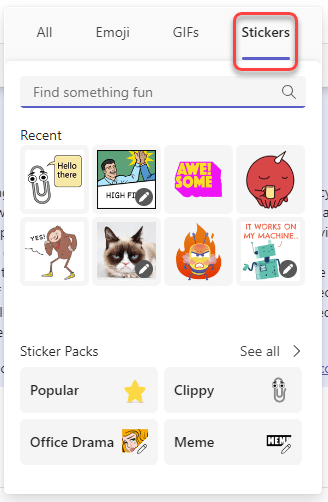
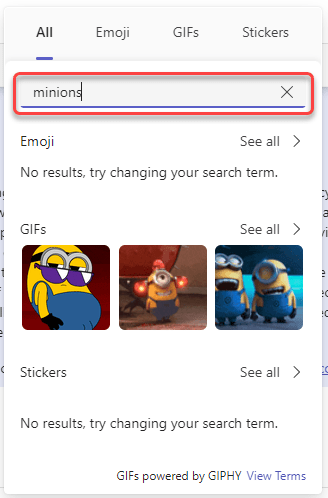
You can also search from the main panel to look for items that might match a keyword, and you’ll see those appear in the panel:
For more information, check out Send an emoji, GIF, or sticker in Microsoft Teams.

 One Minute Office Magic