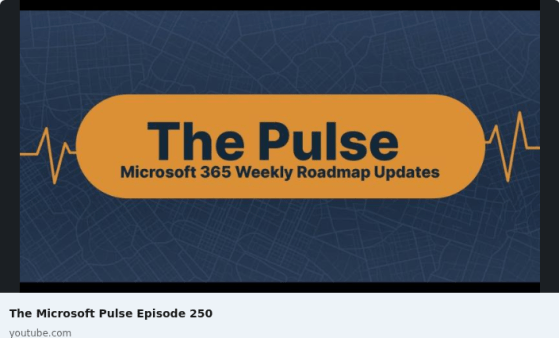
Episode 225 of the Microsoft 365 Pulse Roadmap webcast is now out on YouTube. Join Tamara Bredemus and myself as we cover this week’s updates.
Changes to file share versioning in SharePoint
A new change is now available when it comes to versioning in SharePoint document libraries. It used to be that you could only control the number of versions you kept. Now you can also add a time-based element to your versioning. This is what it looks like and how it looks…
Microsoft 365 Pulse Roadmap webcast – Episode 224
Episode 224 of the Microsoft 365 Pulse Roadmap webcast is now out on YouTube. Join Tamara Bredemus and myself as we cover this week’s updates.
Microsoft 365 Pulse Roadmap webcast – Episode 223
Episode 223 of the Microsoft 365 Pulse Roadmap webcast is now out on YouTube. Join Jennifer Mason, Tamara Bredemus, Adam Ochs, and myself as we cover this week’s updates.
Channel Cards in Microsoft Teams
Here’s a nice new feature in Microsoft Teams… you can hover over the name of a channel and a channel card will pop up with useful information about the channel. Here’s how that works…
Annotating PDF files in OneDrive and SharePoint
If you have a PDF file stored in OneDrive or SharePoint, you can now easily annotate the pages with text boxes without having to use a 3rd party application. Here’s how that works…
Microsoft 365 Pulse Roadmap webcast – Episode 222
Episode 222 of the Microsoft 365 Pulse Roadmap webcast is now out on YouTube. Join Tamara Bredemus and myself as we cover this week’s updates.
Using the new Fade Banner on SharePoint pages
There’s also one other new SharePoint page banner… it’s called Fade. It’s not as impressive as the new Author banner type, but it’s worth knowing about. Here’s how it works and looks…
Using the new Author Banner on SharePoint pages
When Sandra was sharing some new features with me, she happened to stumble across this new addition to the SharePoint page banners… the Author banner! This looks really slick, and is great for pages that want to make the author of the page more evident. Here’s how it works and looks…