Creating Rules in SharePoint lists is an easy way to get email notifications when a new item is created or changed. However, you didn’t have any real way to customize the email content with data in the list item. Somewhere along the way, Microsoft has changed that, and you can now use dynamic content in the email message. Here’s how that works…
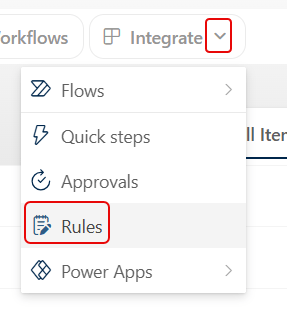
To create a new Rule, click the drop-down menu next to Integrate:
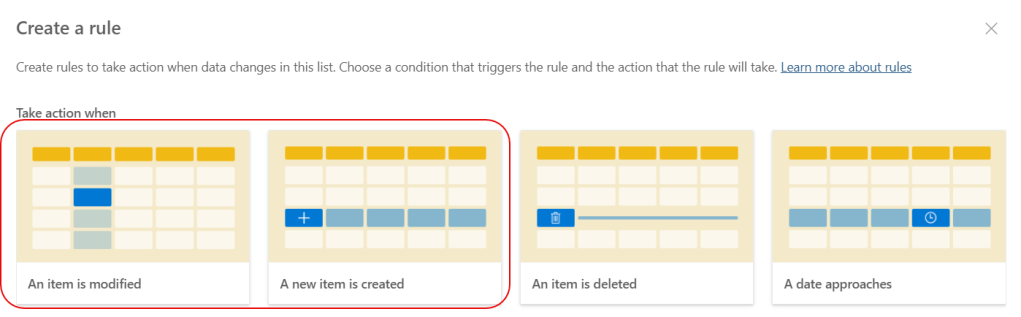
You can use dynamic content in the An item is modified and the A new item is created rules:
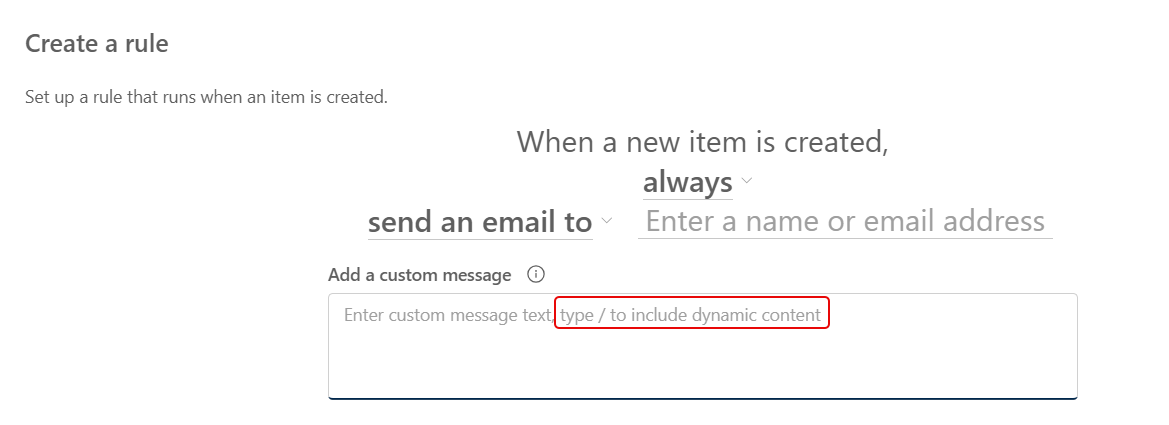
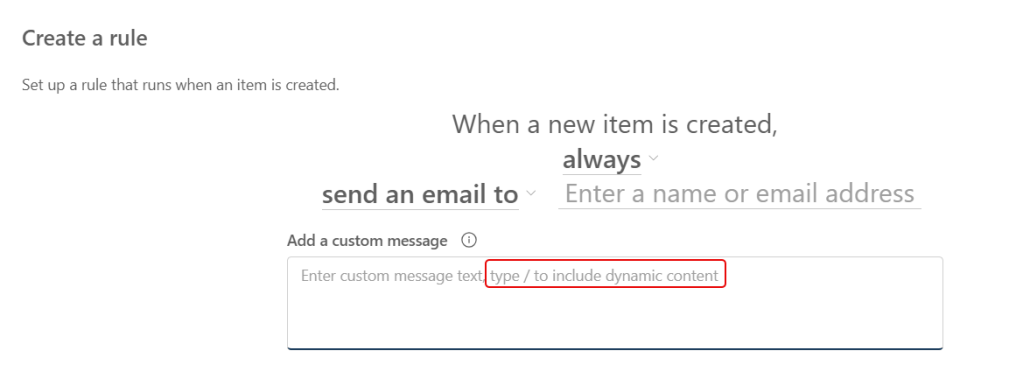
When you look at Add a custom message, you see where you can include dynamic content by using the forward slash (“/“):
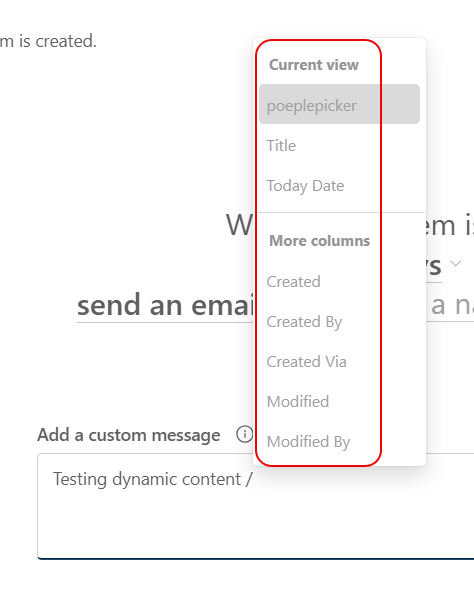
When you do that, you get a list of fields in the list item that you can use in your custom message:
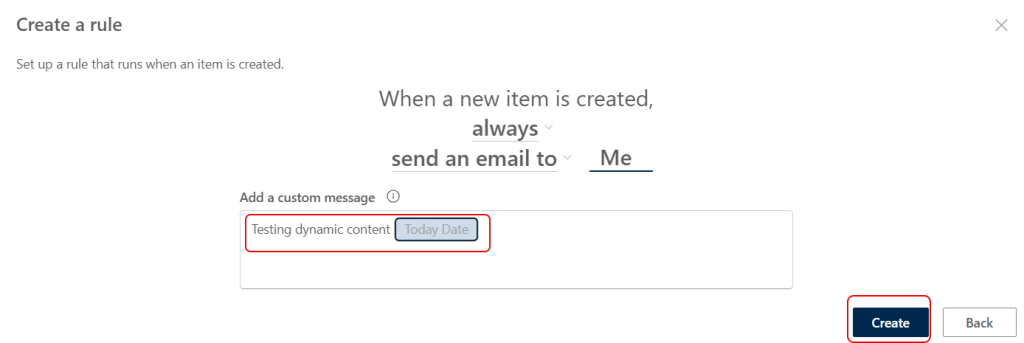
The custom field will be highlighted in blue, and that field value will show up in your custom message: