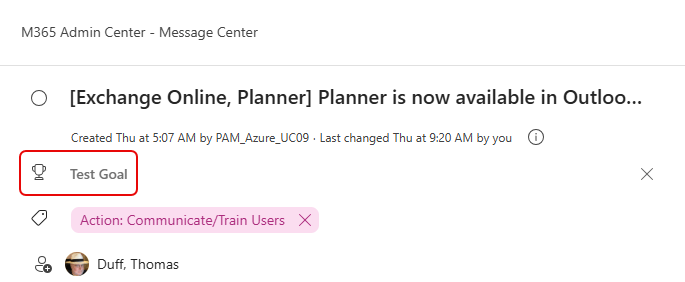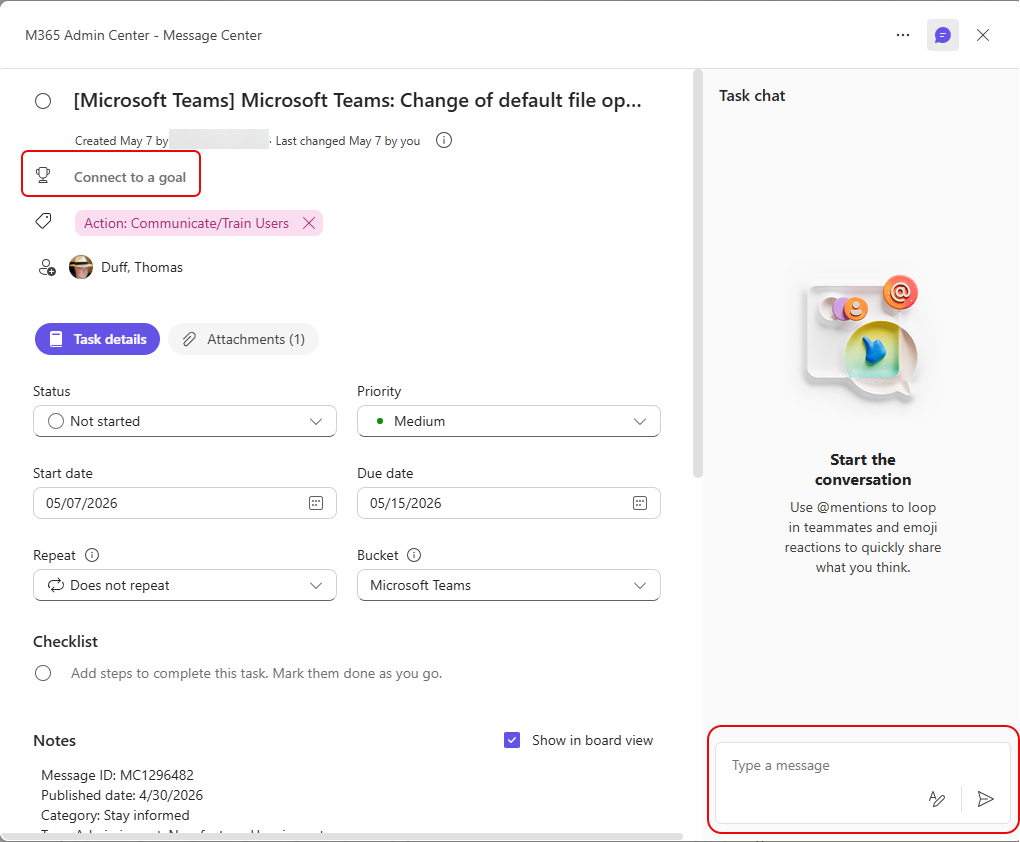
When I was working in Planner today, I opened up an existing task and found a significant change in the layout. Here’s a brief look at the new layout as well as a couple of new features…
As you can see, the Task Details area has changed positioning on the screen. Also, there is a task chat area now, where you can share information with others. If you put a comment with someone’s name in there, they will get an email letting them know they’ve been mentioned:
If you go to the main view of the tasks, you’ll also see a new Goals feature you can use to group tasks that are all related to a particular goal:
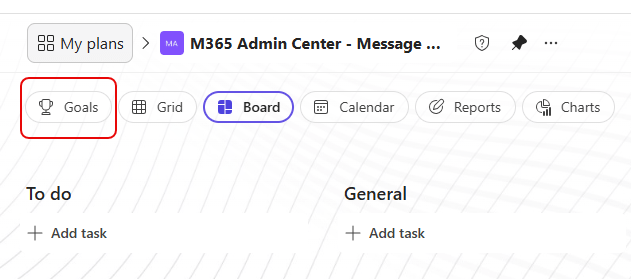
When I clicked Goals, I had the opportunity to add a new Goal (Test Goal), pick an end date, and link various tasks with that goal:
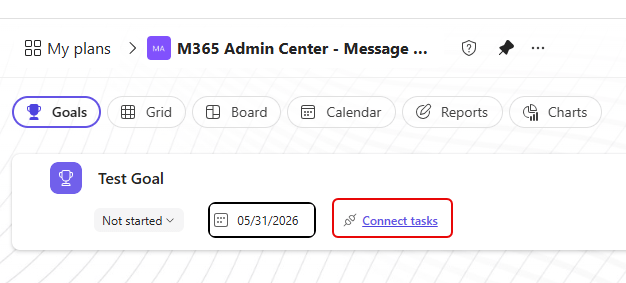
If you choose to click Connect Tasks, you’ll see the list of all the tasks you can choose from:
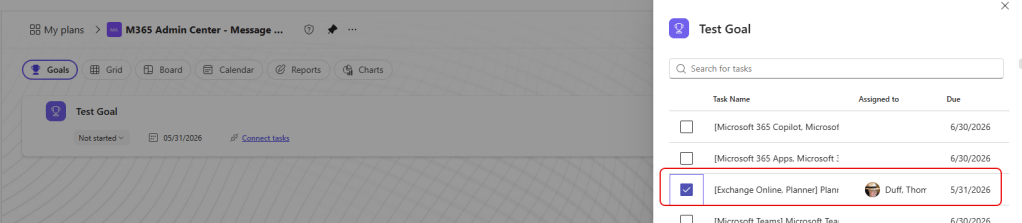
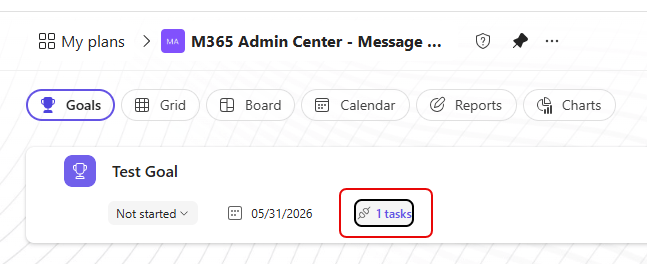
Once you do that, you’ll see a link to all the tasks that are related to that goal:
And in the Task, you’ll see what goal it is related to. You can also click the Connect To A Task link in the task to pick an existing goal to relate the task to: