Microsoft Teams has a Forward function that allows you to forward a chat or channel message to someone. That feature has now been enhanced to allow you to forward up to five messages at once! Here’s how that works…
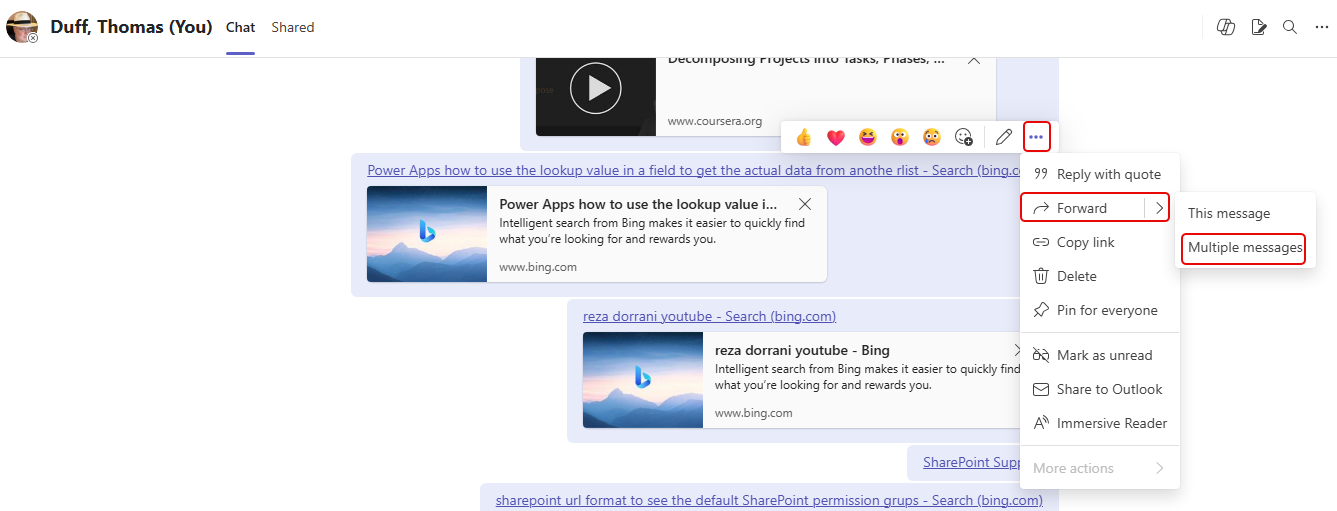
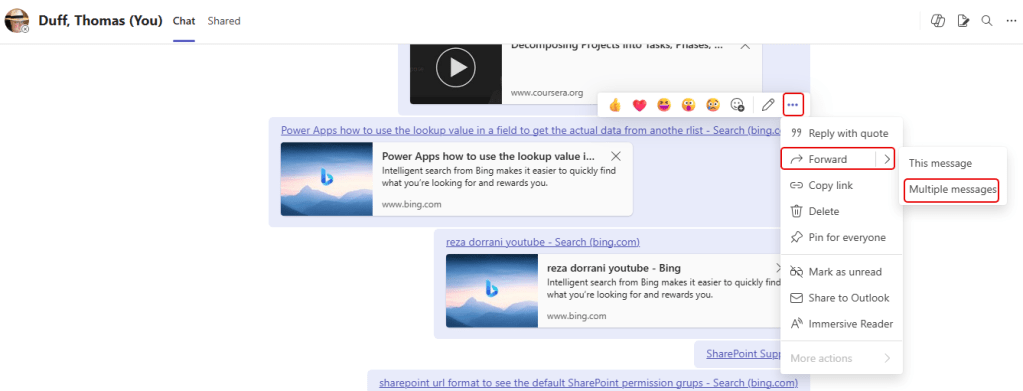
To start the forwarding process, click on the ellipsis for a message and select Forward > Multiple messages:
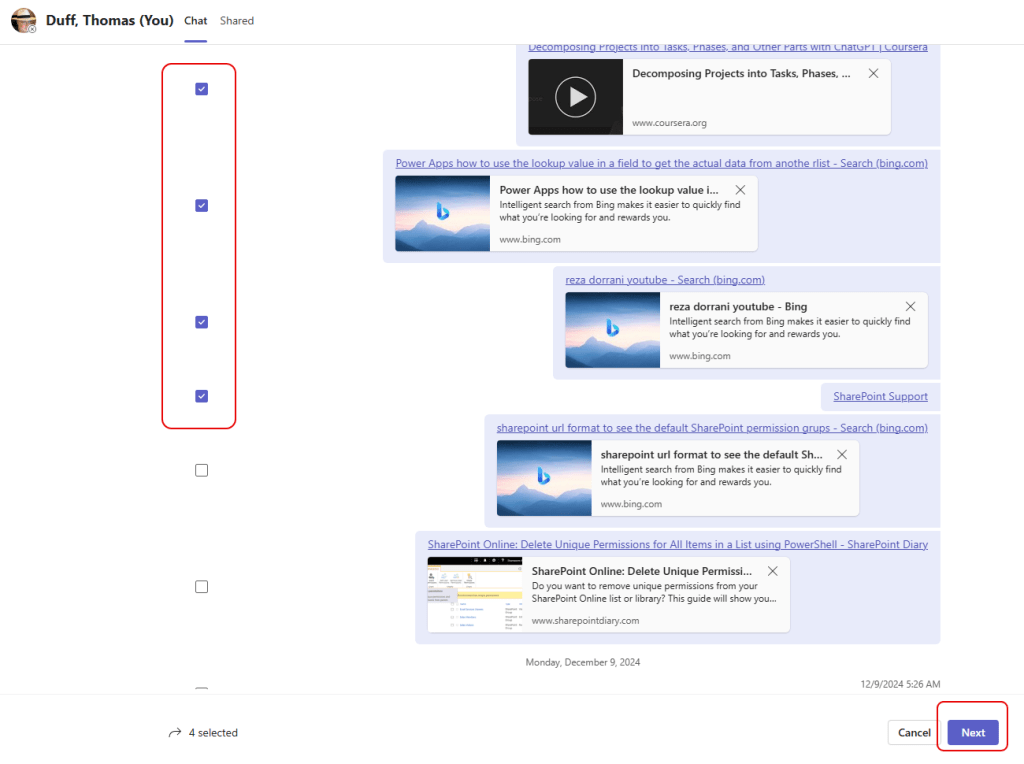
Using the checkboxes next to the messages, select up to five messages and click Next:
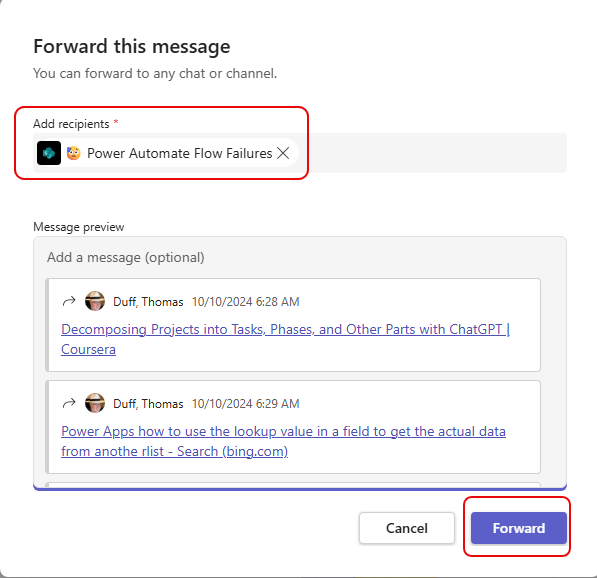
The forwarding dialog pop-up allows you to send it to a person or a channel, as well as adding an additional message for context. Once done, click Forward:
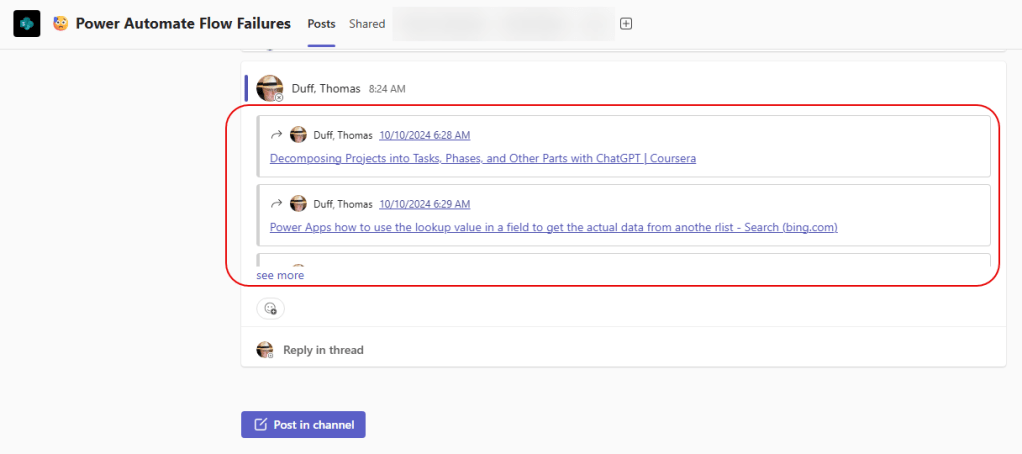
When you go to the channel where it was sent, you’ll see an entry that contains the forwarded messages:

 One Minute Office Magic