In many of the Microsoft 365 applications like Word or OneNote, autocorrecting a misspelled word is something you’ve come to expect. Microsoft Teams has been an outlier in that it will flag a misspelled word but it won’t correct it. Microsoft is currently rolling out a change that *will* actually autocorrect commonly misspelled words for you. However, it seems to be not-quite-ready-for-prime-time, but I want you to know what you’re looking at when you see it. Here’s how it looks and (sort of) works…
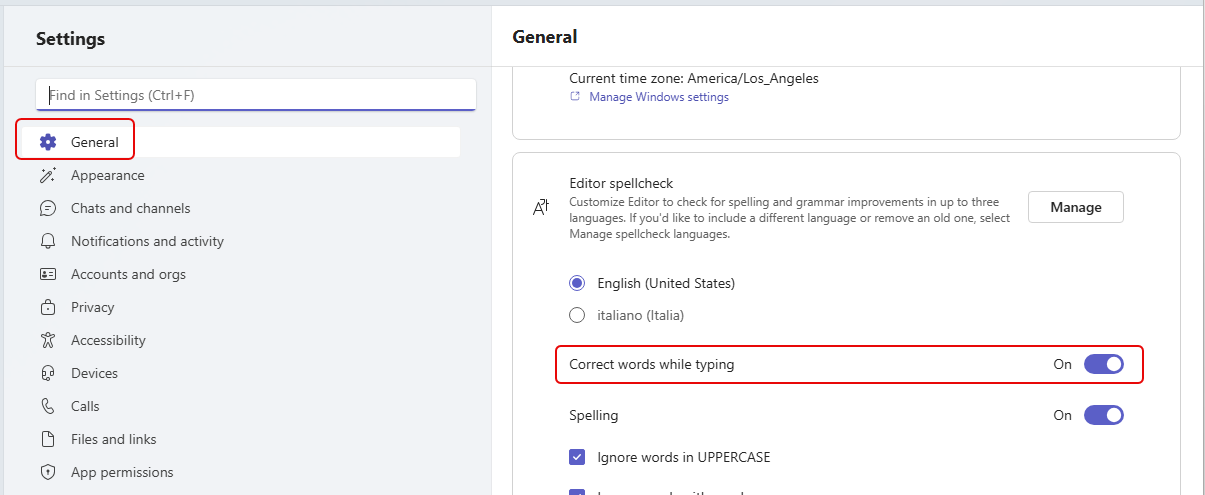
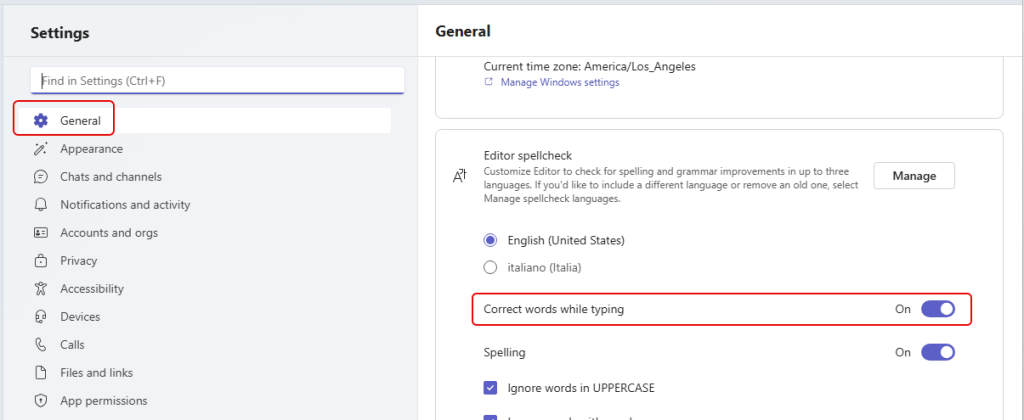
In the Microsoft Teams setting under General, you’ll see the option to Correct words while typing:
WHEN THIS WORKS… if you misspell a word (I typed “availabl”), the word will autocorrect and be highlighted in green. The highlighting slowly fades away, and you’re left with the correct word:

Now for the reality… for starters, it only seems to correct the word once. The next time you misspell the word, all you get is the red squiggly line that says the word is incorrect. If you close and reopen Teams, it’ll autocorrect again, but only the first time you mistype it. Second, it doesn’t seem to know how to autocorrect very many words. When I try mistyping words, I get far more red squiggly lines than I get green highlighted autocorrects.
If they get this working as advertised, it’ll be a nice feature. But for right now, it’s more confusing than helpful. This tip is primarily to let you know what’s happening when a word goes green…

 One Minute Office Magic