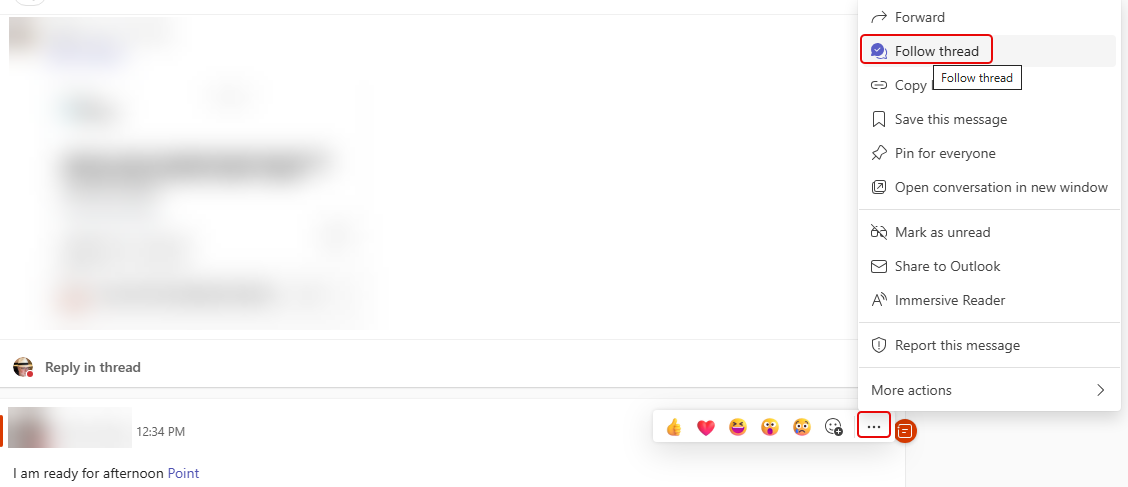
In Microsoft Teams, you will see a Followed Threads option in the Activity pane. This automatically shows you any Teams conversations you’re part of when looking at the Teams option. But you can also use that to follow threads where you’re not explicitly mentioned. Here’s how that works…
In this example, the Followed threads area shows me all the threads where I’m explicitly mentioned somewhere in the conversation:
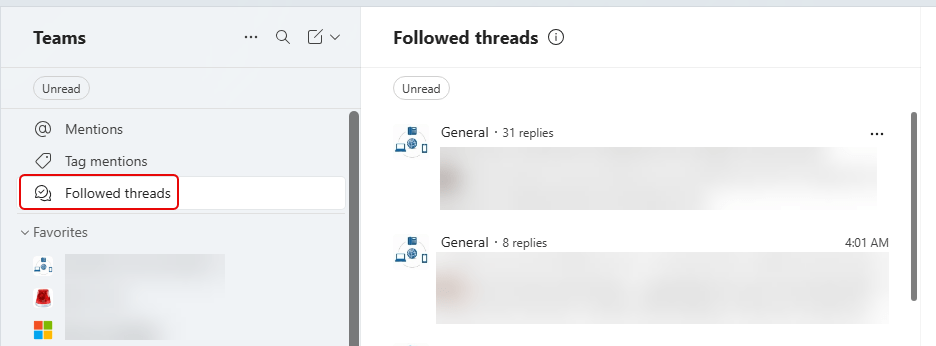
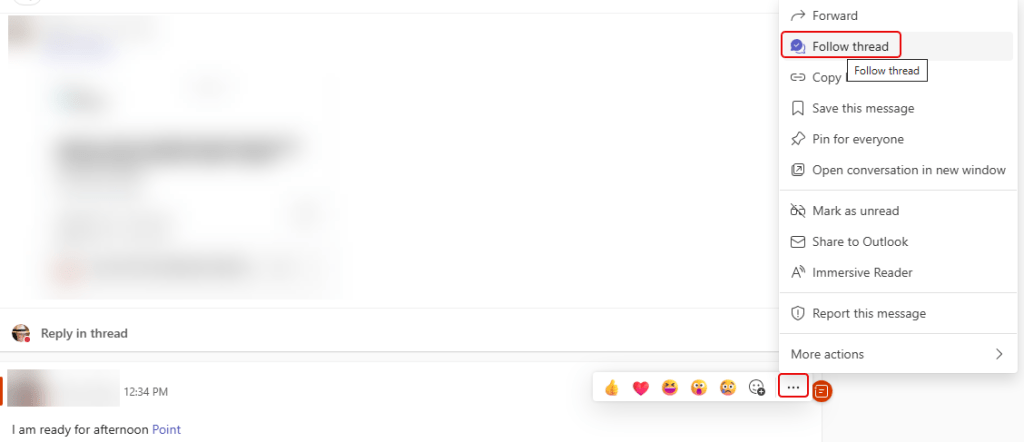
However, I can go into a conversation, click the ellipsis, and select the Follow thread option:
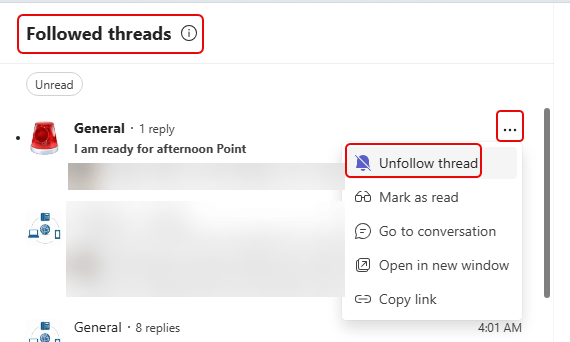
By doing that, I’ll see that thread show up in the Followed threads area. If I no longer need to follow what’s going on there, I can click the ellipsis and select Unfollow thread. That will remove that thread from my Followed threads:
This is a great way to keep track of conversations that you’re not part of, but you want to get back to them quickly to see what’s been happening.

 One Minute Office Magic