If you use custom sections in your Microsoft Teams client, it can get a little difficult to quickly pick out which custom section name you’re looking for. Now it’s a bit easier, as you can use emojis in those names. Here’s how that looks…
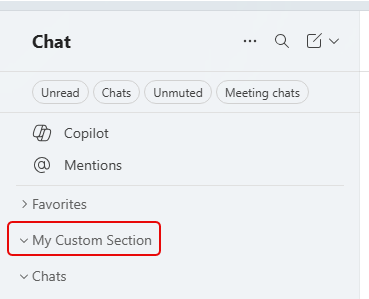
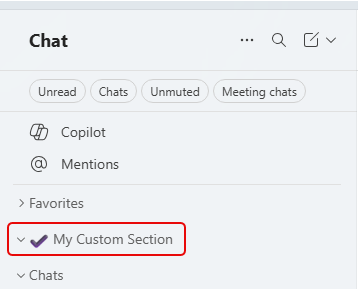
In this example, I have a custom section named, appropriately enough, My Custom Section:
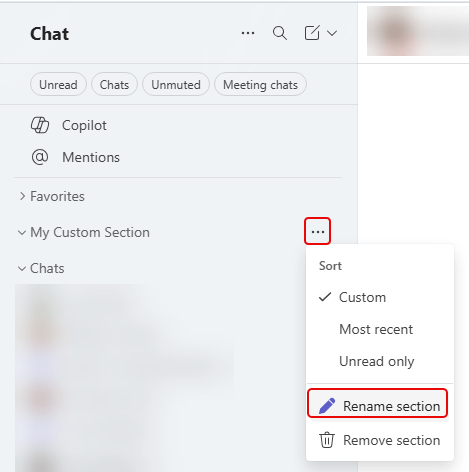
By clicking on the ellipsis next to the section name, I see the option to Rename section:
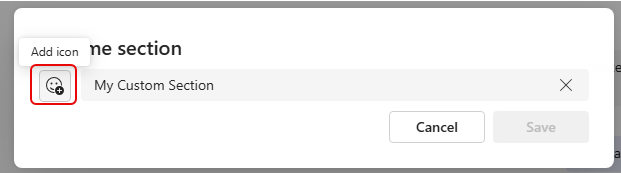
Next to the section name, there’s an Add icon option that you can click on:
This launches the emoji palette that you can pick from. Click on the emoji you want and then click Save:
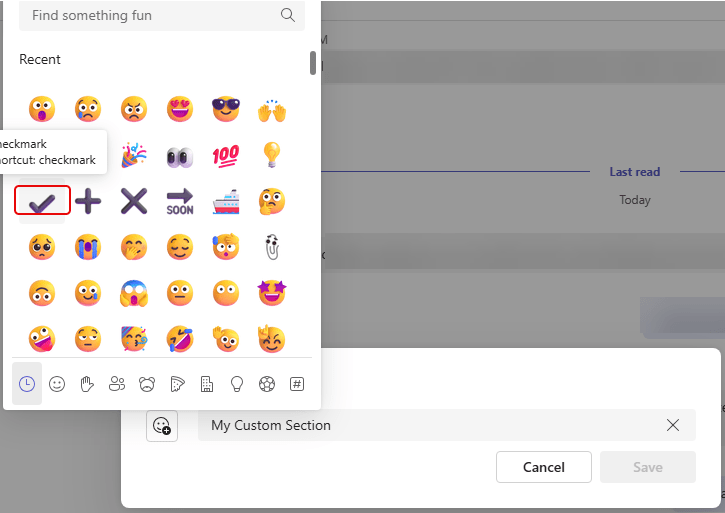
That emoji is now part of your custom section name:

 One Minute Office Magic