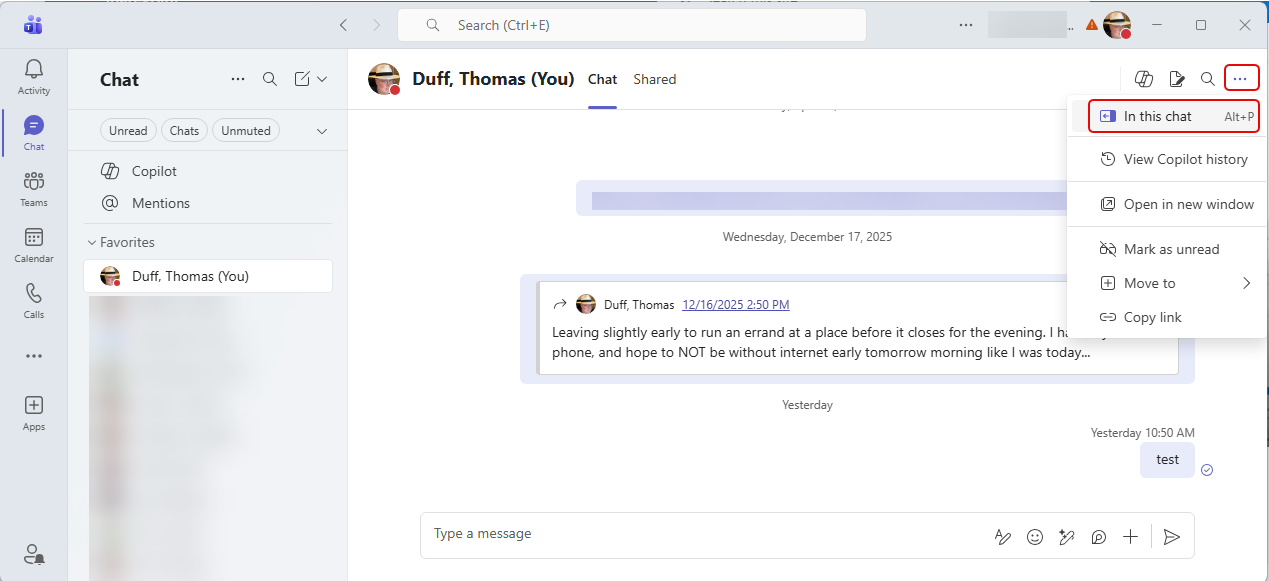
Have you ever been in Microsoft Teams looking for something that you know you chatted with a colleague about, and you’re having a hard time scrolling through all the chat content to find that particular file or link? If you use the chat pop-out icon in a Teams chat, you’ll have a much easier time finding what you’re looking for. Here’s how that works…
In your chat, click the ellipsis in the upper right corner and select the In this chat icon:
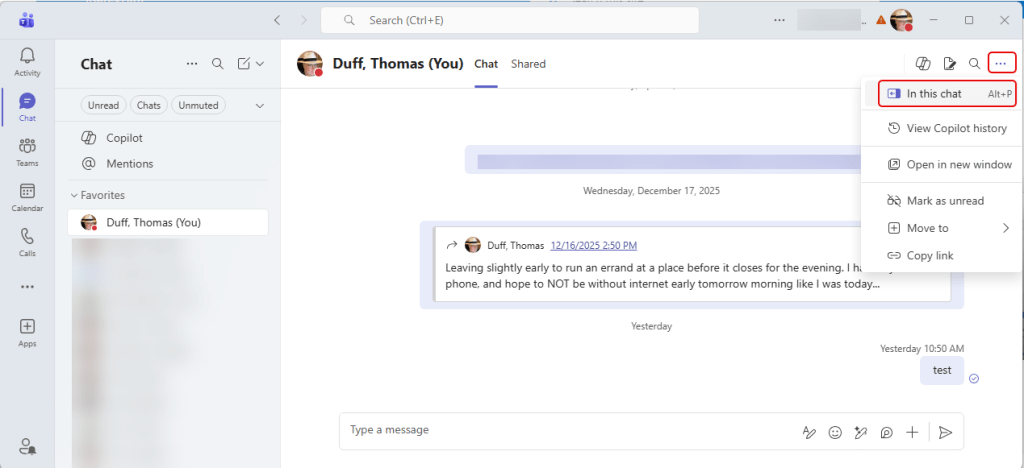
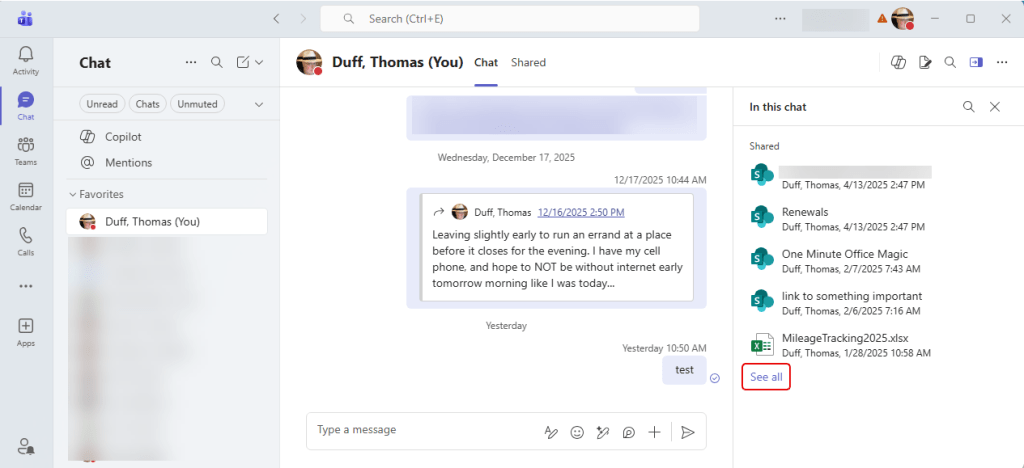
It shows a small amount of the shared content, but you can see much more by clicking on See all:
Now you can filter by keywords in the different categories. It starts with Recent:

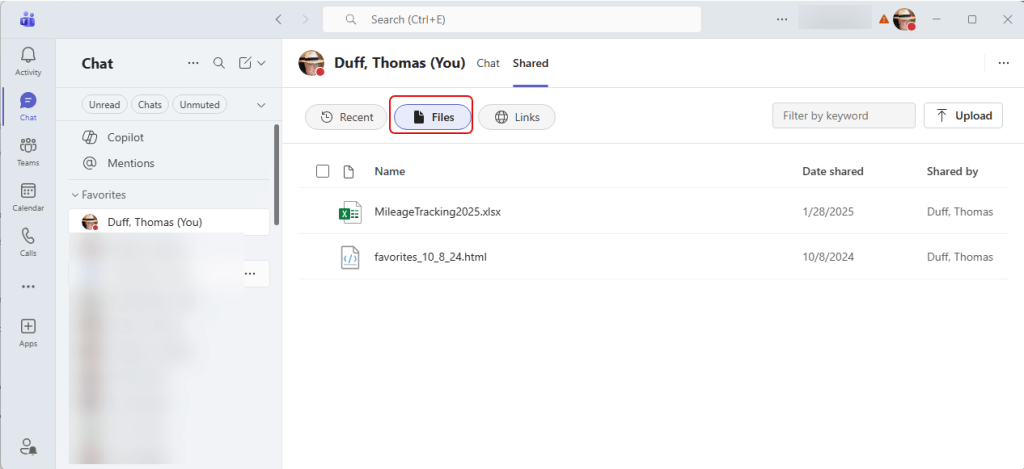
Or you could restrict the content to just Files that have been shared:
And if you’re looking for that elusive link, click Links:


 One Minute Office Magic