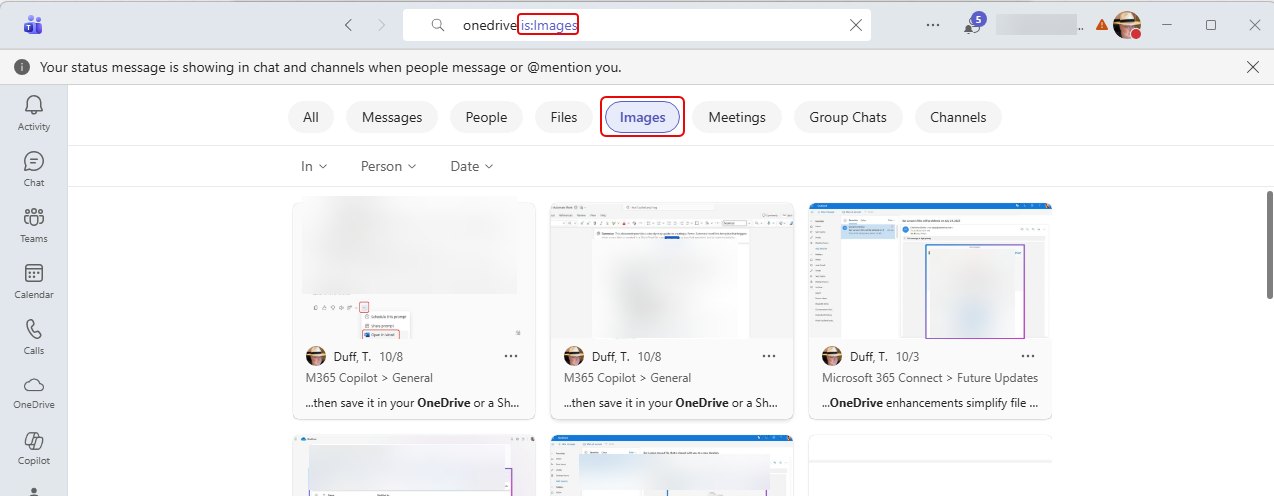
You’re probably used to using the search feature in Microsoft Teams to find words and such in various chats and channels. But now you can also search for images. Here’s what that looks like…
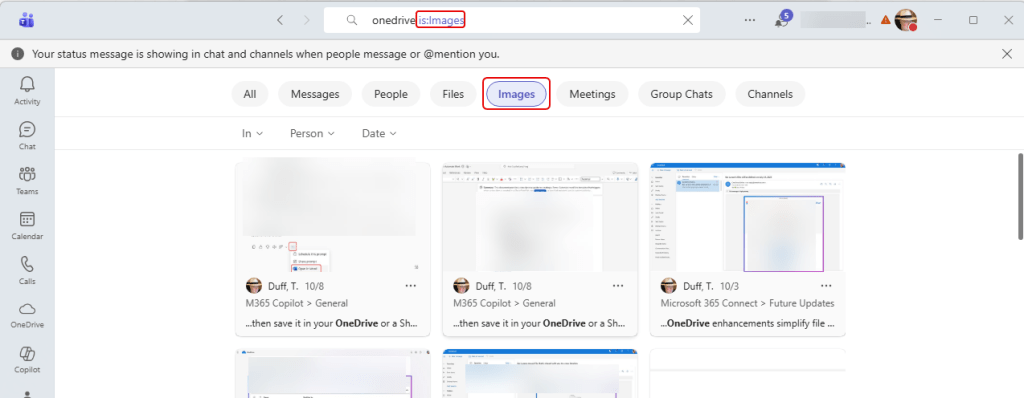
When you put in your search term in the search bar, you can also use the Images filter button to restrict the results to show images that match that search term:
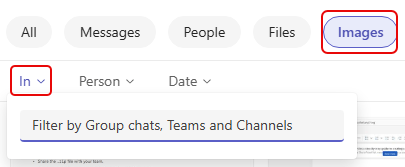
If you want to refine your search further, you can designate what group chat, Team, or channel the image is in:
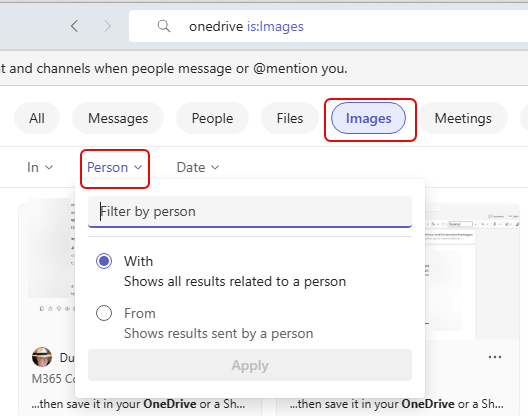
Likewise, you can filter results by images associated with a person or if they were sent by a particular person:
And finally, you can filter the images by date ranges:
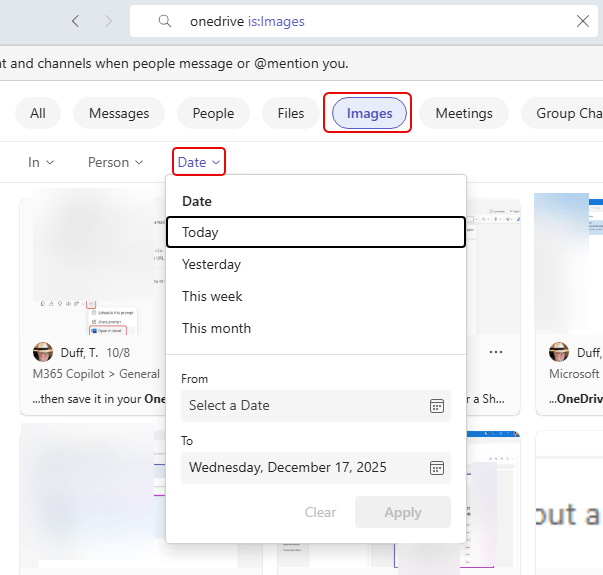
This is a good way to try to find that elusive image that you know you saw somewhere in Teams…

 One Minute Office Magic