
With everyone’s busy schedules, it’s not unusual to have to miss meetings where you are double- (or TRIPLE-) booked. Then you need to try to find time to listen to the recording, sometimes at double-speed to save time. Now if you have Copilot, you can use the Audio Recap feature to get a concise synopsis of the meeting in a fraction of the time. This is how it looks and works…
When you have a recording of a Teams meeting (that was recorded or transcribed), click on the Audio recap icon:

Select the number of days and the style of the recap. Executive is a dual-host format focusing on strategic insights. Newscast is a single-host style of “just the facts”. Finally, Casual is a dual-host format with a more conversational tone. Then, select one or more meetings to recap. Once all that is done, click Generate:

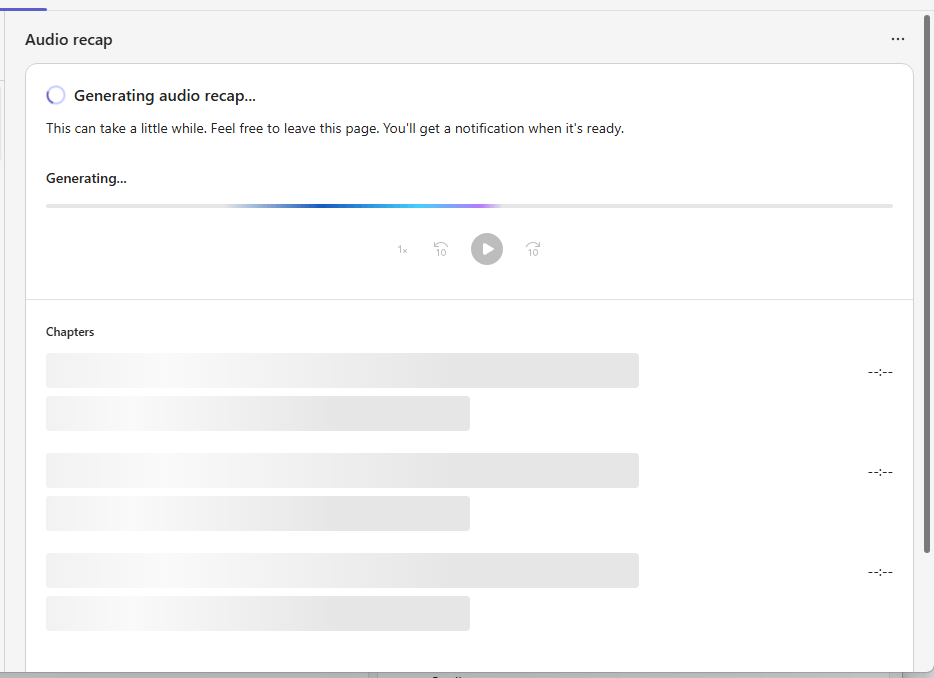
Depending on how long the meeting(s) are and how many you selected, it’ll work on getting the recap finished:
Finally, you will see your recap separated into chapters, and the two “speakers” will talk about what was discussed and what it might mean to you:
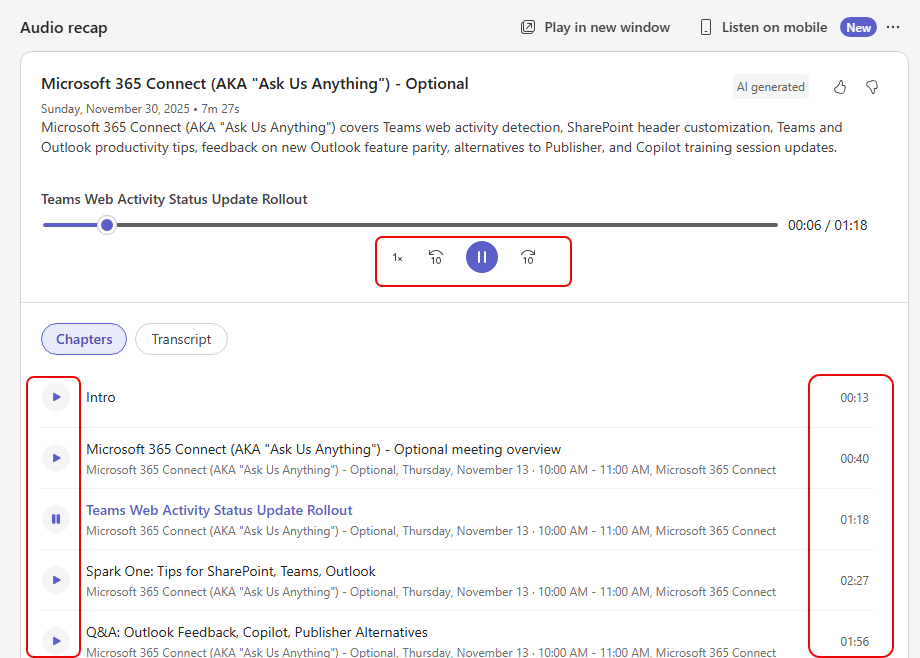
This is a great way to use Copilot to catch up on all the things you might have had to miss due to schedules.

 One Minute Office Magic